
Unity Catalog Just Leveled Up: Meet your Data’s New Bodyguards

Ready to transform your data strategy with cutting-edge solutions?
- This blog talks about Databricks’ Unity Catalog upgrades -like Governed Tags, Automated Data Classification, and ABAC which make data governance smarter, faster, and more automated.
Data governance may not always get the spotlight, but it’s the backbone of every reliable data platform. It keeps sensitive information protected, ensures audits run smoothly, and helps teams work confidently without worrying about compliance gaps.
Over the years, Databricks (DBX) has steadily strengthened this space with Unity Catalog - a single, consistent system that organizes, secures, and governs all your data and AI assets across the entire lakehouse.
And honestly?
It’s helped us a lot.
Unity Catalog already offered:
- A single place to manage permissions
- Row- and column-level security
- Lineage tracking
- Consistent access across notebooks, SQL, workflows, and pipelines
- Secure sharing across teams
- One governance model across all DBX workspaces
In short: it brought clarity to what used to be scattered, inconsistent, and hard to maintain.
But as data grows, chaos grows with it.
Sensitive info shows up in unexpected places. New datasets land every hour. Even the best RBAC setup eventually feels like a spreadsheet from 2004 - too many rows, too many columns, and nobody remembers why half the cells exist.
Now, Databricks has dropped a major upgrade

Unity Catalog now adds three new superpowers:
- Governed Tags
- Automated Data Classification
- Attribute-Based Access Control (ABAC)
Together, they turn governance from manual chores into self-cleaning automation.
To understand how these upgrades work in real life, let’s walk through them using a fictional company - GlobalMart, a fast-growing e-commerce retailer expanding across regions and dealing with a rapidly growing data footprint.
GlobalMart’s journey gives us the perfect lens to explore each feature, how it’s used, and how it transforms governance at scale.
1. The Core Problem: Governance at Scale
As organizations grow, their data grows even faster - new tables arrive daily, pipelines multiply, and sensitive fields start appearing in places no one anticipated. What began as a neat, manageable environment quickly turns into a sprawling ecosystem with thousands of datasets, each carrying different levels of sensitivity.
This is where traditional governance models start to break.
Manual reviews don’t scale.
Role-based permissions become complicated.
And sensitive data spreads silently across multiple domains.
Let’s understand this through GlobalMart :
Imagine GlobalMart, a fast-growing e-commerce retailer expanding across the US, Canada, and Europe.
In 2021, they had 40 tables.
In 2023, they had 400.
By 2025, they had 4,000+ tables across multiple regions, teams, and departments.
As the company grows, sensitive data ends up everywhere -
- Customer emails in 12 different tables
- Phone numbers in marketing datasets
- Salaries in 5 HR tables
- Credit card tokens in payments data
- Addresses in order, returns, and shipping datasets
Like glitter… once it spreads, it’s everywhere.
Earlier at GlobalMart:
- The data engineering team manually reviewed every new table.
- Analysts often accidentally got access to sensitive columns.
- Masking rules were applied table by table.
- New datasets landed daily but governance rules lagged behind.
Even with Unity Catalog’s earlier version, governance felt like herding cats.
After Unity Catlog’s New Version:
- GlobalMart defines security based on tags and attributes, not tables.
- Governance happens automatically as data lands.
- No one needs to “remember to lock down” columns anymore.
2. Governed Tags
Governed Tags are like sticky notes with superpowers. You attach a tag to a table or column, and Unity Catalog automatically enforces the rules everywhere that tag appears.
- Tags you can use:
PII,Confidential,Finance-Restricted,GDPR,Highly Sensitive
Let’s understand this through GlobalMart :
Before Governed Tags:
To hide PII from analysts, GlobalMart had to:
❌ Set permissions on each table
❌ Mask the same column again and again
❌ Manually update every time a new table arrived
If 40 tables had customer emails → 40 manual setups.
After Governed Tags :
Now they do it once:
Policy:
“If a column has tag = PII, mask it for everyone except Compliance.”
Databricks then:
✔ Applies it to every table
✔ Applies it to every new table coming tomorrow
✔ Applies it even if the column moves or gets renamed
✔ Ensures no analyst accidentally sees customer data
How Governed Tags Help in Real Life
- No duplicated permission setups
- Zero room for human forgetting
- Sensitive data is always protected
- Policies scale without effort
Example Policy:
Let’s talk about GlobalMart again. The company tracks :
- Newsletter signups
- Customer support interactions
- Checkout logs
- Marketing campaigns
- Loyalty program profiles
- Order feedback
Each of these pipelines brings in customer_email fields.
Before Governed Tags at GlobalMart:
A data engineer (usually unlucky, always tired) had to:
Mask customer_email in customers table
Mask customer_email in marketing_leads table
Mask customer_email in support_tickets table
Mask customer_email in feedback table
And when a new table landed?
They had to start over.
If they forgot even one column - boom, compliance issue.
After Governed Tags at GlobalMart:
GlobalMart simply:
- Tags email-like columns with PII
- Defines a tag-level policy:
Now:
- Any table with email, phone_number, address automatically inherits masking
- New datasets are covered instantly
- No manual rules needed
NOTE: Tags need ABAC policies to enforce masking/filtering. Tagging alone doesn’t secure data - workspace permissions and ownership also apply.
3. Automated Data Classification
Unity Catalog can now scan tables automatically and classify sensitive fields.
Let’s understand this through GlobalMart :
Now, As the business is expanding.. data keeps growing and new datasets keep coming in:
- New marketing emails
- Customer support case logs
- Loyalty signup data
- Partner sales feeds
Who remembers where “phone number” or “address” columns are?
Before Automated Data Classification:
GlobalMart needed humans to:
❌ Inspect data manually
❌ Tag columns correctly
❌ Ensure teams didn’t skip tagging
❌ Audit everything again monthly
People missed things.
Sensitive columns got left open.
Compliance teams panicked.
After Automated Data Classification
Unity Catalog auto-detects:
- Emails
- Phone numbers
- Names
- Government ID patterns
- Credit card numbers
- Address formats
Then it automatically:
✔ Tags them
✔ Applies policies
✔ Secures access
✔ Masks sensitive fields
No manual inspection. No risk of missing anything.
Example:
If UC sees something like:
john.doe@gmail.com
It knows:
✔ It’s an email
✔ It’s PII
✔ It should be masked
✔ Only allowed users should see full value
Real-Life Benefit
- Zero dependency on engineers remembering to tag fields
- Fully consistent tagging
- Sensitive info is secure the moment it lands
NOTE: Auto-classification tags fields, but enforcement depends on ABAC policies. Feature is in Public Preview, so behavior may vary.
4. ABAC (Attribute-based Access Control)
RBAC (Role-Based Access Control) is great… until it isn’t.
- Roles multiply, exceptions pile up, and temporary access becomes a headache.
Let’s understand this through GlobalMart :
As the business expanded for Globalmart, the roles also explode
Over time, GlobalMart created:
- 12 Marketing roles
- 18 Finance roles
- 7 HR roles
- 21 Regional Analyst roles
And odd exceptions:
- “Give Megha access to EU data only this week”
- “Give HR one-time access to payroll analytics”
RBAC became chaos.
Before - with RBAC :
Permissions tied to roles meant:
❌ Too many roles
❌ Too many exceptions
❌ Hard to maintain
❌ Slow onboarding
❌ No easy way to manage temporary access
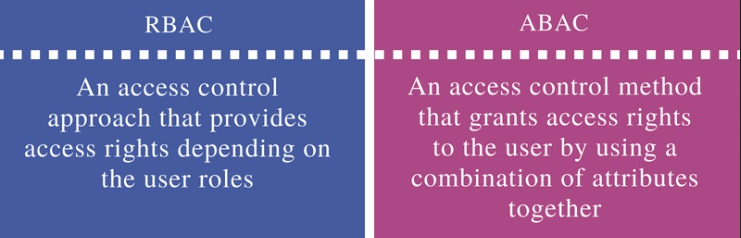
After - with ABAC :
Access is now based on attributes, like:
- User.team = “Marketing”
- User.region = “APAC”
- Data.tag = “PII”
- User.seniority = “Manager”
Example:
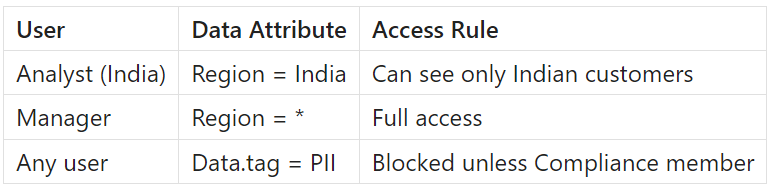
Policy:
“Analysts can only see data for their own region.”
So:
- APAC analyst → sees only APAC rows
- EU analyst → sees only EU rows
- Global manager → sees all rows
In simple words :
RBAC = “Who you are”
ABAC = “Who you are + what the data is + your context”
Benefits of ABAC
Access is now based on user + data + context attributes:
Instead of giving someone a key to every door (roles), ABAC is like having a smart security system that knows who should enter which rooms, when, and under what conditions.
NOTE: ABAC is in Public Preview and works alongside RBAC, workspace restrictions, and ownership. Custom UDFs may be required for row/column rules.
Read more at - https://docs.databricks.com/aws/en/data-governance/unity-catalog/abac/
5. Row & Column Controls
Column masking and row filters are now automatic and tag-driven.
Let’s understand this through GlobalMart :
GlobalMart stores all customer data in one master table.
But analysts should only see customers from their own country.
Before Row & Column Controls :
Analysts had to manually apply filters as :
WHERE country = 'US' WHERE country = 'Canada'
These were prone to mistakes
After Row & Column Controls :
Unity Catalog applies row filters that use ABAC attributes:
User.country == row.country
Result:
- US analysts only see US customers
- EU analysts see EU data
- Managers see everything
- No manual filters required
NOTE: Auto-masking/filters rely on ABAC policies and may need UDFs. Requires Databricks Runtime 16.4+; behavior may differ across catalogs.
The Evolution of Governance Starts Here
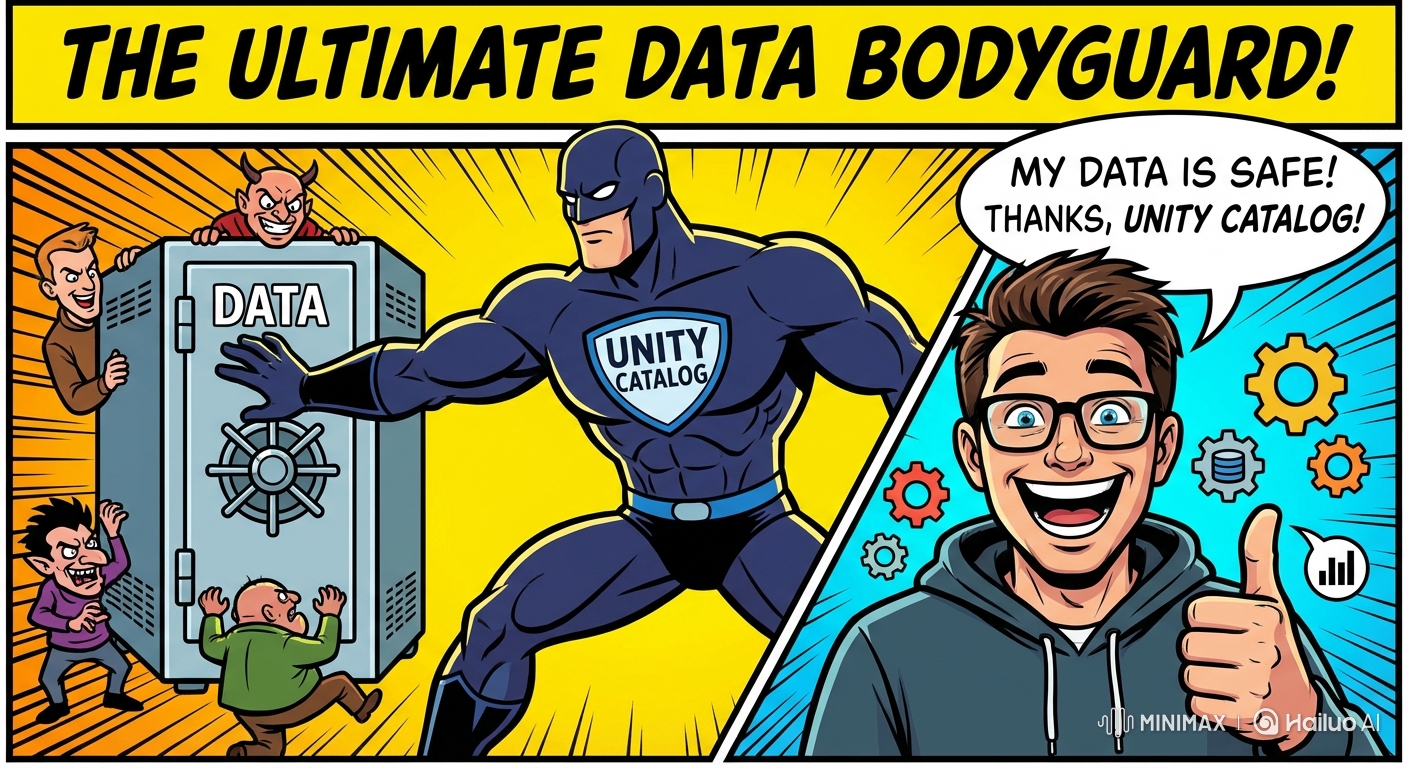
This upgrade brings real benefits:
✨ Less manual work
✨ Stronger security
✨ Fewer governance mistakes
✨ Easier audits and compliance
✨ Faster onboarding
✨ Policies that scale automatically
✨ Governance that grows with your data
In short, Databricks is moving from:
“Manually secure each table” → “Secure everything based on attributes.”
And that’s exactly where modern data governance needs to be.
You Might Also Like
Generative AI in data engineering: what Gartner's Data Engineering 2.0 means, how AI agents now write pipeline code, and why data engineers matter more.
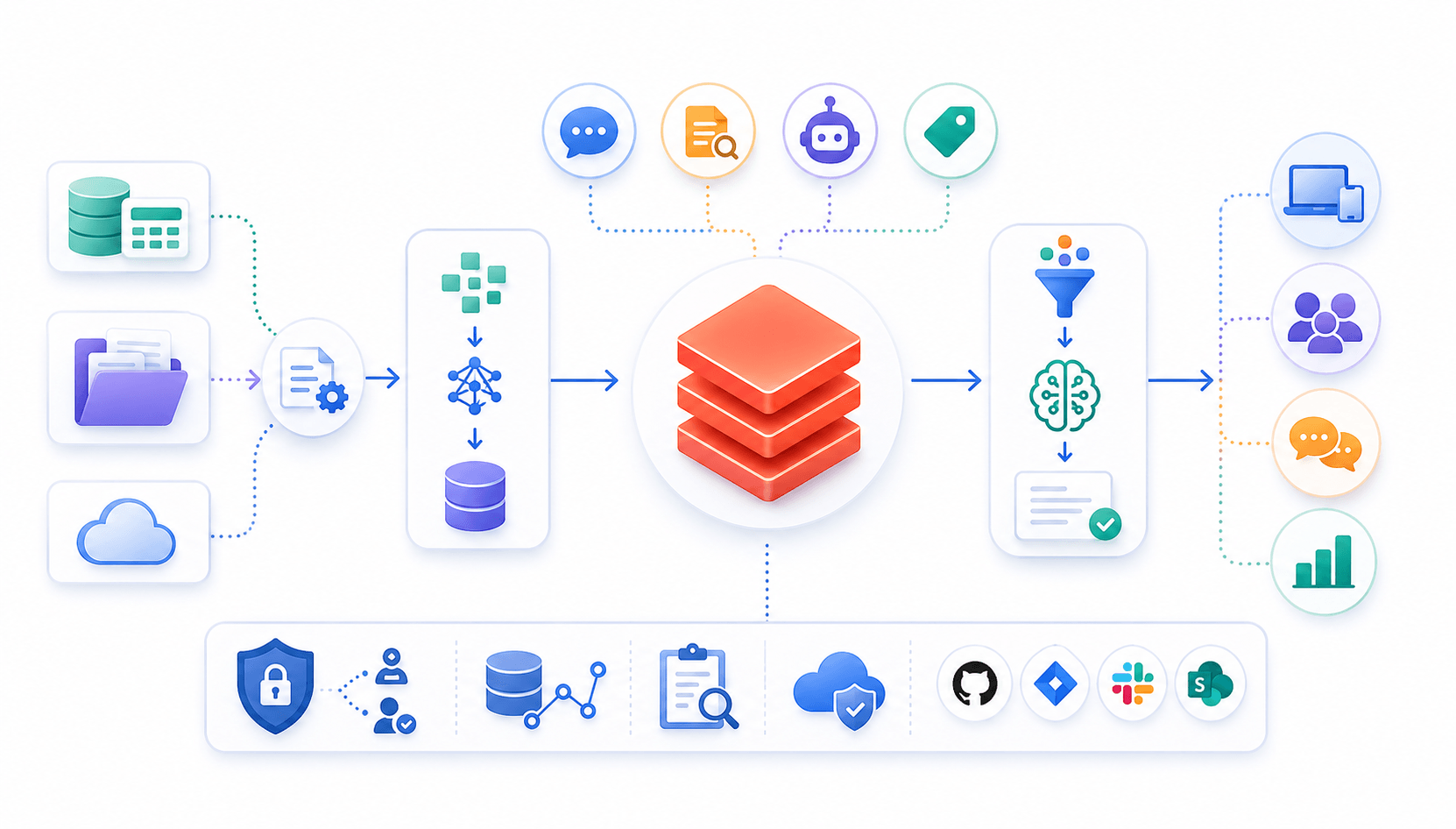
Learn to build governed RAG pipelines on Databricks using Agent Bricks and Unity Catalog. Discover the Knowledge Assistant, its 70% quality boost, and key limits.

Storage account keys and mount points give every user in a Databricks workspace the same shared access to ADLS, with no audit trail. Here's why teams are moving to Storage Credentials and External Locations instead.
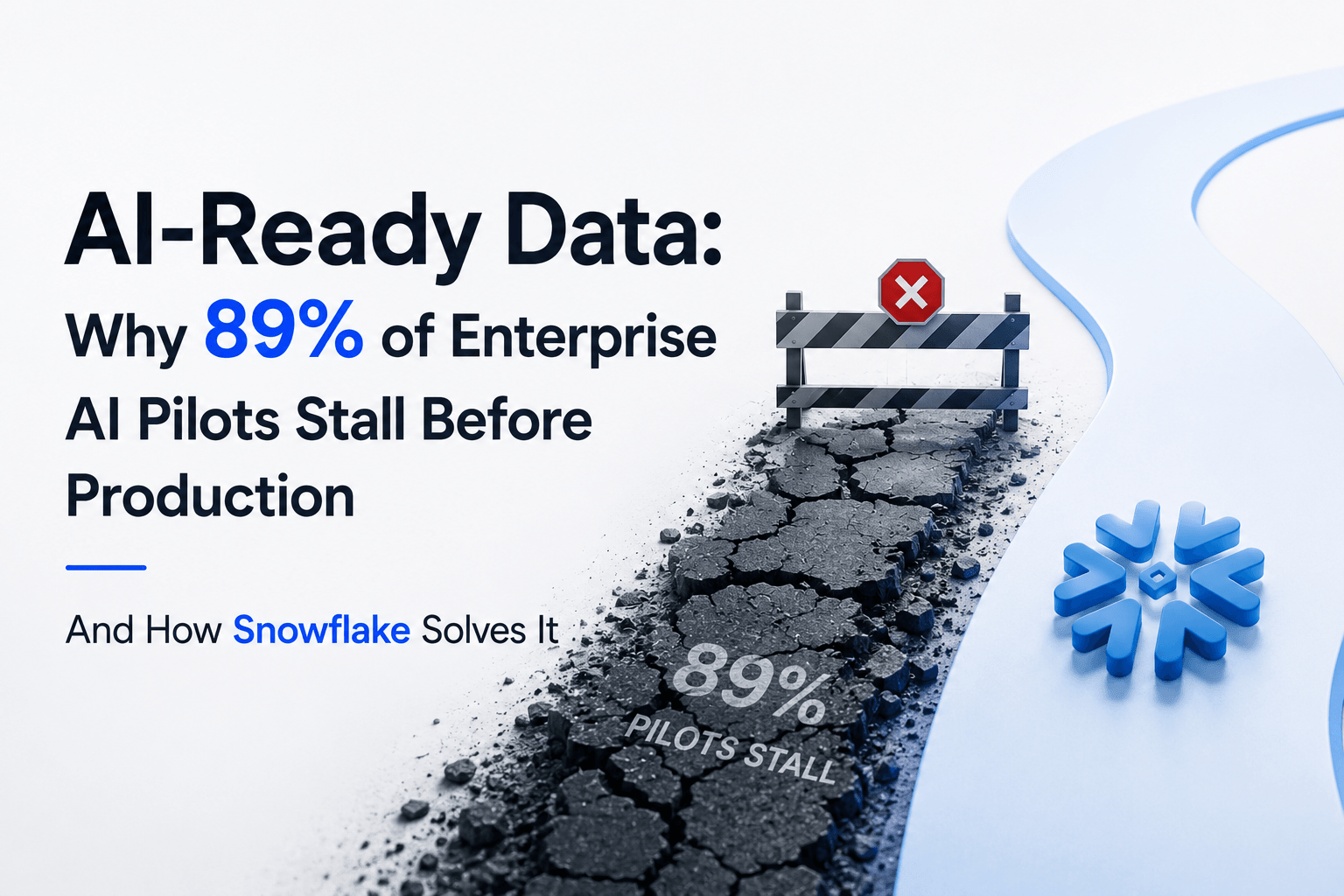
89% of enterprise AI pilots never reach production. Data integration, governance gaps, and silos are why. See how Snowflake Cortex AI fixes the root cause.
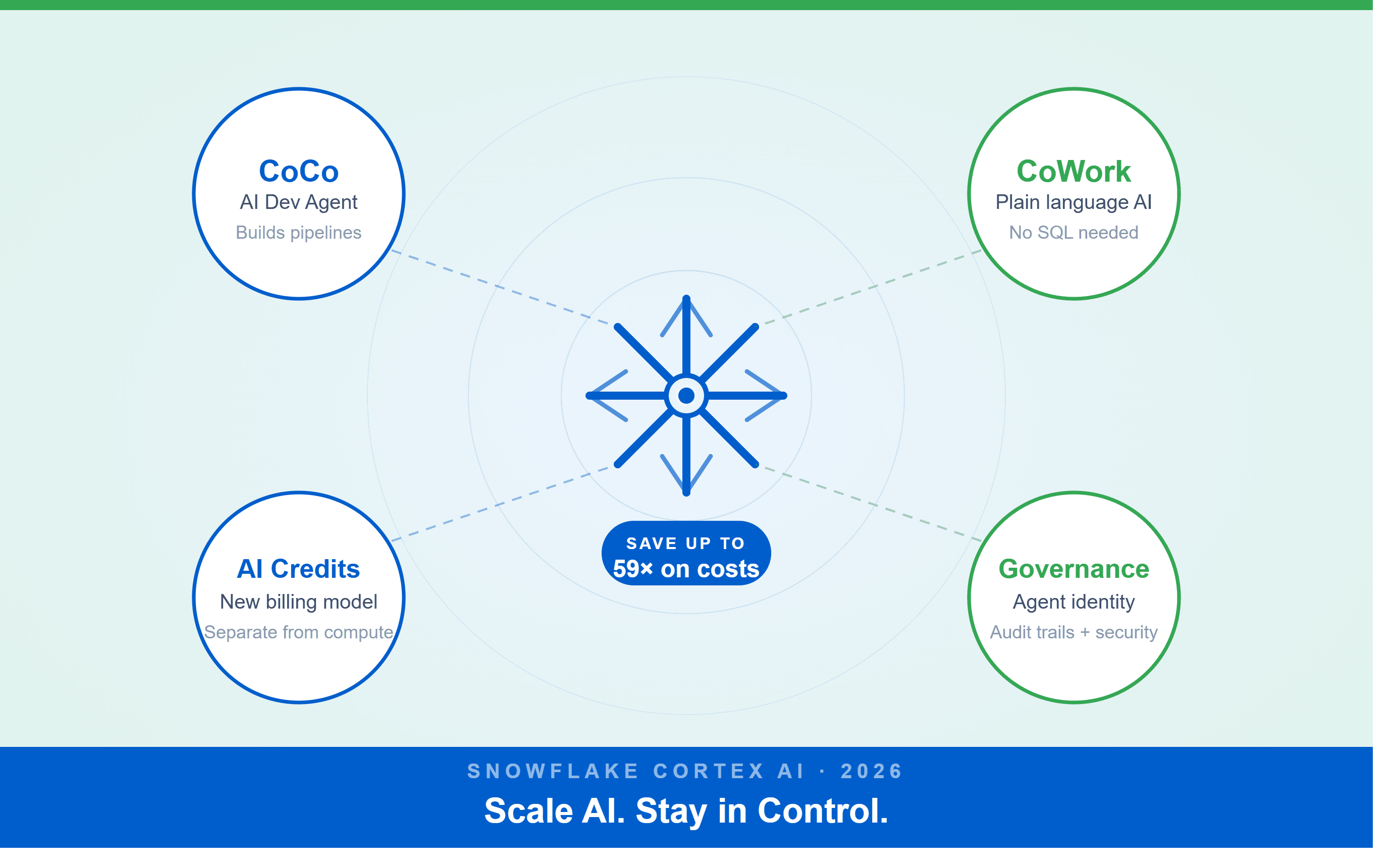
A Snowflake Summit 2026 benchmark revealed a 59x cost gap — open-source models at 440 credits vs. frontier models at 26,000 credits for identical workloads. Learn how CoCo, CoWork, AI Credits, and Cortex Training change enterprise AI strategy.
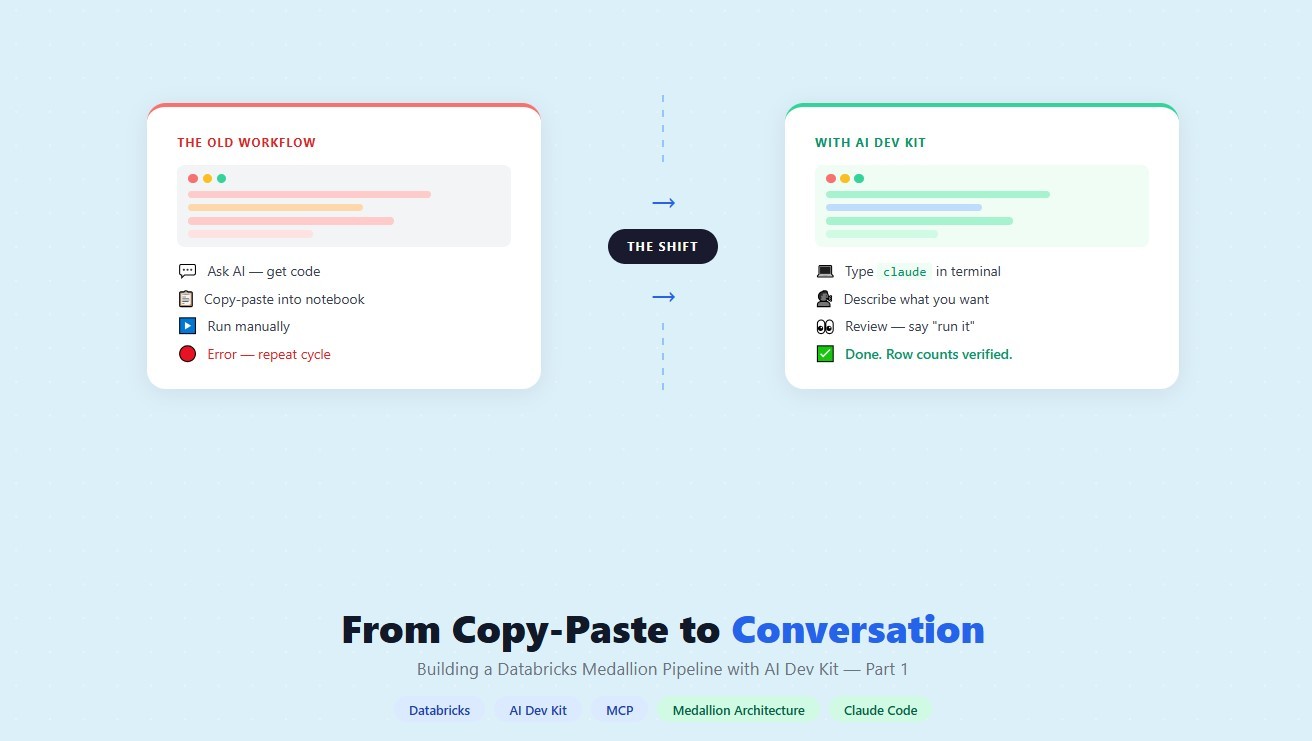
How a data engineering team replaced manual pipeline work with natural language prompts, using Claude Code and the Databricks AI Dev Kit.
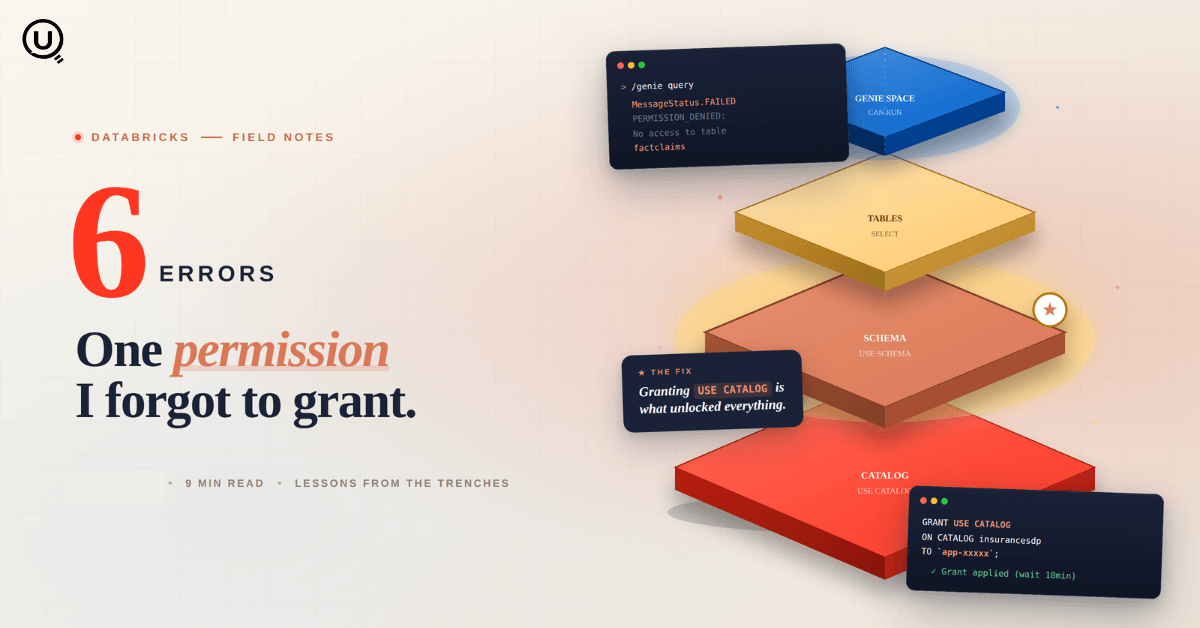
Six errors, 6 hours of debugging, and the permission checklist that finally made Databricks Apps + Genie work. The full lessons-learned guide.
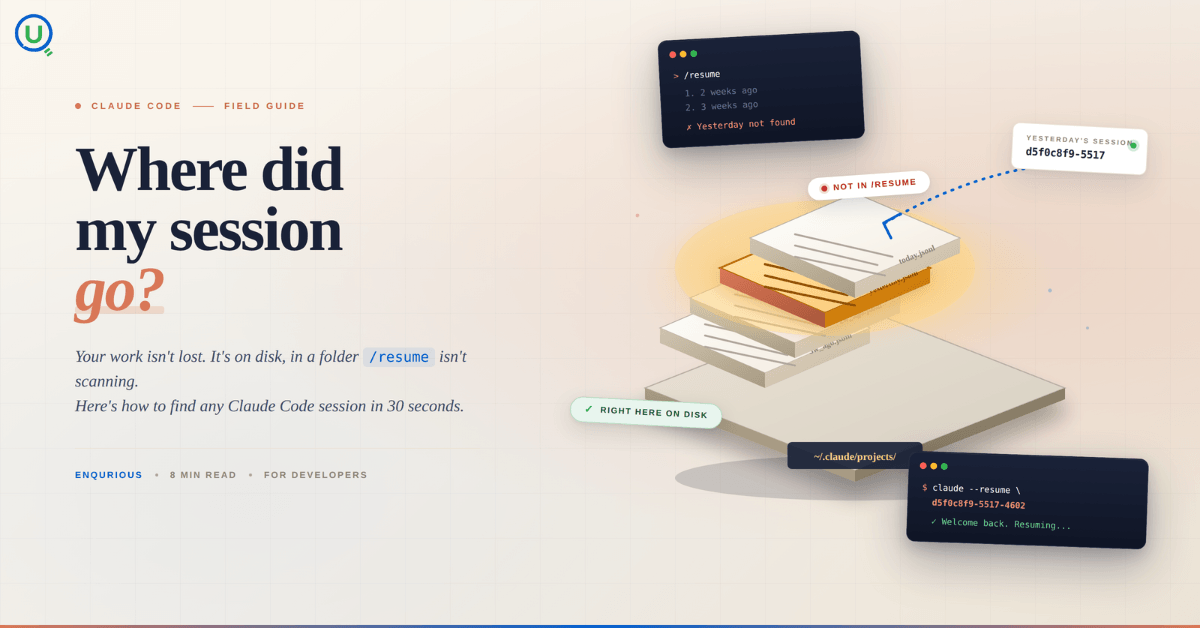
Your Claude Code session isn't lost. It's on disk, in a folder /resume isn't scanning. Here's how to find any session in 30 seconds, with the exact commands.
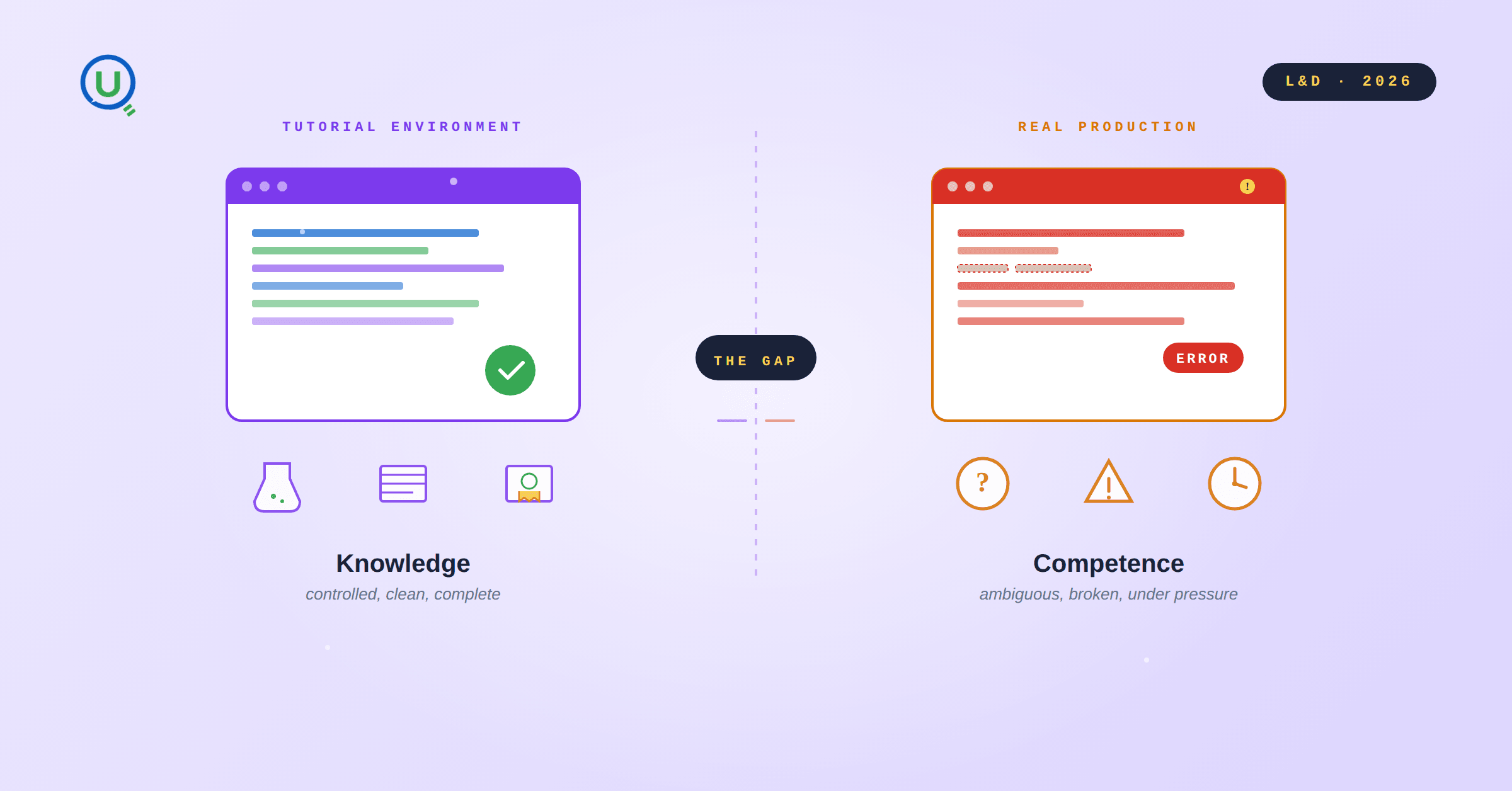
Scenario based learning replaces tutorials with realistic operational scenarios where engineers develop the hands on judgment classroom instruction cannot produce. How it works and why it matters.
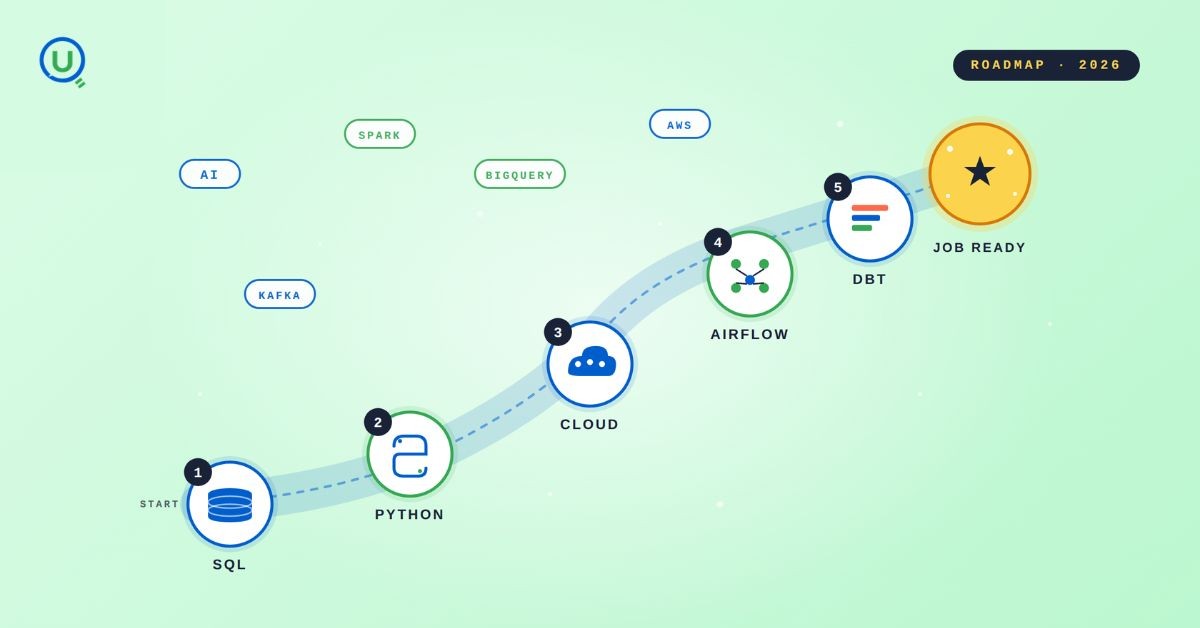
The 2026 data engineering roadmap. SQL, Python, cloud, Airflow, dbt, streaming. What companies actually hire for and how to build a portfolio that gets shortlisted.
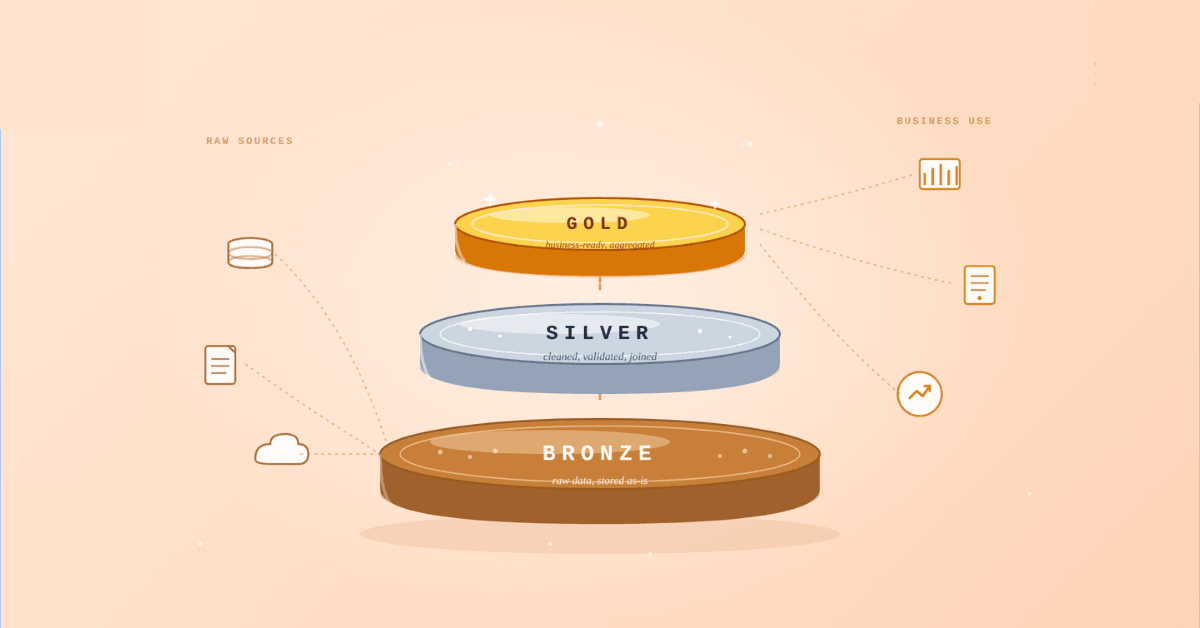
Medallion Architecture splits your data pipeline into Bronze, Silver, and Gold layers so a small business change never forces a full rebuild. Here's why it works.

I was working on a large content repository on Windows, and I needed to version some new work — campaign assets, workshop content, LinkedIn job descriptions, and some file deletions. Simple enough, right? What followed was a two-day journey through some of Git's more obscure corners.

New engineers shouldn't learn Docker like they're defusing a bomb. Here's how we created a fear-free learning environment—and cut training time in half." (165 characters)

A complete beginner’s guide to data quality, covering key challenges, real-world examples, and best practices for building trustworthy data.
Explore the power of Databricks Lakehouse, Delta tables, and modern data engineering practices to build reliable, scalable, and high-quality data pipelines."
A real-world Terraform war story where a “simple” Azure SQL deployment spirals into seven hard-earned lessons, covering deprecated providers, breaking changes, hidden Azure policies, and why cloud tutorials age fast. A practical, honest read for anyone learning Infrastructure as Code the hard way.
Data doesn’t wait - and neither should your insights. This blog breaks down streaming vs batch processing and shows, step by step, how to process real-time data using Azure Databricks.

Tired of boring images? Meet the 'Jai & Veeru' of AI! See how combining Claude and Nano Banana Pro creates mind-blowing results for comics, diagrams, and more.

What I thought would be a simple RBAC implementation turned into a comprehensive lesson in Kubernetes deployment. Part 1: Fixing three critical deployment errors. Part 2: Implementing namespace-scoped RBAC security. Real terminal outputs and lessons learned included
This blog walks you through how Databricks Connect completely transforms PySpark development workflow by letting us run Databricks-backed Spark code directly from your local IDE. From setup to debugging to best practices this Blog covers it all.

A simple ETL job broke into a 5-hour Kubernetes DNS nightmare. This blog walks through the symptoms, the chase, and the surprisingly simple fix.
Master the bronze layer foundation of medallion architecture with COPY INTO - the command that handles incremental ingestion and schema evolution automatically. No more duplicate data, no more broken pipelines when new columns arrive. Your complete guide to production-ready raw data ingestion

This blog talks about the Power Law statistical distribution and how it explains content virality

This blog explains how Apache Airflow orchestrates tasks like a conductor leading an orchestra, ensuring smooth and efficient workflow management. Using a fun Romeo and Juliet analogy, it shows how Airflow handles timing, dependencies, and errors.
The blog contains the journey of ChatGPT, and what are the limitations of ChatGPT, due to which Langchain came into the picture to overcome the limitations and help us to create applications that can solve our real-time queries

An account of experience gained by Enqurious team as a result of guiding our key clients in achieving a 100% success rate at certifications

This blog delves into the capabilities of Calendar Events Automation using App Script.
Dive into the fundamental concepts and phases of ETL, learning how to extract valuable data, transform it into actionable insights, and load it seamlessly into your systems.