
Where Did My Claude Code Session Go? How to Find Any Lost Session
Ready to transform your data strategy with cutting-edge solutions?
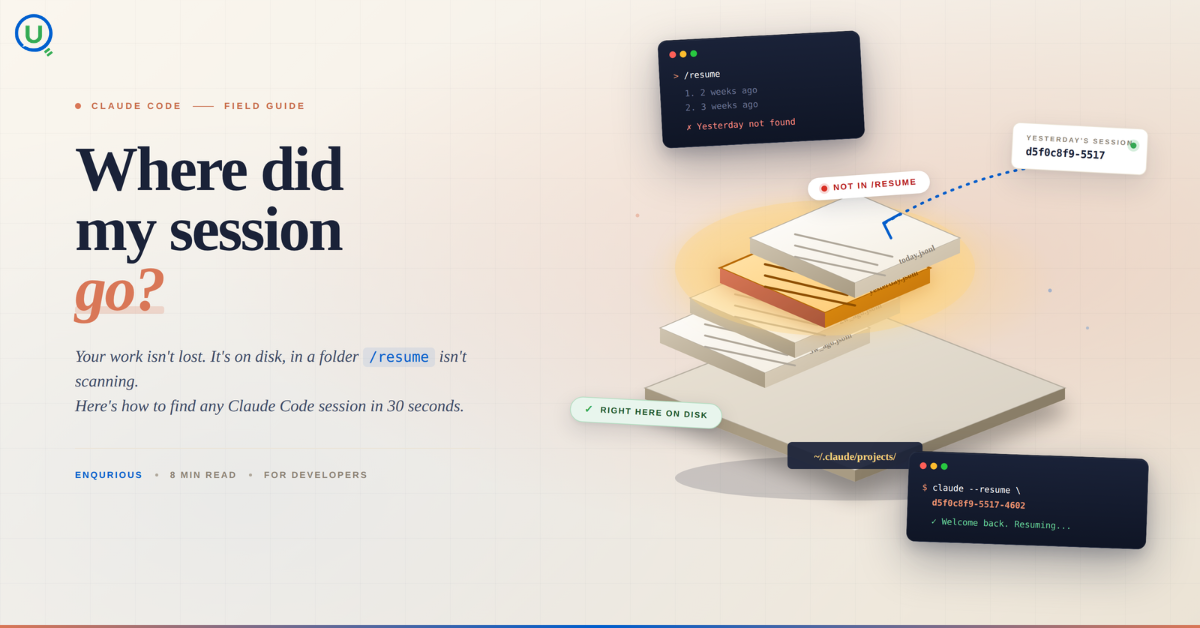
- Your Claude Code session isn't lost. It's on disk, in a folder /resume isn't scanning. Here's how to find any session in 30 seconds, with the exact commands.
If you’ve ever spent hours deep in a Claude Code session - building something complex, iterating back and forth - and then opened your terminal the next day only to find /resume showing you something completely different, you know that sinking feeling.
I lost the same type of chat three times before I figured out what was actually going on. This post is everything I wish someone had told me on day one.
The Problem: /resume Isn’t Showing Your Recent Sessions
Here’s the scenario. You run Claude-personal (or whatever alias you use), do a ton of work, close the terminal. Next day you come back, type /resume, and either:
- The session you want isn’t there at all
- It shows you an older session from weeks ago
- It just shows a blank list
You start panicking. Did I lose everything? Where did it go?
The short answer: your session is almost certainly not lost. It’s just stored somewhere your current Claude instance isn’t looking.
What’s Actually Happening Under the Hood
Claude Code stores all session data as .jsonl files on your local machine. Every conversation, every file read, every tool call - it’s all saved. The /resume command reads from a sessions-index.json file to know which sessions to display.
Here’s where it gets tricky.
If you’re using a custom Claude profile - like an alias that sets CLAUDE_CONFIG_DIR - your sessions are stored in a completely separate directory from the default ~/.claude/ folder.
In my case, I had this alias set up:
claude-personal: aliased to CLAUDE_CONFIG_DIR=~/.claude-admin-account command claude
This meant every session I ran with claude-personal was being saved to ~/.claude-admin-account/projects/ - not ~/.claude/projects/. So when I ran /resume in a regular claude session, it was looking in the wrong place entirely.
The second issue: even within the correct directory, Claude Code uses a sessions-index.json file to populate the /resume list. If that index file is outdated or stopped being updated (which can happen when auto-updates fail - you’ll see that warning at the bottom of your terminal), newer sessions just don’t appear in the list even though they exist on disk.
How to Find Your Missing Session
Step 1: Figure out which directory your profile uses
which claude-personal
If the output shows something like aliased to CLAUDE_CONFIG_DIR=~/.claude-admin-account command claude, that’s your config directory.
Step 2: List the projects folder for that config
ls -lt ~/.claude-admin-account/projects/
Or for the default profile:
ls -lt ~/.claude/projects/
This shows all your project folders, named after the directory paths you worked in.
Step 3: Find your project folder and list sessions by date
ls -lt ~/.claude-admin-account/projects/-Users-yourname-Documents-YourProject/
You’ll see .jsonl files sorted by modification time. The largest, most recent one is almost certainly your missing session.
Step 4: Resume directly by session ID
claude-personal - resume
That’s it. No index file needed when you pass the ID directly.
Setting Up an Alias to Never Hunt Again
Once I understood the pattern, I added this to my ~/.zshrc:
alias claude-sessions=”ls -lt ~/.claude-admin-account/projects/-Users-yourname-Documents-YourProject/ | head -10”
Now I just type claude-sessions in any terminal and instantly see my 10 most recent sessions sorted by date. Takes two seconds to find what I need.
To make the alias permanent (so it survives closing the terminal):
echo ‘alias claude-sessions=”ls -lt ~/.claude-admin-account/projects/YOUR-PROJECT-PATH/ | head -10”’ >> ~/.zshrc
source ~/.zshrc
Why Does the Sessions Index Break?
The sessions-index.json file gets created once and is supposed to update as you create new sessions. But if Claude Code fails to auto-update (you’ll see the warning: “Auto-update failed · Try claude doctor or npm i -g @anthropic-ai/claude-code“), this index can stop being written to.
Your sessions are still being saved as .jsonl files - that part works fine. But the index that /resume reads from just stops getting new entries.
The fix: run claude doctor to diagnose update issues, and keep Claude Code updated. But even if the index is broken, the direct --resume <id> approach always works because it bypasses the index entirely.
The Workflow I Use Now
At the end of every meaningful Claude Code session, I do two things:
- Note the most recent session ID by running:
ls -lt ~/.claude-admin-account/projects/MY-PROJECT/ | head -3 - Keep a simple note (even a sticky note) with the last session ID
Takes 10 seconds and has saved me enormous frustration.
Key Takeaways
- Sessions are almost never actually lost - they’re just stored somewhere you’re not looking
- Custom profile aliases (
CLAUDE_CONFIG_DIR) create separate storage directories that the default/resumewon’t show - The sessions index can go stale - bypass it with
--resume <session-id>directly ls -lton the projects folder is your best friend for finding recent sessions- Run
claude doctorif you see auto-update warnings - they’re a sign something deeper may be misconfigured
One More Thing
If you ever need to figure out what a session contained without opening it, you can peek at the first few lines:
head -c 500 ~/.claude-admin-account/projects/YOUR-PROJECT/YOUR-SESSION-ID.jsonl
This shows you the first user message, so you can identify which session is which without resuming all of them.
Hope this saves someone the three hours it took me to figure all this out.
Have you run into other Claude Code quirks that took you a while to figure out? Drop them in the comments - I’m building a running list of things that aren’t obvious from the docs.
You Might Also Like
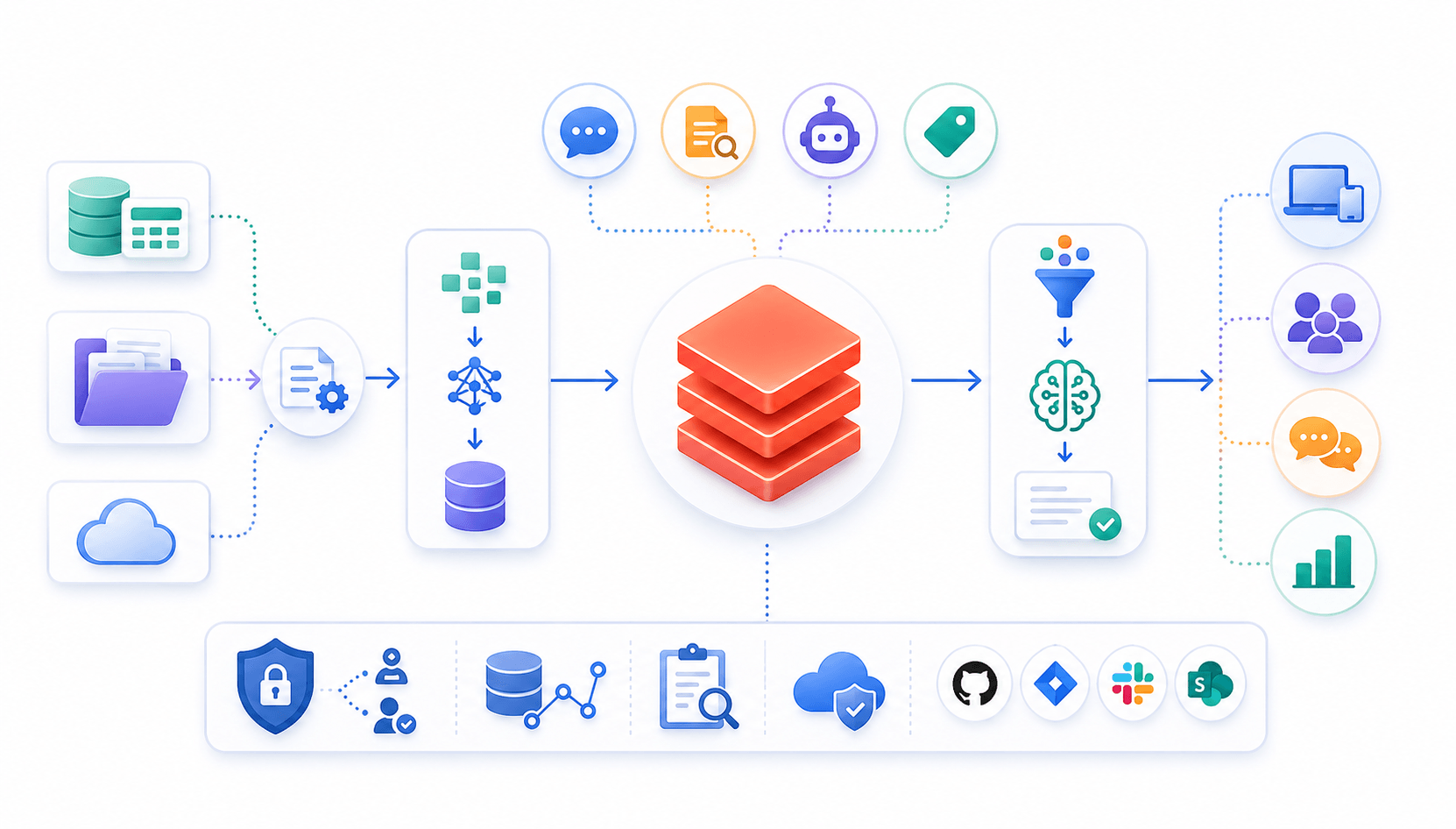
Learn to build governed RAG pipelines on Databricks using Agent Bricks and Unity Catalog. Discover the Knowledge Assistant, its 70% quality boost, and key limits.

Storage account keys and mount points give every user in a Databricks workspace the same shared access to ADLS, with no audit trail. Here's why teams are moving to Storage Credentials and External Locations instead.
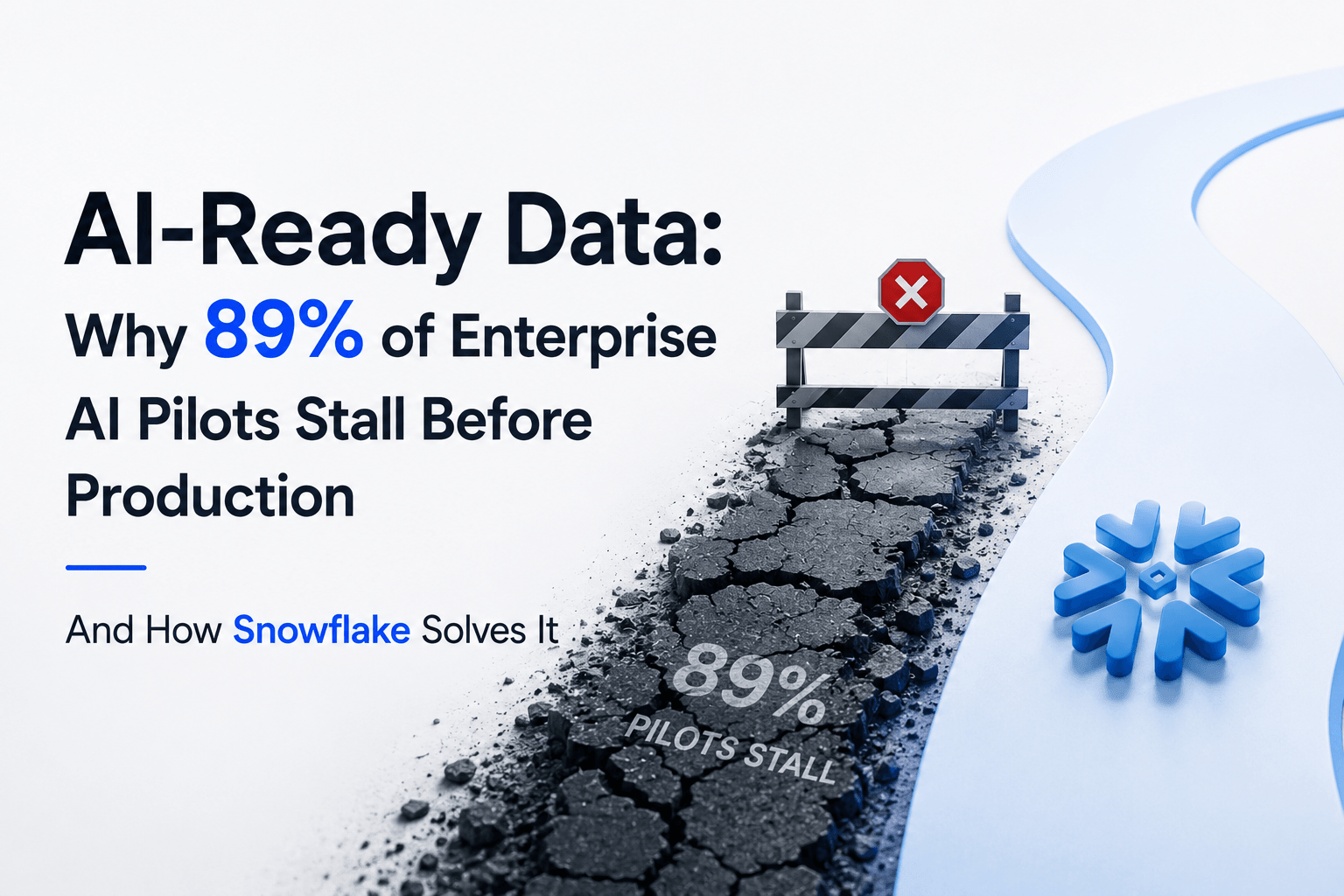
89% of enterprise AI pilots never reach production. Data integration, governance gaps, and silos are why. See how Snowflake Cortex AI fixes the root cause.
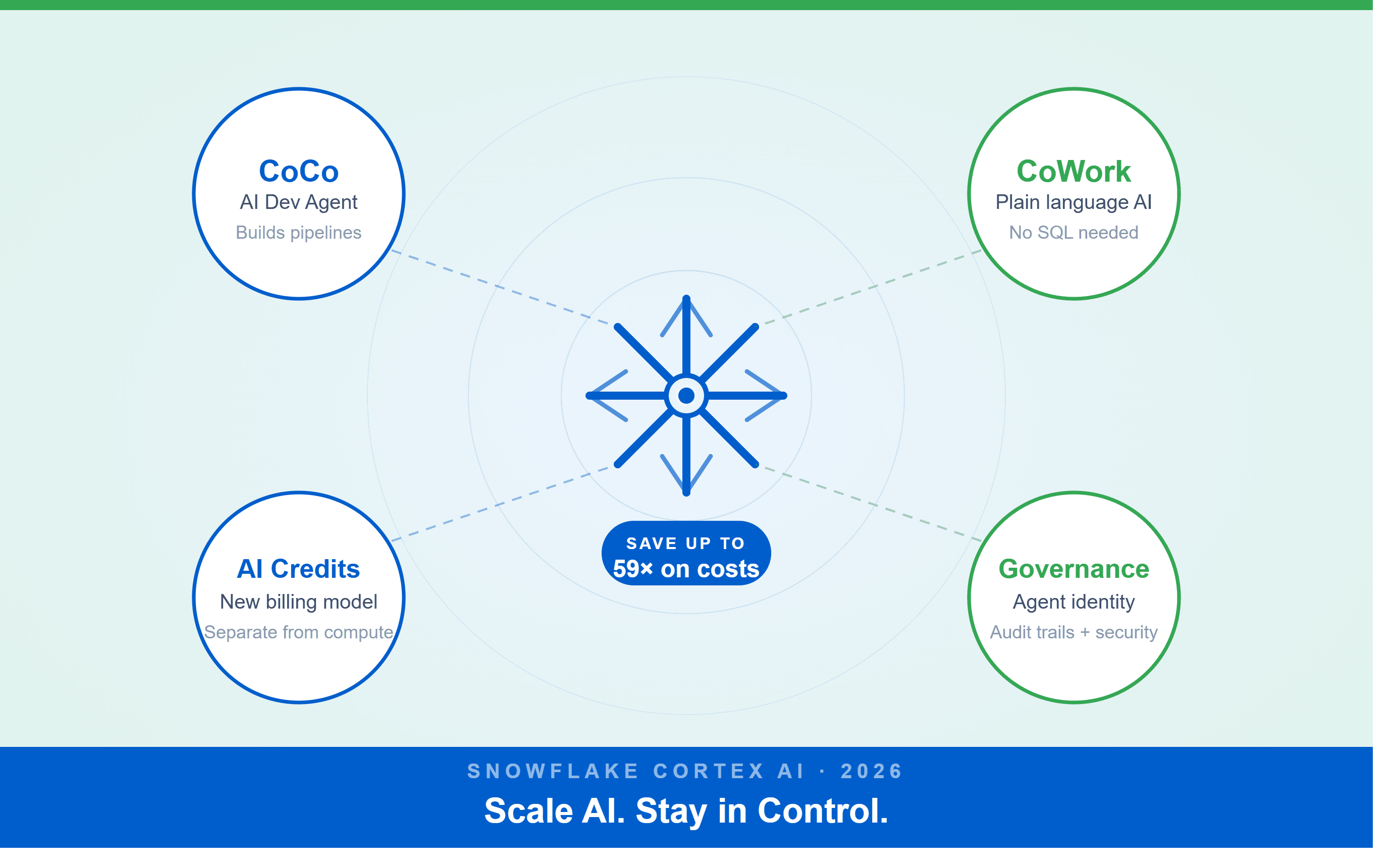
A Snowflake Summit 2026 benchmark revealed a 59x cost gap — open-source models at 440 credits vs. frontier models at 26,000 credits for identical workloads. Learn how CoCo, CoWork, AI Credits, and Cortex Training change enterprise AI strategy.
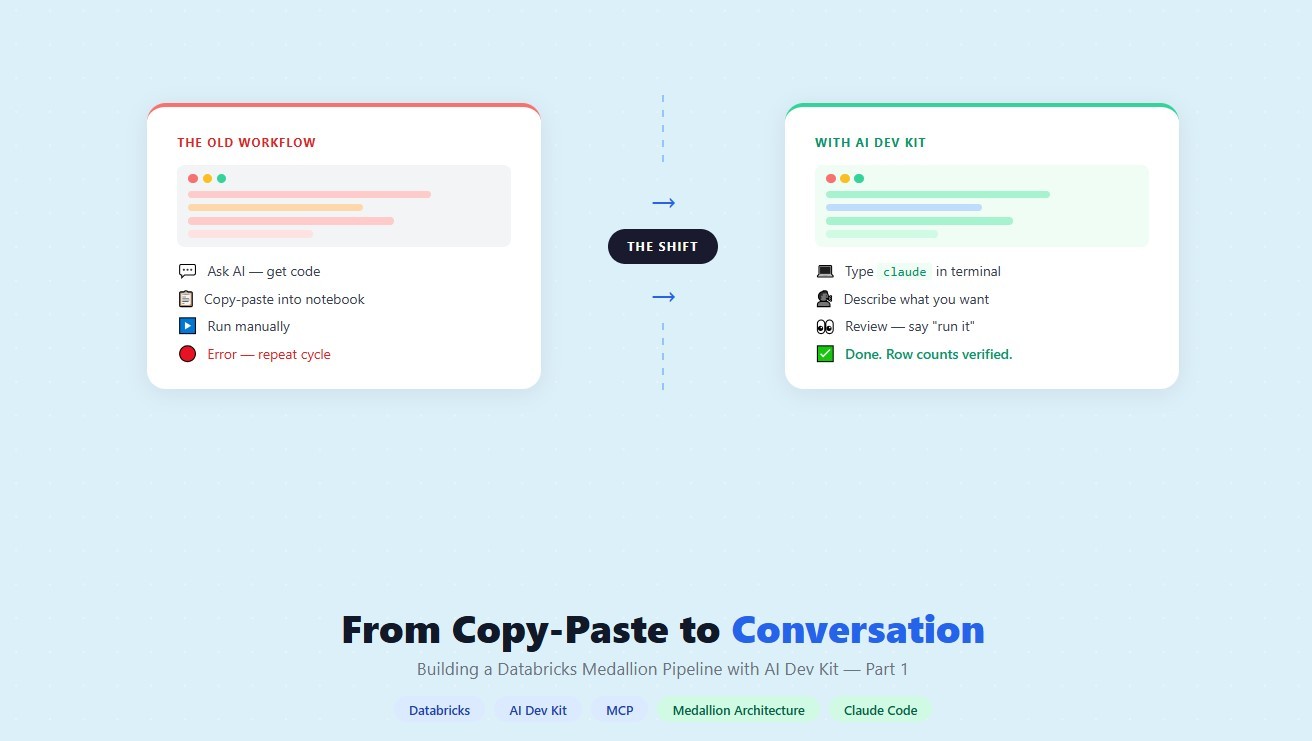
How a data engineering team replaced manual pipeline work with natural language prompts, using Claude Code and the Databricks AI Dev Kit.
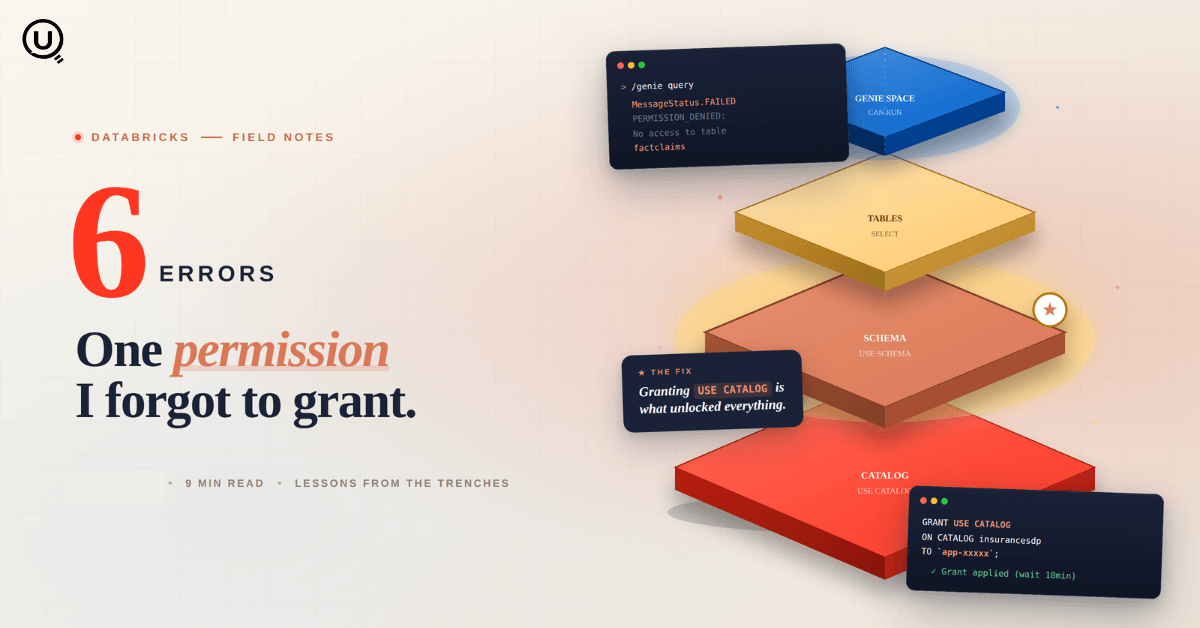
Six errors, 6 hours of debugging, and the permission checklist that finally made Databricks Apps + Genie work. The full lessons-learned guide.
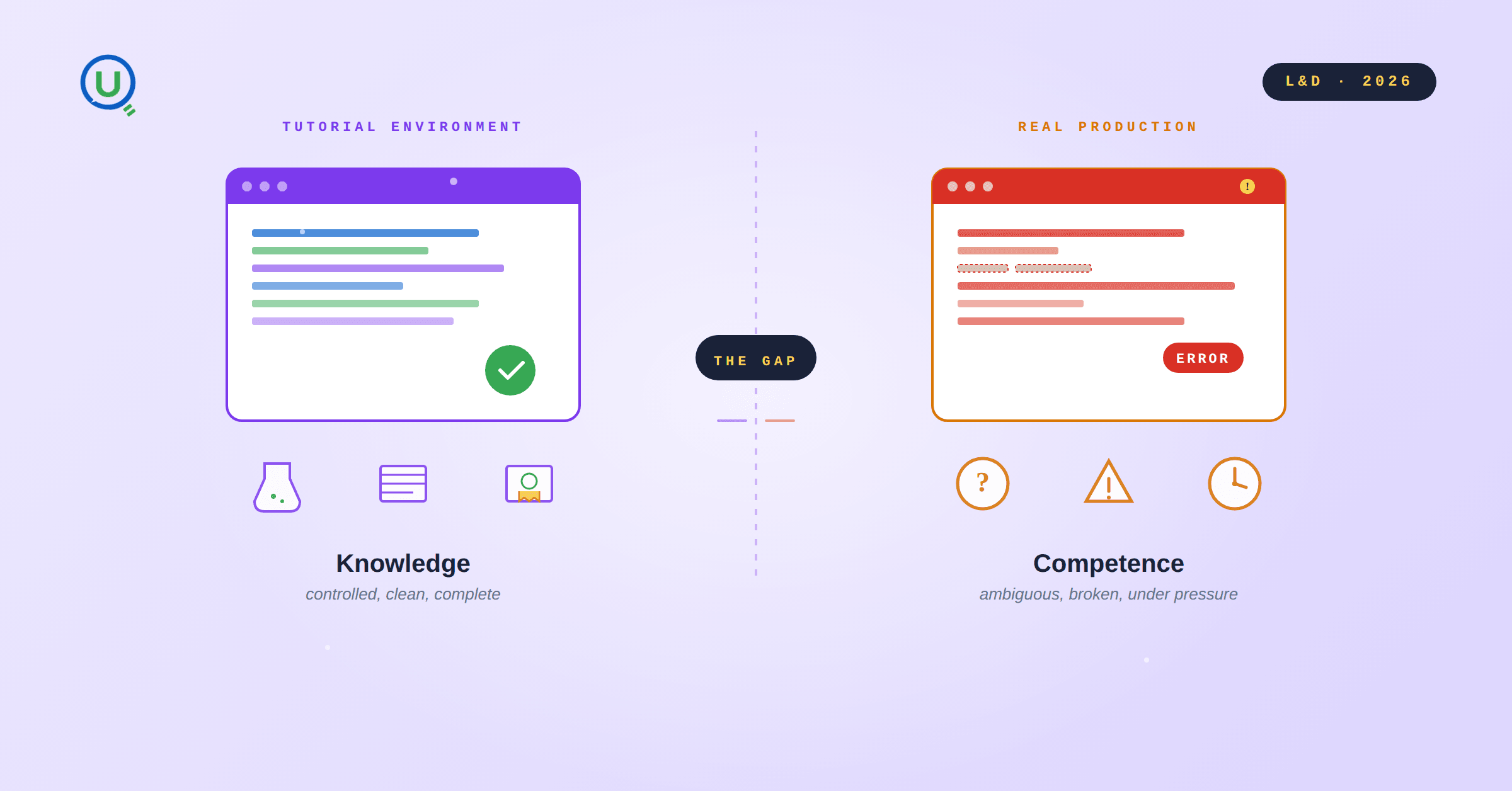
Scenario based learning replaces tutorials with realistic operational scenarios where engineers develop the hands on judgment classroom instruction cannot produce. How it works and why it matters.
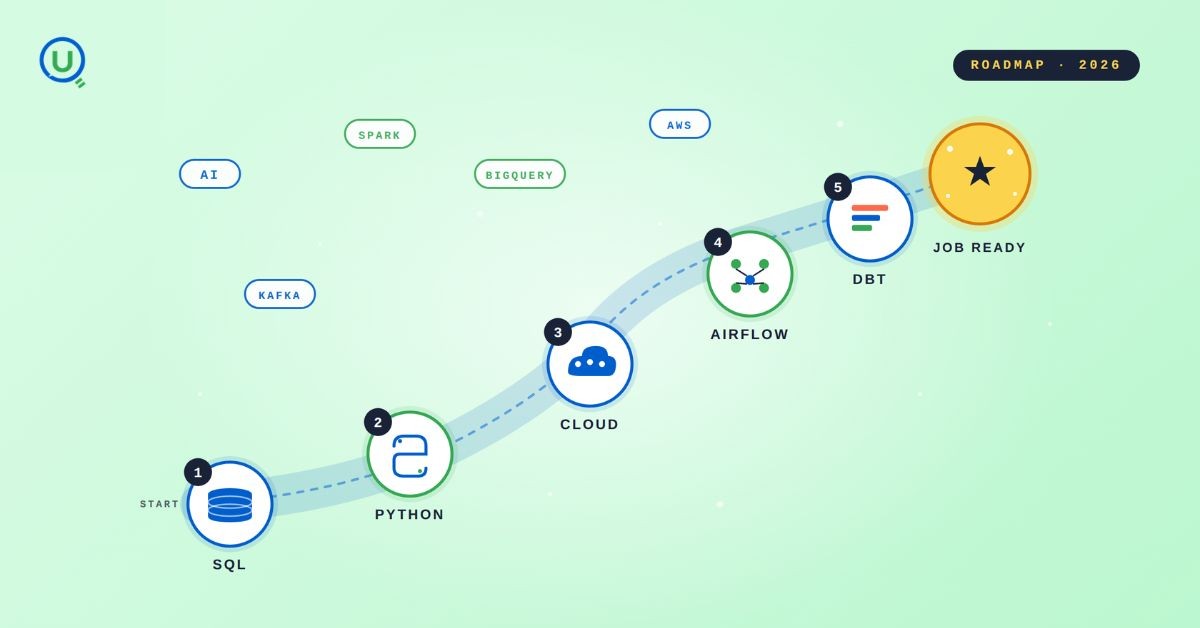
The 2026 data engineering roadmap. SQL, Python, cloud, Airflow, dbt, streaming. What companies actually hire for and how to build a portfolio that gets shortlisted.

Medallion Architecture splits your data pipeline into Bronze, Silver, and Gold layers so a small business change never forces a full rebuild. Here's why it works.

I was working on a large content repository on Windows, and I needed to version some new work — campaign assets, workshop content, LinkedIn job descriptions, and some file deletions. Simple enough, right? What followed was a two-day journey through some of Git's more obscure corners.
New engineers shouldn't learn Docker like they're defusing a bomb. Here's how we created a fear-free learning environment—and cut training time in half." (165 characters)

A complete beginner’s guide to data quality, covering key challenges, real-world examples, and best practices for building trustworthy data.
Explore the power of Databricks Lakehouse, Delta tables, and modern data engineering practices to build reliable, scalable, and high-quality data pipelines."
A real-world Terraform war story where a “simple” Azure SQL deployment spirals into seven hard-earned lessons, covering deprecated providers, breaking changes, hidden Azure policies, and why cloud tutorials age fast. A practical, honest read for anyone learning Infrastructure as Code the hard way.

Data doesn’t wait - and neither should your insights. This blog breaks down streaming vs batch processing and shows, step by step, how to process real-time data using Azure Databricks.

This blog talks about Databricks’ Unity Catalog upgrades -like Governed Tags, Automated Data Classification, and ABAC which make data governance smarter, faster, and more automated.

Tired of boring images? Meet the 'Jai & Veeru' of AI! See how combining Claude and Nano Banana Pro creates mind-blowing results for comics, diagrams, and more.

What I thought would be a simple RBAC implementation turned into a comprehensive lesson in Kubernetes deployment. Part 1: Fixing three critical deployment errors. Part 2: Implementing namespace-scoped RBAC security. Real terminal outputs and lessons learned included
This blog walks you through how Databricks Connect completely transforms PySpark development workflow by letting us run Databricks-backed Spark code directly from your local IDE. From setup to debugging to best practices this Blog covers it all.
A simple ETL job broke into a 5-hour Kubernetes DNS nightmare. This blog walks through the symptoms, the chase, and the surprisingly simple fix.
Master the bronze layer foundation of medallion architecture with COPY INTO - the command that handles incremental ingestion and schema evolution automatically. No more duplicate data, no more broken pipelines when new columns arrive. Your complete guide to production-ready raw data ingestion

This blog talks about the Power Law statistical distribution and how it explains content virality

This blog explains how Apache Airflow orchestrates tasks like a conductor leading an orchestra, ensuring smooth and efficient workflow management. Using a fun Romeo and Juliet analogy, it shows how Airflow handles timing, dependencies, and errors.
The blog contains the journey of ChatGPT, and what are the limitations of ChatGPT, due to which Langchain came into the picture to overcome the limitations and help us to create applications that can solve our real-time queries

An account of experience gained by Enqurious team as a result of guiding our key clients in achieving a 100% success rate at certifications

This blog delves into the capabilities of Calendar Events Automation using App Script.

Dive into the fundamental concepts and phases of ETL, learning how to extract valuable data, transform it into actionable insights, and load it seamlessly into your systems.