
My Three-Hour Terraform Task That Took Three Days (And Seven Errors)
Ready to transform your data strategy with cutting-edge solutions?
- A real-world Terraform war story where a “simple” Azure SQL deployment spirals into seven hard-earned lessons, covering deprecated providers, breaking changes, hidden Azure policies, and why cloud tutorials age fast. A practical, honest read for anyone learning Infrastructure as Code the hard way.
The Setup
“Hey, can you deploy a geo-redundant Azure SQL Database with Terraform? We need it by tomorrow for the demo.”
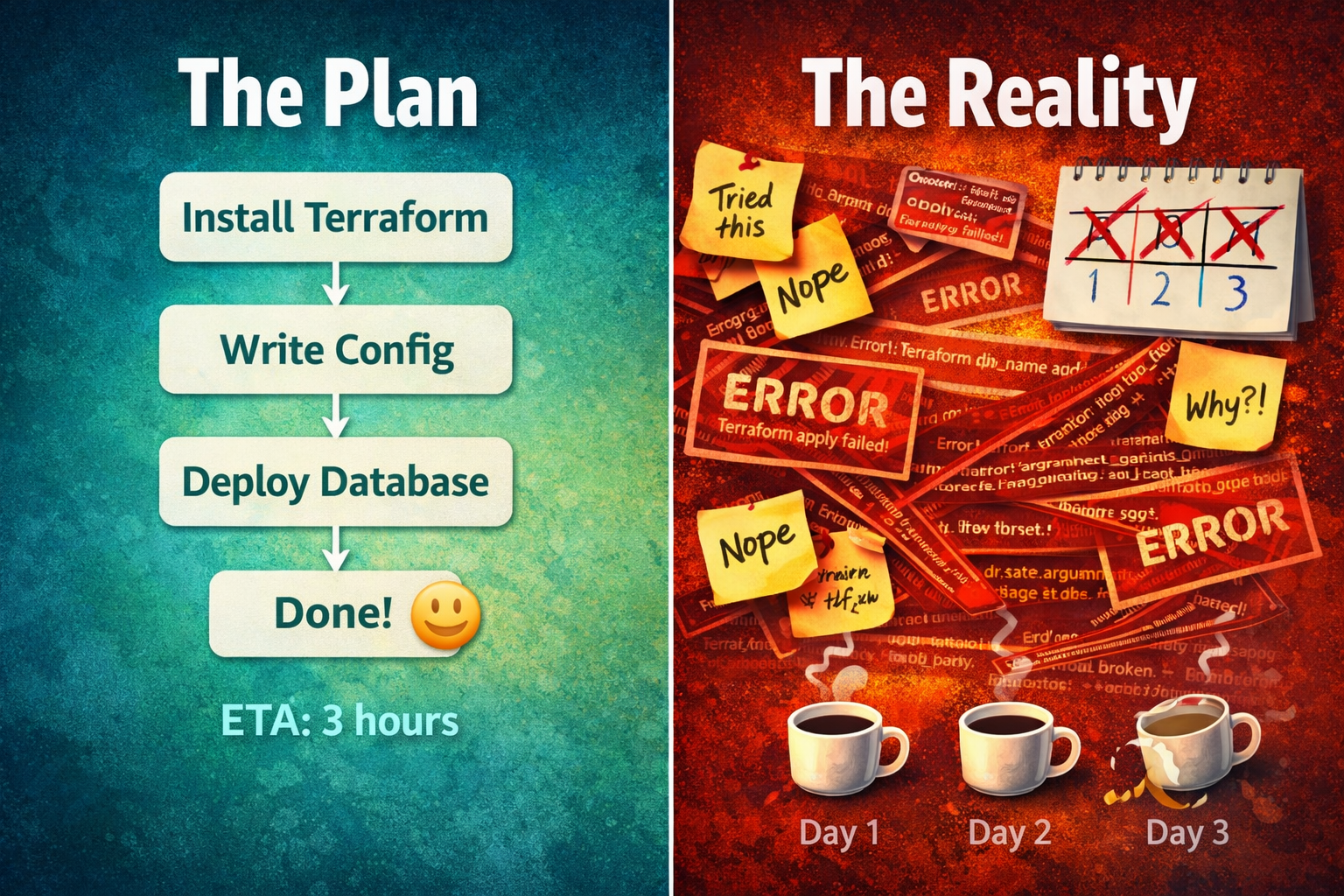
Easy, right? I’d watched a conference talk on this six months ago. “Three hours, tops,” I thought. “I’ll be done before dinner.”
I wasn’t done by dinner. I wasn’t done by Thursday.
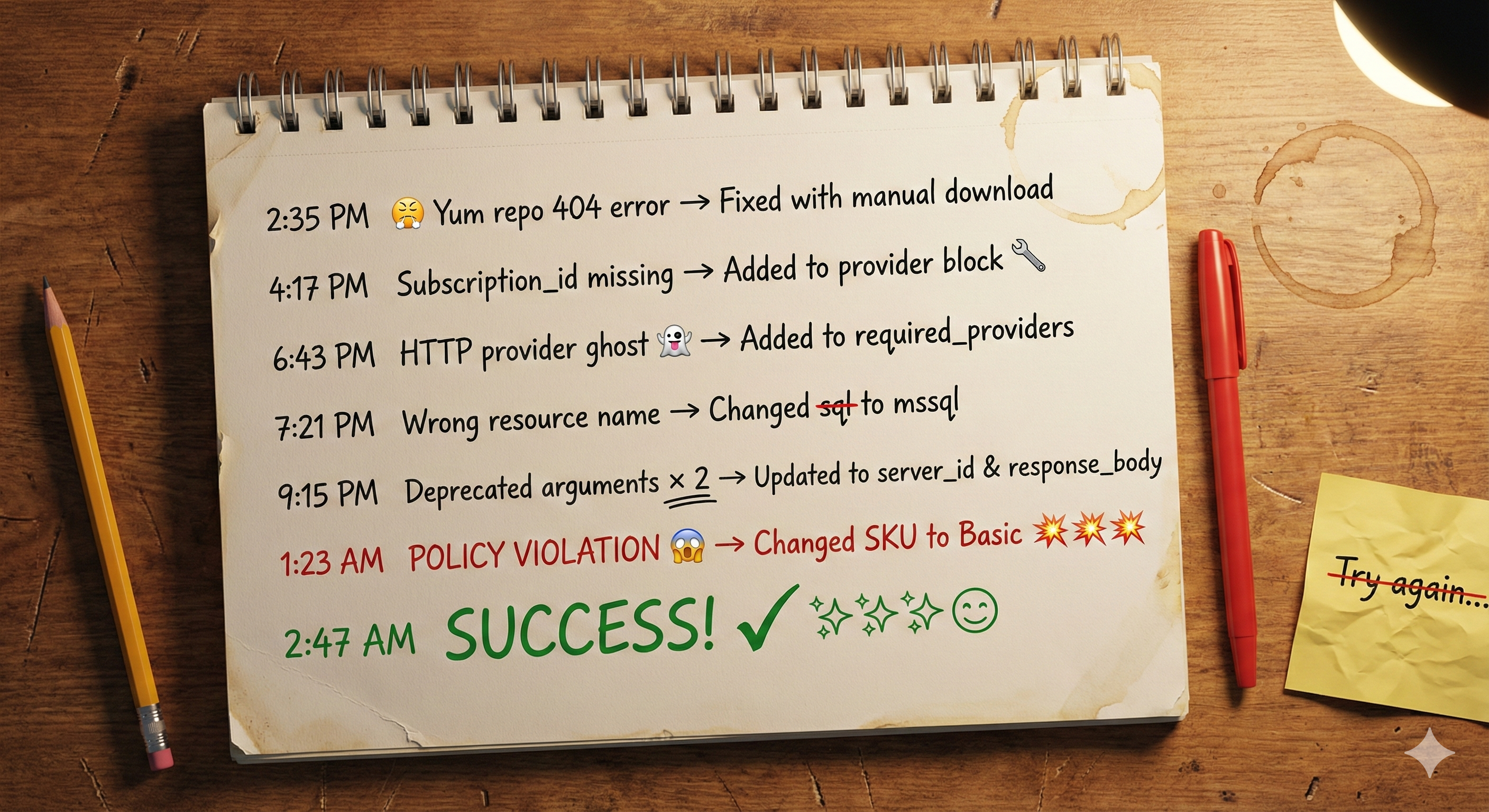
This is the story of how one database deployment taught me seven painful lessons about cloud infrastructure.
Error #1: The 404 That Shouldn’t Exist
Before I could write any code, I needed to install Terraform on my CentOS 7 VM. The official HashiCorp docs made it look simple:
sudo yum-config-manager --add-repo https://rpm.releases.hashicorp.com/RHEL/hashicorp.repo
sudo yum -y install terraform
I ran it confidently. And got:
Error 404 - Not Found
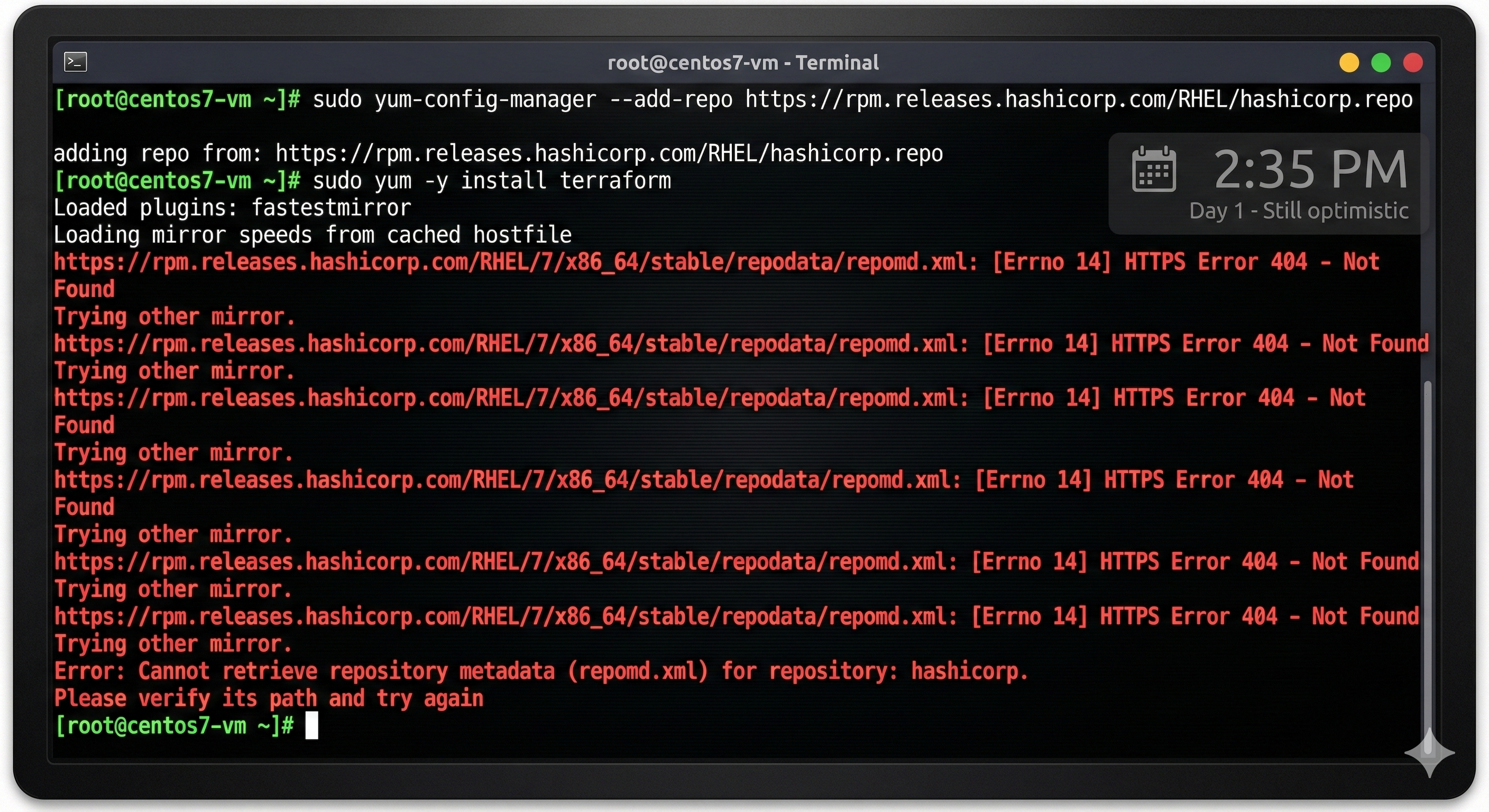
Wait. The OFFICIAL HashiCorp repository returned 404? My tutorial was only eight months old!
The Reality: Repository structures change. CentOS 7 is ancient in cloud years. Old tutorials break fast.
The Fix: Manual installation. Download the Terraform binary: Go to the Terraform Downloads Page, find the Linux 64-bit version, and copy the link.
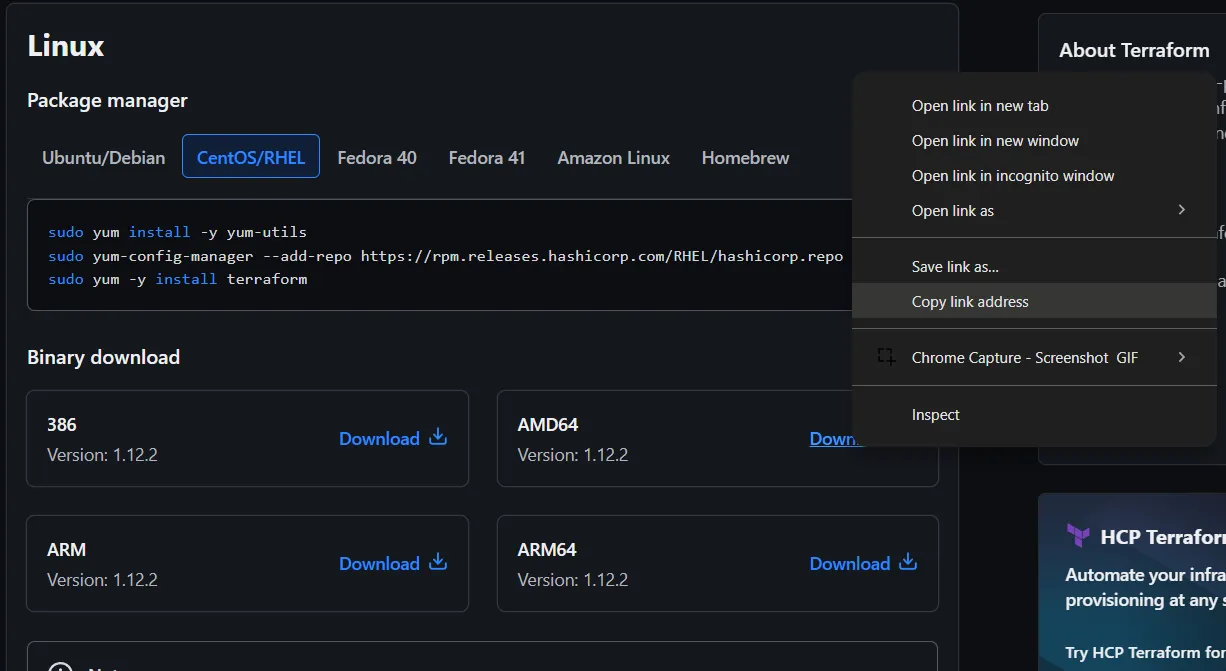
wget https://releases.hashicorp.com/terraform/1.12.2/terraform_1.12.2_linux_amd64.zip
unzip terraform_1.12.2_linux_amd64.zip
sudo mv terraform /usr/local/bin/
✅ Lesson 1: When package managers fail, don’t panic. Download the binary directly.
My First Attempt (The Code That Started It All)
With Terraform finally installed and after running az login, I confidently wrote what I thought was perfect infrastructure code. I followed an 8-month-old tutorial and combined examples from the Terraform Registry. Here’s what I started with:
main.tf (Initial attempt):
terraform {
  required_providers {
    azurerm = {
      source  = "hashicorp/azurerm"
      version = "~> 3.0"
    }
  }
}

provider "azurerm" {
  features {}
}

# Resource Group
resource "azurerm_resource_group" "main" {
  name     = "TechSolutions-SQL-RG"
  location = "East US"
}

# SQL Server
resource "azurerm_mssql_server" "main" {
  name                         = "techsolutions-sqlsrv-unique"
  resource_group_name          = azurerm_resource_group.main.name
  location                     = azurerm_resource_group.main.location
  version                      = "12.0"
  administrator_login          = "sqladmin"
  administrator_login_password = "TerraformAzure@123"
  public_network_access_enabled = true
}

# Get my IP for firewall
data "http" "myip" {
  url = "http://ipv4.icanhazip.com"
}

# Firewall Rule (from old tutorial)
resource "azurerm_sql_firewall_rule" "allow_my_ip" {
  name                = "AllowMyCurrentIP"
  resource_group_name = azurerm_resource_group.main.name
  server_name         = azurerm_mssql_server.main.name
  start_ip_address    = chomp(data.http.myip.body)
  end_ip_address      = chomp(data.http.myip.body)
}

# SQL Database with geo-redundancy
resource "azurerm_mssql_database" "main" {
  name               = "TechSolutionsDB"
  server_id          = azurerm_mssql_server.main.id
  sku_name           = "S0"
  backup_redundancy  = "Geo"
  max_size_gb        = 10
}
I ran terraform init, and it worked! I felt like a genius.
Then I ran terraform plan…
And everything went wrong. 🔥
Error #2: The Missing subscription_id
With Terraform finally installed, I ran terraform init on my code (shown above). Success! Providers downloaded.
Now for the moment of truth: terraform plan.
Remember my provider block from the initial code?
provider "azurerm" {
  features {}
}
Looked perfect to me. But Terraform disagreed:
Error: "subscription_id": required field is not set
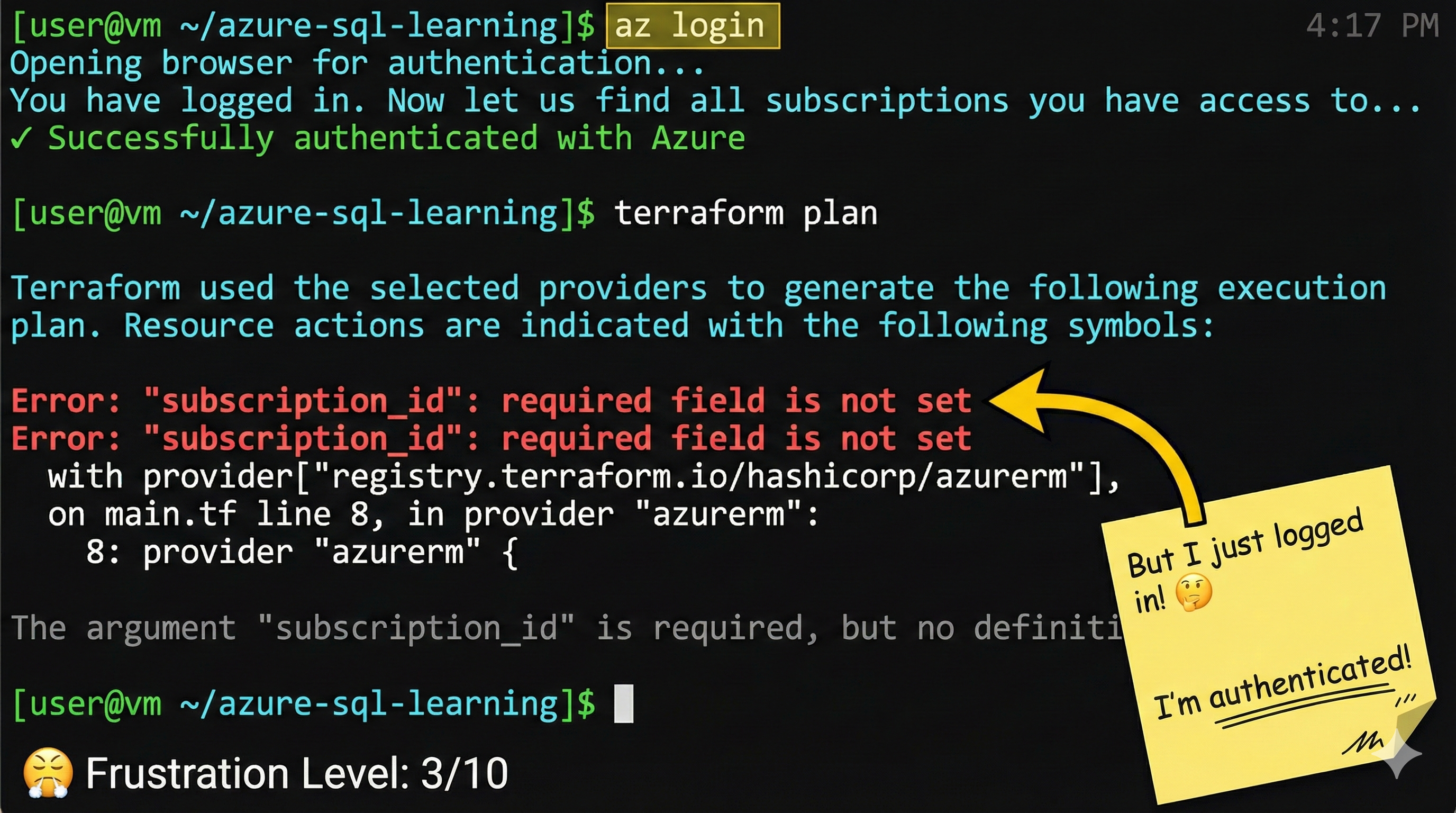
But I just logged in with az login! Terraform knows my subscription!
The Reality: Azure Provider v4.0 introduced a breaking change. It no longer automatically infers the subscription from az login; the subscription must now be explicitly configured.
The Fix: Explicitly add it to the provider block.
provider "azurerm" {
  subscription_id = "your-subscription-id-here"
  features {}
}
✅ Lesson 2: Provider updates introduce breaking changes. Always check the version you’re using.
Error #3: The Missing HTTP Provider
Fixed the subscription_id, ran terraform plan again. New error!
This one was about my firewall rule. Look back at my initial code, I used data "http" to auto-fetch my public IP:
# From my initial code
data "http" "myip" {
  url = "http://ipv4.icanhazip.com"
}

resource "azurerm_sql_firewall_rule" "allow_my_ip" {
  name                = "AllowMyCurrentIP"
  resource_group_name = azurerm_resource_group.main.name
  server_name         = azurerm_mssql_server.main.name
  start_ip_address    = chomp(data.http.myip.body)
  end_ip_address      = chomp(data.http.myip.body)
}
Terraform’s response:
No provider named "http" is available
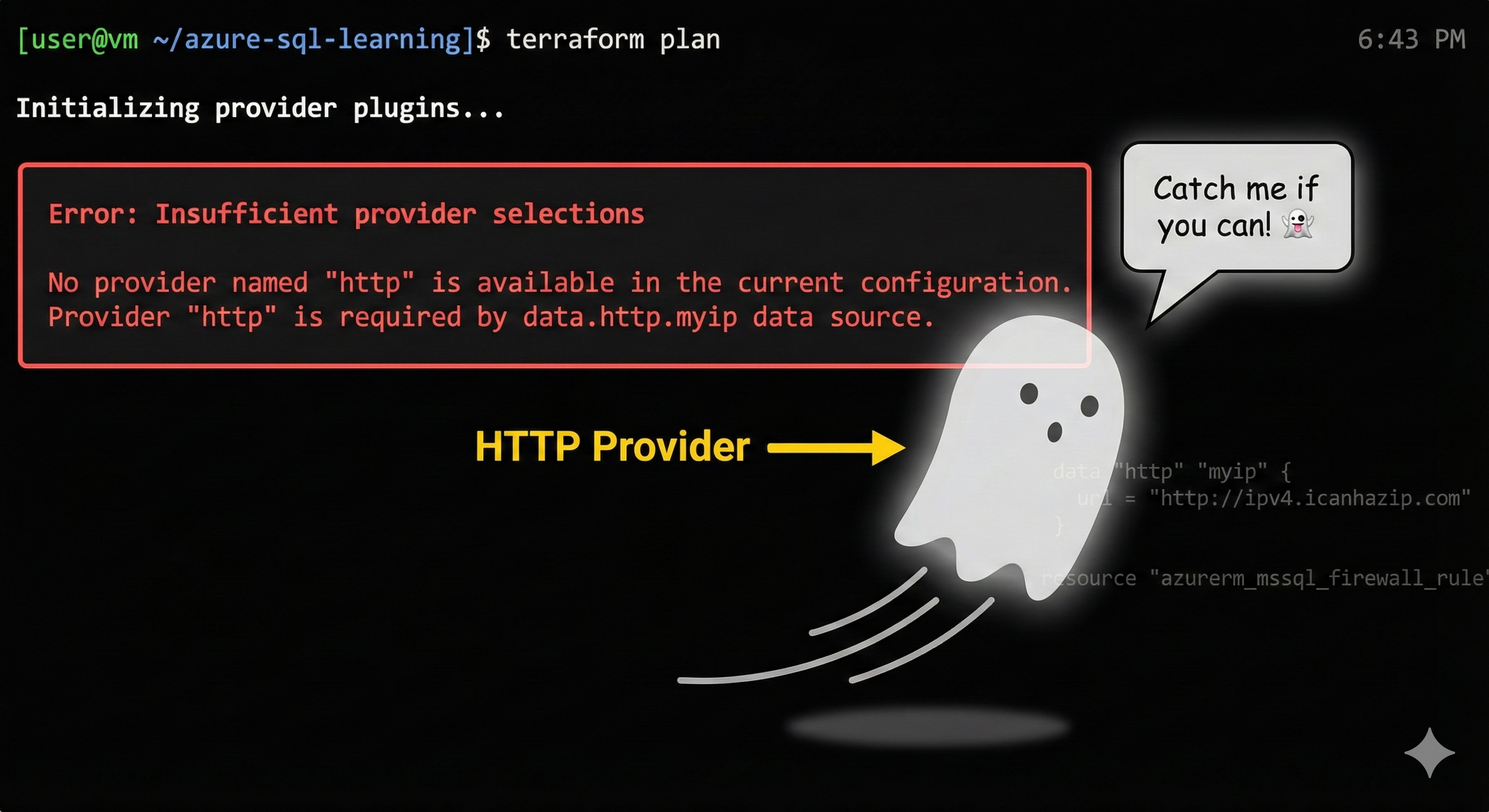
The Reality: Using data "http" requires declaring the HTTP provider. Terraform doesn’t auto-import.
The Fix:
terraform {
  required_providers {
    azurerm = { source = "hashicorp/azurerm", version = "~> 3.0" }
    http = { source = "hashicorp/http", version = "~> 3.0" }
  }
}
Run terraform init -upgrade to download it.
✅ Lesson 3: Every provider must be explicitly declared in required_providers.
Error #4: The Wrong Resource Name
Added the HTTP provider, ran terraform init -upgrade, then terraform plan again.
Another error! This time, it’s about the firewall resource itself. See the resource type I used in my initial code?
# From my initial code - notice "azurerm_sql_firewall_rule"
resource "azurerm_sql_firewall_rule" "allow_my_ip" {
  name                = "AllowMyCurrentIP"
  resource_group_name = azurerm_resource_group.main.name
  server_name         = azurerm_mssql_server.main.name
  # ...
}
Terraform said:
Invalid resource type "azurerm_sql_firewall_rule"
Did you mean "azurerm_mssql_firewall_rule"?
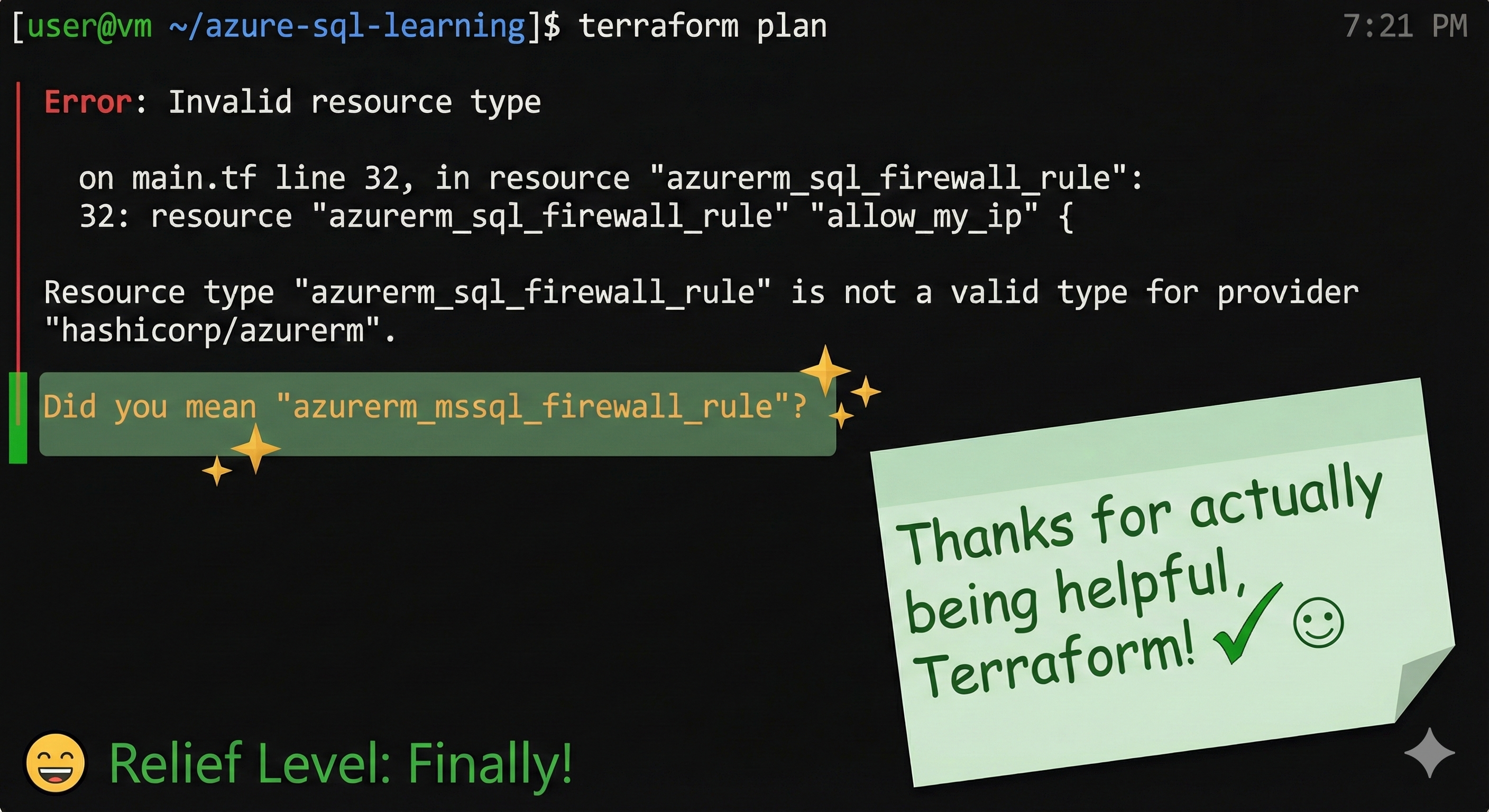
The Reality: Azure resources got renamed when Microsoft reorganized services. sql became mssql.
The Fix: Update the resource type.
resource "azurerm_mssql_firewall_rule" "allow_my_ip" {
  # ... rest of code
}
✅ Lesson 4: Resource names change over time. Trust Terraform’s suggestions, they’re usually right.
Errors #5 & #6: Handling Deprecated Arguments
Changed azurerm_sql_firewall_rule to azurerm_mssql_firewall_rule. Ran terraform plan.
TWO more errors! Both in my firewall rule. Let’s look at those specific lines from my initial code:
# From my initial code - look at these argument names
resource "azurerm_mssql_firewall_rule" "allow_my_ip" {
  name                = "AllowMyCurrentIP"
  resource_group_name = azurerm_resource_group.main.name  # ❌ Problem 1
  server_name         = azurerm_mssql_server.main.name    # ❌ Problem 2
  start_ip_address    = chomp(data.http.myip.body)        # ❌ Problem 3
  end_ip_address      = chomp(data.http.myip.body)        # ❌ Problem 3
}
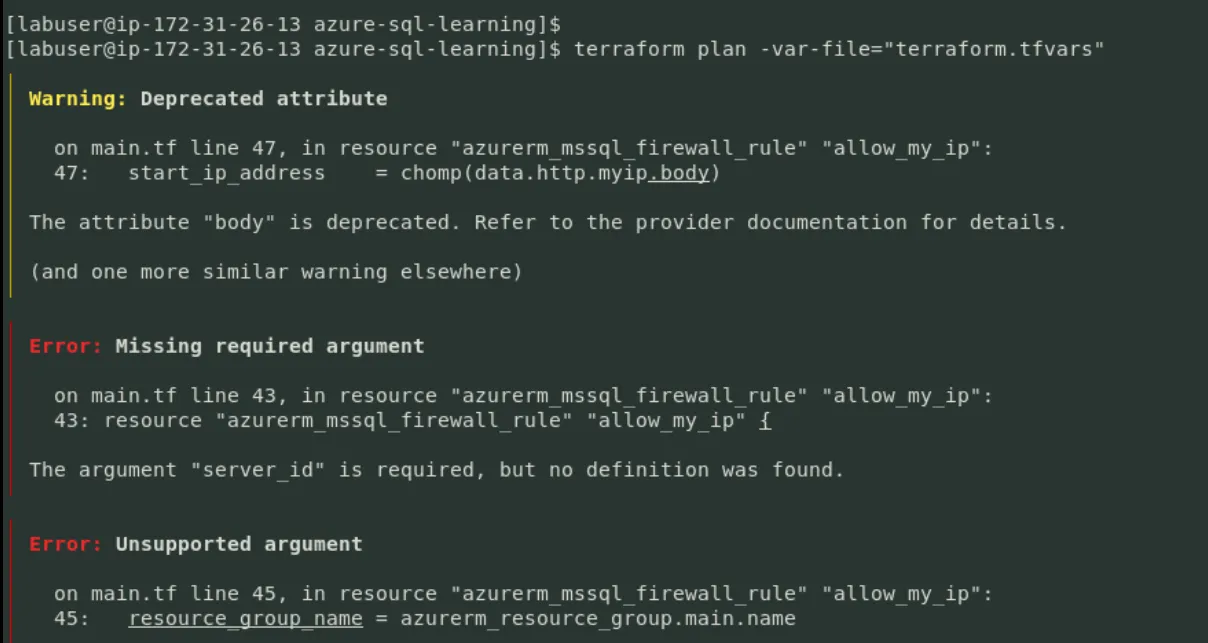
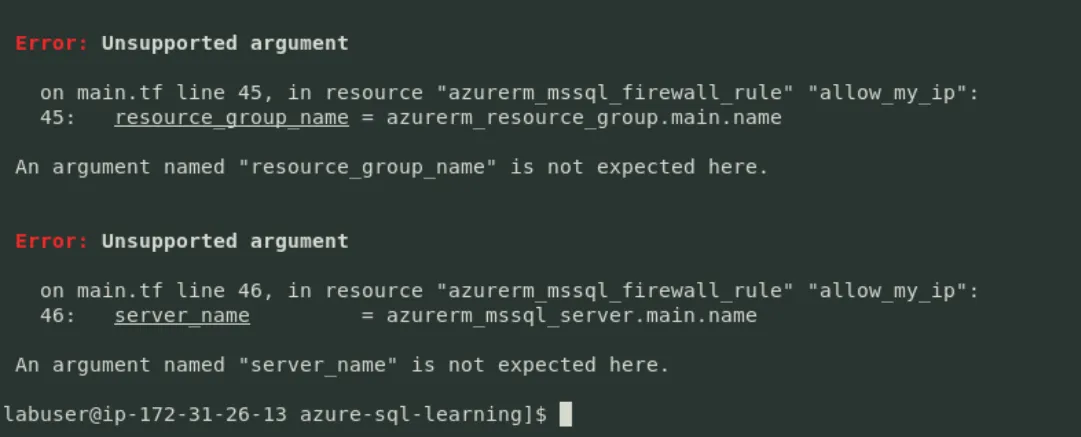
Terraform’s complaints:
Unsupported argument: "resource_group_name"
Unsupported argument: "server_name"
Warning: Deprecated attribute "body". Use "response_body" instead.
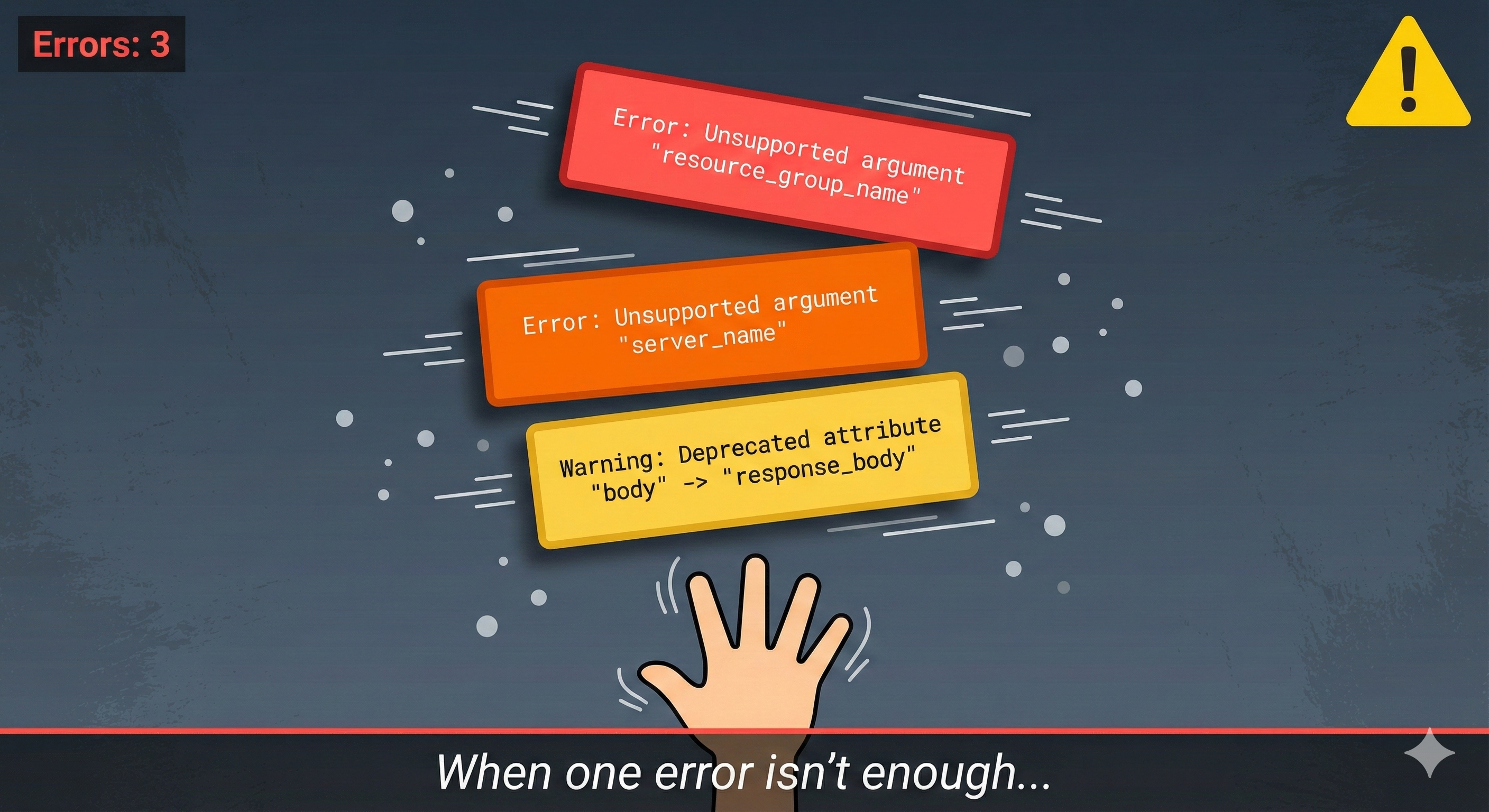
ARE YOU KIDDING ME?!
The Reality: The azurerm_mssql_firewall_rule resource was updated. It now uses a single server_id instead of separate names. The HTTP provider also deprecated body.
The Fix:
data "http" "myip" {
  url = "https://ipv4.icanhazip.com"
}

resource "azurerm_mssql_firewall_rule" "allow_my_ip" {
  name             = "AllowMyCurrentIP"
  server_id        = azurerm_mssql_server.main.id
  start_ip_address = chomp(data.http.myip.response_body)
  end_ip_address   = chomp(data.http.myip.response_body)
}
✅ Lesson 5: Arguments get deprecated. Always check the latest provider documentation.
Error #7: The Azure Policy Plot Twist
After fixing ALL the firewall issues, I finally had a clean terraform plan. Time to deploy!
The SQL Server was created successfully. Now for the database itself. Remember my database configuration from the initial code?
# From my initial code - this looked perfect!
resource "azurerm_mssql_database" "main" {
  name               = "TechSolutionsDB"
  server_id          = azurerm_mssql_server.main.id
  sku_name           = "S0"              # Standard tier
  backup_redundancy  = "Geo"             # Geo-redundant backups ✓
  max_size_gb        = 10
}
I ran terraform apply, typed yes confidently, and watched as Azure started creating the database…
Then Azure dropped this bomb:
RequestDisallowedByPolicy: Resource was disallowed by policy.
Policy: Only certain SQL DB SKUs are allowed
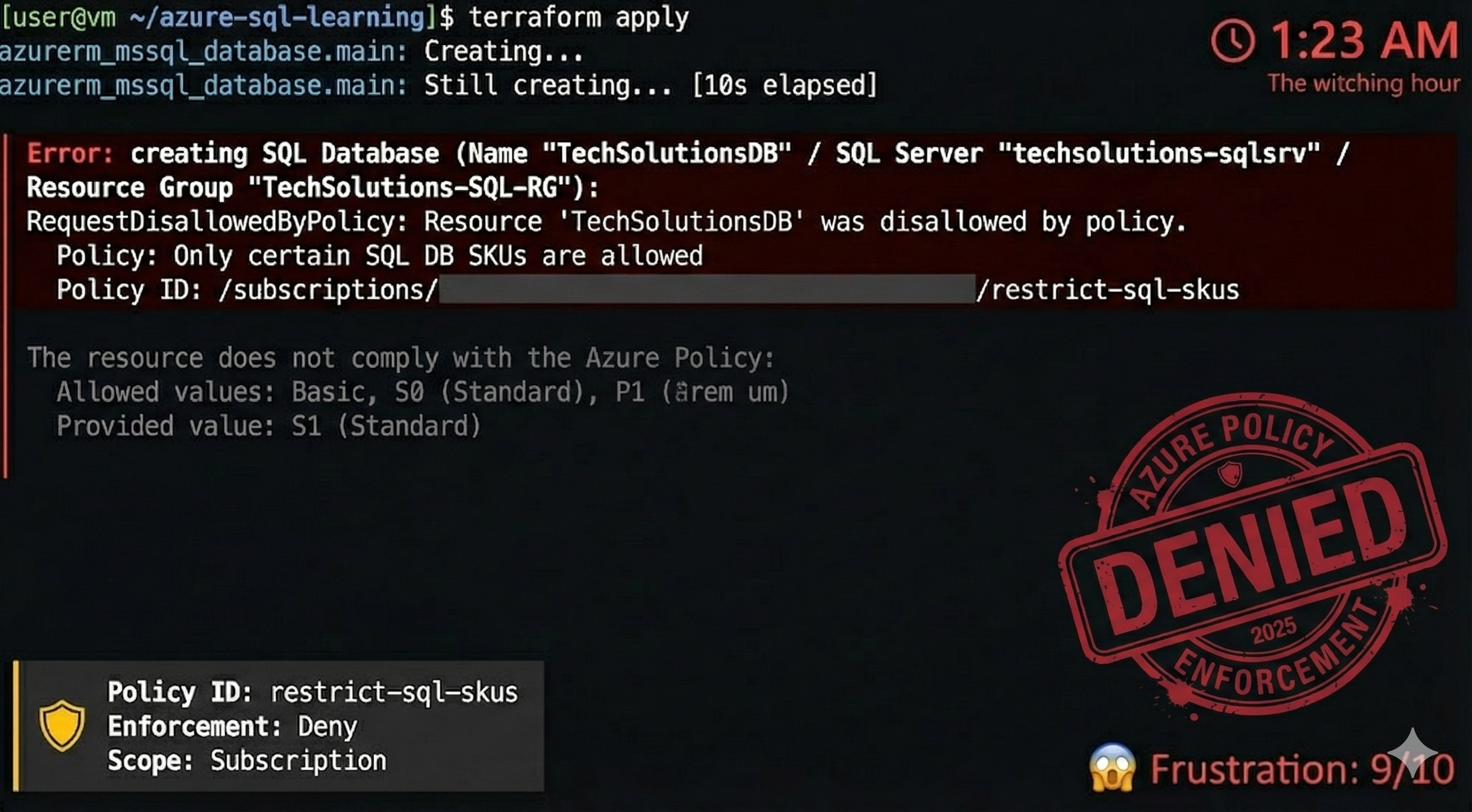
WHAT IS THIS?! A hidden Azure Policy was blocking my deployment!
After digging through Azure Portal, I found it: someone had created a policy restricting which database tiers could be deployed (probably for cost control).
The Reality: This is actually brilliant security design. In corporate environments, policies prevent developers from violating compliance, budget, or security rules.
The Fix: Check which SKUs are allowed, then update:
resource "azurerm_mssql_database" "main" {
  name               = "TechSolutionsDB"
  server_id          = azurerm_mssql_server.main.id
  sku_name           = "Basic"  # Changed to allowed SKU
  backup_redundancy  = "Geo"
  max_size_gb        = 2
}
Applied. Success.
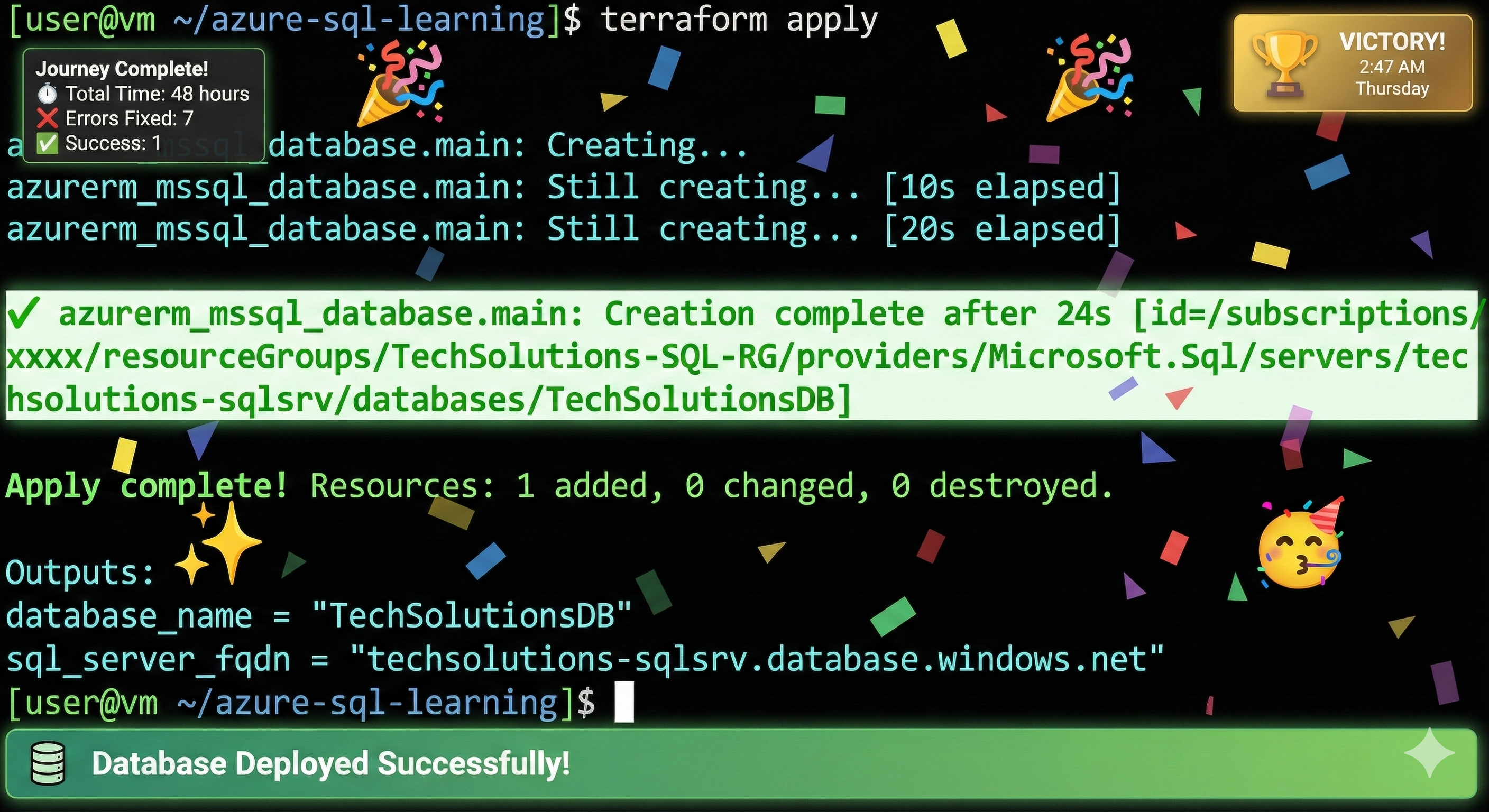
It was 2:47 AM Thursday. A “three-hour task” had taken 48 hours and seven errors.
✅ Lesson 6: Azure Policies exist. Check them before deploying.
✅ Lesson 7: If you hit a policy, talk to your cloud admin; don’t try to circumvent it.
The Complete Working Code (Battle-Tested)
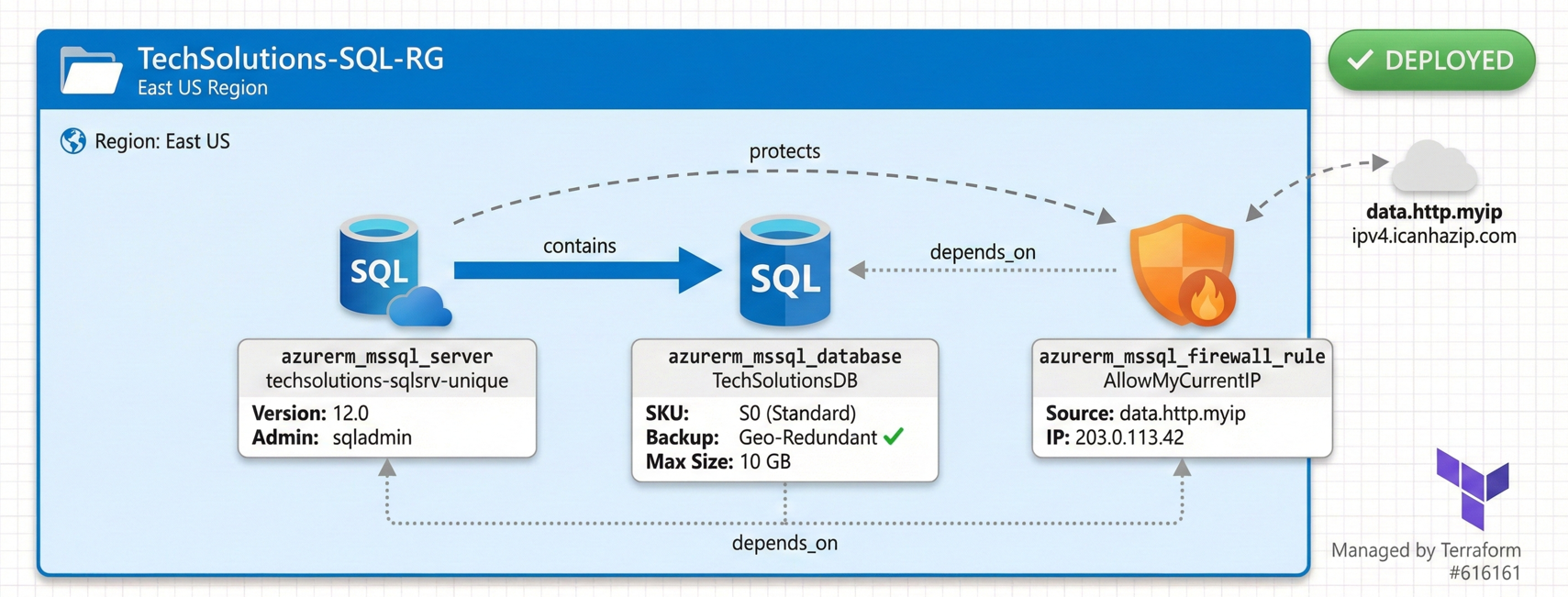
Here’s the final configuration that actually worked:
terraform {
  required_providers {
    azurerm = { source = "hashicorp/azurerm", version = "~> 3.0" }
    http = { source = "hashicorp/http", version = "~> 3.0" }
  }
}

provider "azurerm" {
  subscription_id = "<YOUR_SUBSCRIPTION_ID>"
  features {}
}

resource "azurerm_resource_group" "main" {
  name     = "TechSolutions-SQL-RG"
  location = "East US"
}

resource "azurerm_mssql_server" "main" {
  name                         = "techsolutions-sqlsrv-unique"
  resource_group_name          = azurerm_resource_group.main.name
  location                     = azurerm_resource_group.main.location
  version                      = "12.0"
  administrator_login          = "sqladmin"
  administrator_login_password = "YourComplexPassword!123"
}

data "http" "myip" {
  url = "https://ipv4.icanhazip.com"
}

resource "azurerm_mssql_firewall_rule" "allow_my_ip" {
  name             = "AllowMyCurrentIP"
  server_id        = azurerm_mssql_server.main.id
  start_ip_address = chomp(data.http.myip.response_body)
  end_ip_address   = chomp(data.http.myip.response_body)
}

resource "azurerm_mssql_database" "main" {
  name               = "TechSolutionsDB"
  server_id          = azurerm_mssql_server.main.id
  sku_name           = "S0"
  backup_redundancy  = "Geo"
  max_size_gb        = 10
}
What I Wish I’d Known on Day One
- Always check the Terraform Registry for the latest resource documentation.
- Provider versions matter. Pin them in production to avoid surprises.
- Read error messages carefully. Terraform’s suggestions are usually correct.
- Azure Policies are real. Check them before deploying.
- Run
terraform planobsessively. It catches errors before you deploy. - Keep a lab journal. Document errors as they happen.
The Demo Day Twist
On Friday, during the stakeholder demo, the presenter showed our production-ready, geo-redundant database.
“Our infrastructure team deployed this using Infrastructure as Code,” they said. “Fully automated and secure.”
Everyone nodded approvingly.
I sat in the back, thinking about the 404 errors, the deprecated arguments, the 2 AM policy violations, and the seven failures it took to get there.
And I smiled.
Because that’s the secret of infrastructure engineering: It’s not about getting it right the first time. It’s about being stubborn enough to get it right eventually.

Cleanup
Don’t forget to destroy your resources:
terraform destroy
Your Azure bill will thank you. 💸
Final Thoughts
If you’re stuck on a similar problem right now, know this: you’re not stupid. Cloud infrastructure is genuinely complex. Provider APIs change constantly. Documentation goes stale. Policies exist that nobody told you about.
Every expert was once stuck exactly where you are. They’ve just built up a mental database of solutions through repeated failure.
Errors are how you learn. I learned more from these seven mistakes than any tutorial could teach me.
Now go forth, and may your terraform apply commands succeed.
(Eventually.)

You Might Also Like
We broke a live app in our AI DevOps workshop and let an AI agent find and fix it. What that shows about how AI agents work and how to keep them safe.
AI agents now write most of the code, so what is an engineer for? We look at why developers trust AI less as they use it more, how one AI fix nearly took three systems down, when a team should skip AI altogether, and six habits that move engineers from writing code to owning the systems around it.
Retrieval-augmented generation (RAG) gives a language model current and private data at query time. What it fixes, what it costs, and the five ways it fails.
Generative AI in data engineering: what Gartner's Data Engineering 2.0 means, how AI agents now write pipeline code, and why data engineers matter more.
Learn to build governed RAG pipelines on Databricks using Agent Bricks and Unity Catalog. Discover the Knowledge Assistant, its 70% quality boost, and key limits.

Storage account keys and mount points give every user in a Databricks workspace the same shared access to ADLS, with no audit trail. Here's why teams are moving to Storage Credentials and External Locations instead.
89% of enterprise AI pilots never reach production. Data integration, governance gaps, and silos are why. See how Snowflake Cortex AI fixes the root cause.
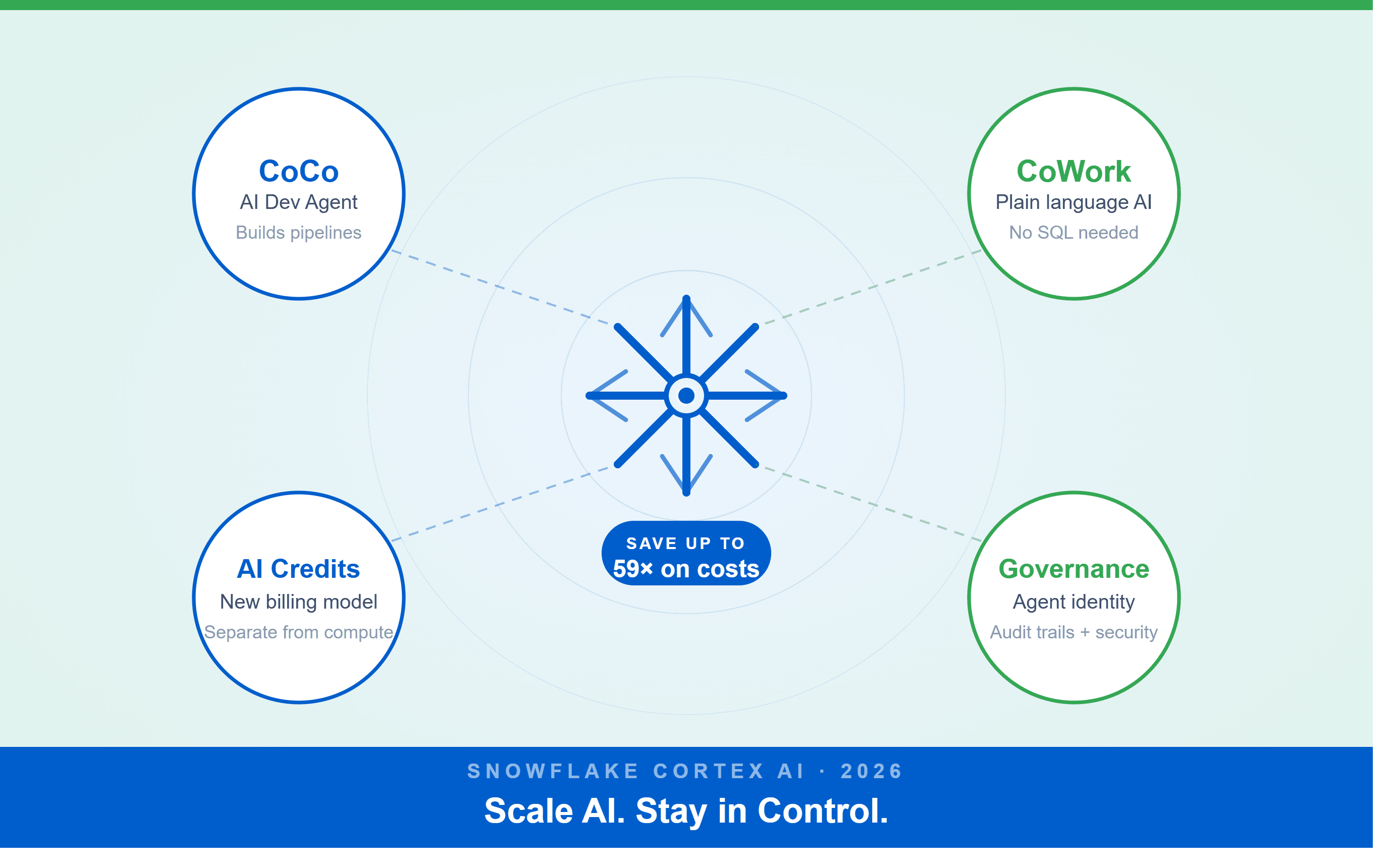
A Snowflake Summit 2026 benchmark revealed a 59x cost gap — open-source models at 440 credits vs. frontier models at 26,000 credits for identical workloads. Learn how CoCo, CoWork, AI Credits, and Cortex Training change enterprise AI strategy.
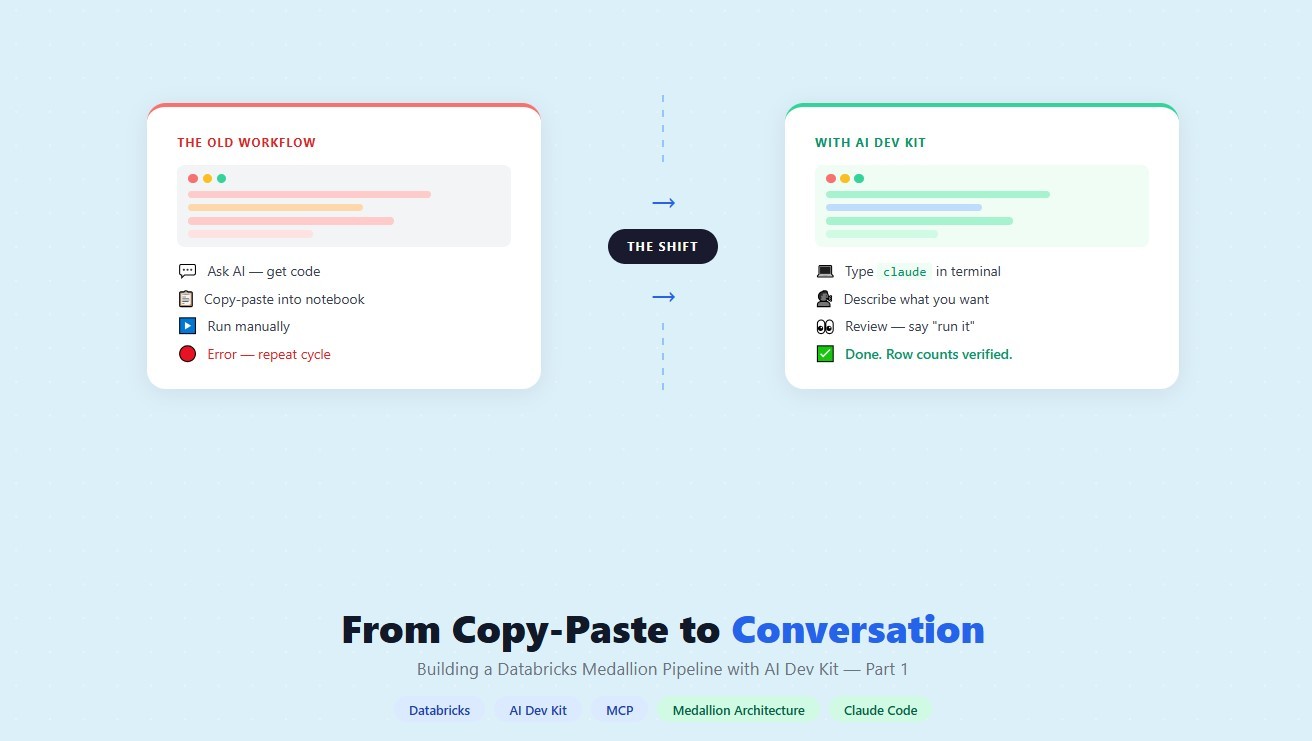
How a data engineering team replaced manual pipeline work with natural language prompts, using Claude Code and the Databricks AI Dev Kit.
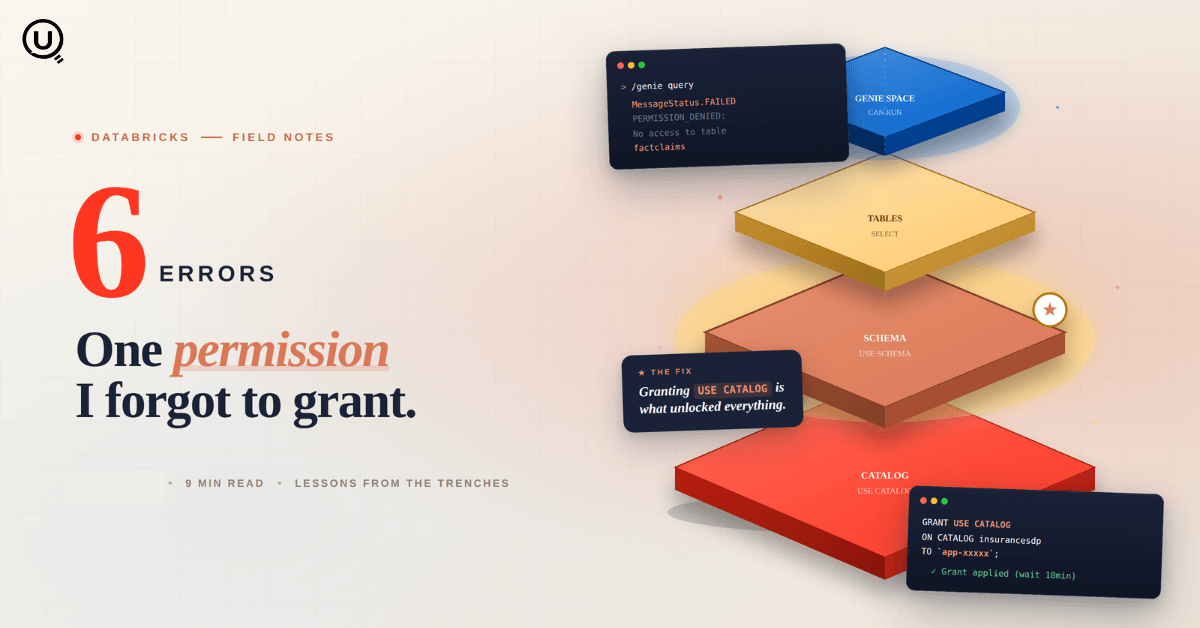
Six errors, 6 hours of debugging, and the permission checklist that finally made Databricks Apps + Genie work. The full lessons-learned guide.
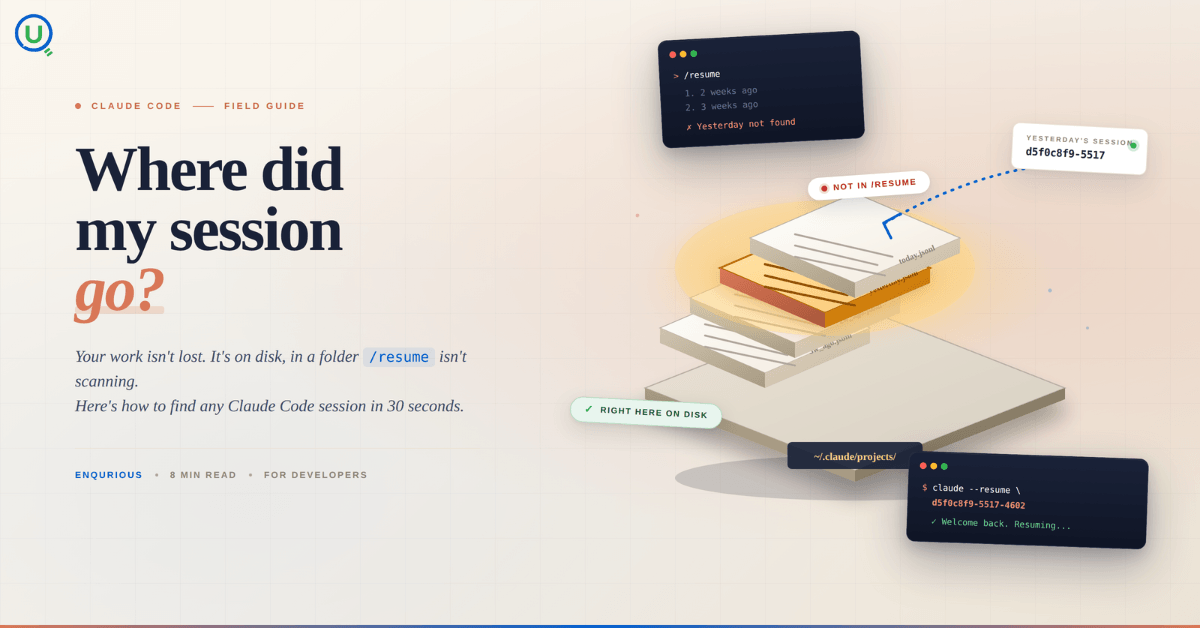
Your Claude Code session isn't lost. It's on disk, in a folder /resume isn't scanning. Here's how to find any session in 30 seconds, with the exact commands.
Scenario based learning replaces tutorials with realistic operational scenarios where engineers develop the hands on judgment classroom instruction cannot produce. How it works and why it matters.
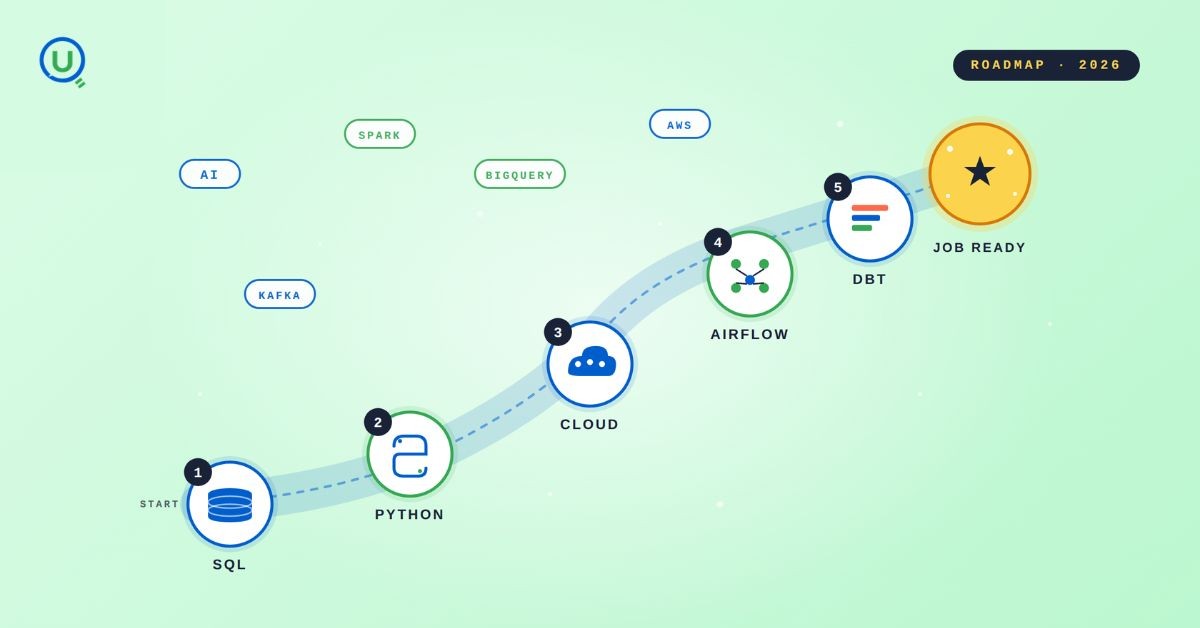
The 2026 data engineering roadmap. SQL, Python, cloud, Airflow, dbt, streaming. What companies actually hire for and how to build a portfolio that gets shortlisted.

Medallion Architecture splits your data pipeline into Bronze, Silver, and Gold layers so a small business change never forces a full rebuild. Here's why it works.

I was working on a large content repository on Windows, and I needed to version some new work — campaign assets, workshop content, LinkedIn job descriptions, and some file deletions. Simple enough, right? What followed was a two-day journey through some of Git's more obscure corners.

New engineers shouldn't learn Docker like they're defusing a bomb. Here's how we created a fear-free learning environment—and cut training time in half." (165 characters)

A complete beginner’s guide to data quality, covering key challenges, real-world examples, and best practices for building trustworthy data.
Explore the power of Databricks Lakehouse, Delta tables, and modern data engineering practices to build reliable, scalable, and high-quality data pipelines."

Data doesn’t wait - and neither should your insights. This blog breaks down streaming vs batch processing and shows, step by step, how to process real-time data using Azure Databricks.

This blog talks about Databricks’ Unity Catalog upgrades -like Governed Tags, Automated Data Classification, and ABAC which make data governance smarter, faster, and more automated.

Tired of boring images? Meet the 'Jai & Veeru' of AI! See how combining Claude and Nano Banana Pro creates mind-blowing results for comics, diagrams, and more.

What I thought would be a simple RBAC implementation turned into a comprehensive lesson in Kubernetes deployment. Part 1: Fixing three critical deployment errors. Part 2: Implementing namespace-scoped RBAC security. Real terminal outputs and lessons learned included
This blog walks you through how Databricks Connect completely transforms PySpark development workflow by letting us run Databricks-backed Spark code directly from your local IDE. From setup to debugging to best practices this Blog covers it all.

A simple ETL job broke into a 5-hour Kubernetes DNS nightmare. This blog walks through the symptoms, the chase, and the surprisingly simple fix.
Master the bronze layer foundation of medallion architecture with COPY INTO - the command that handles incremental ingestion and schema evolution automatically. No more duplicate data, no more broken pipelines when new columns arrive. Your complete guide to production-ready raw data ingestion

This blog talks about the Power Law statistical distribution and how it explains content virality

This blog explains how Apache Airflow orchestrates tasks like a conductor leading an orchestra, ensuring smooth and efficient workflow management. Using a fun Romeo and Juliet analogy, it shows how Airflow handles timing, dependencies, and errors.
The blog contains the journey of ChatGPT, and what are the limitations of ChatGPT, due to which Langchain came into the picture to overcome the limitations and help us to create applications that can solve our real-time queries

An account of experience gained by Enqurious team as a result of guiding our key clients in achieving a 100% success rate at certifications

This blog delves into the capabilities of Calendar Events Automation using App Script.
Dive into the fundamental concepts and phases of ETL, learning how to extract valuable data, transform it into actionable insights, and load it seamlessly into your systems.