
How to Build a RAG Pipeline on Databricks with Agent Bricks & Unity Catalog
Ready to transform your data strategy with cutting-edge solutions?
How to Build a RAG Pipeline on Databricks Using Agent Bricks and Unity Catalog
Enqurious · Practical guide for data teams~12 min read
TL;DR
Agent Bricks is Databricks' managed agent platform, and Knowledge Assistant is its Agent Brick for building RAG pipelines over enterprise documents without managing chunking, embeddings, or a vector store yourself.
Knowledge Assistant's Instructed Retriever delivers up to 70% higher answer quality than standard RAG, according to a Databricks benchmark, but files over 50MB are silently skipped during indexing with no error, and custom chunking requires moving to the code-first Agent Framework path instead.
Topics covered: Knowledge Assistant, Unity Catalog governance, Supervisor Agent, and Agent Framework.
Agent Bricks is Databricks' managed agent platform, the unified control plane for building, evaluating, deploying, and governing AI agents on the lakehouse, and it removes the need to build a RAG pipeline's chunking, embedding, and retrieval stack from scratch.
Building RAG pipelines by hand has been one of the biggest time sinks for data teams through 2025 and 2026: managing chunking logic, embedding models, vector stores, retrieval tuning, prompt templates, and evaluation frameworks, only to rebuild half of it when requirements change. Agent Bricks exists to collapse that stack into pre-built, production-hardened workflows that teams connect to their data, configure, and deploy.
What Agent Bricks actually is
What is Agent Bricks?
Agent Bricks is Databricks' managed agent platform for building, evaluating, deploying, and governing AI agents on the lakehouse. It launched in beta at Data + AI Summit 2025 and expanded through 2026 to become the umbrella for all Databricks AI capabilities. The platform has two modes: no-code managed builders, which are pre-built, auto-optimised agent workflows for common enterprise use cases, and code-first custom agents, built with LangChain, LangGraph, LlamaIndex, or any framework and deployed to serverless compute under the same governance layer.
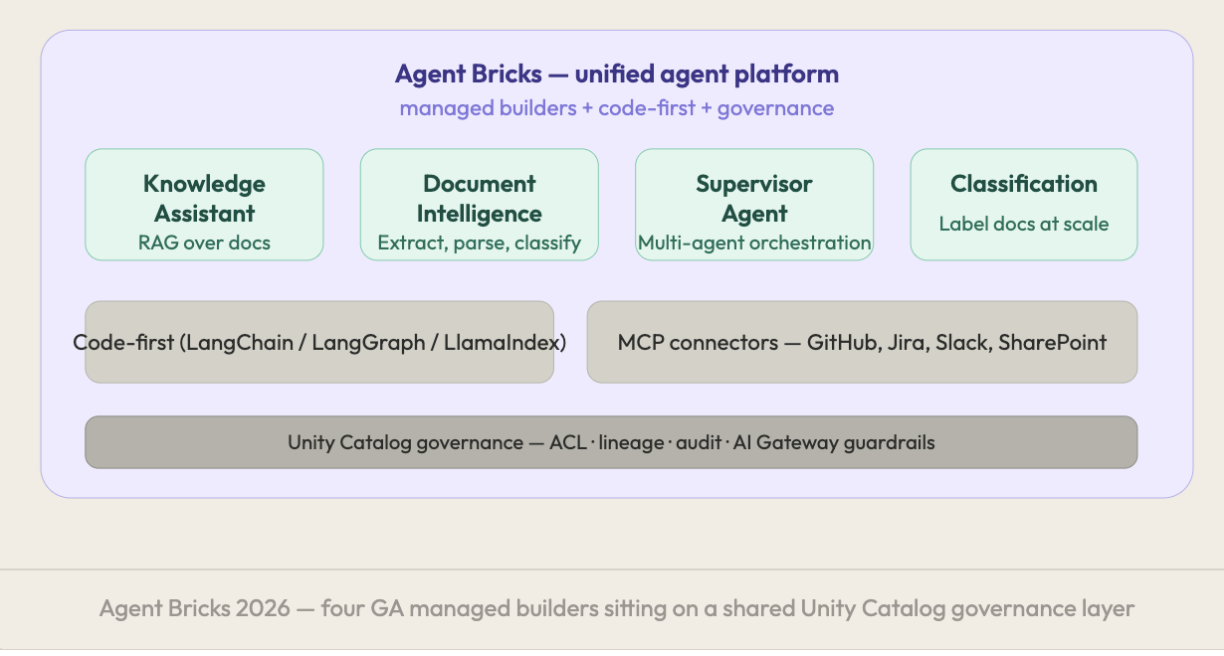 The current GA managed Agent Bricks are Knowledge Assistant for RAG over documents, Document Intelligence for extracting structured data from PDFs, contracts, and invoices, Supervisor Agent for orchestrating multiple agents and tools, and Classification for labelling documents at scale into predefined categories.
One correction worth flagging: "Data Analyst" is not an Agent Brick. That capability lives in Genie Spaces (AI/BI Genie), a separate product focused on natural language-to-SQL. Conflating the two is a common mistake in older articles, and the distinction matters for how a data stack gets architected.
What are the current Agent Bricks available on Databricks?
The current GA managed Agent Bricks are Knowledge Assistant (RAG over documents), Document Intelligence (structured extraction from PDFs, contracts, and invoices), Supervisor Agent (multi-agent orchestration), and Classification (large-scale document labelling). Data Analyst is not an Agent Brick; that functionality lives in Genie Spaces.
Knowledge Assistant replaces the entire manual RAG stack
What is Knowledge Assistant?
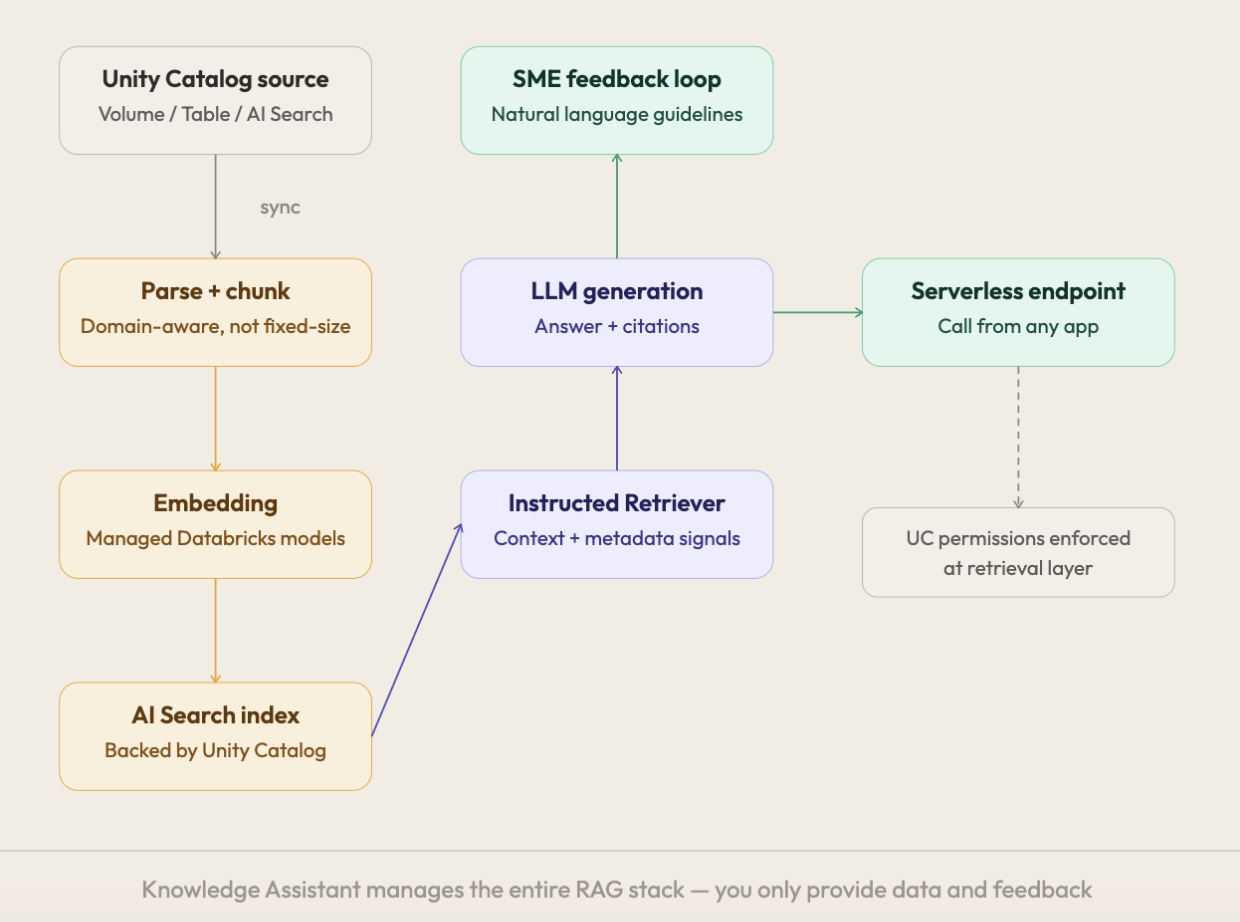
Knowledge Assistant is the Agent Brick for building RAG pipelines over enterprise documents, and it replaces the full manual RAG stack with a fully managed experience. Traditional RAG involves parsing and chunking unstructured documents, running chunks through an embedding model, storing vectors in a vector store, writing retrieval logic, managing system prompts and context windows, setting up evaluation, and maintaining all of it as documents change. Knowledge Assistant absorbs this entire stack.
The key technical distinction is the Instructed Retriever approach. Unlike simplistic semantic similarity search, the Instructed Retriever incorporates system context, metadata, and user constraints to retrieve more accurately.
Knowledge Assistant delivers up to 70% higher answer quality than standard RAG approaches, according to a Databricks benchmark, without the operational overhead of managing the stack manually. It also continuously improves: subject matter experts can provide natural language feedback directly in the interface, and that input gets incorporated into the agent's behaviour without retraining from scratch.
How much better is Knowledge Assistant than standard RAG?
Knowledge Assistant's Instructed Retriever delivers up to 70% higher answer quality than standard semantic-similarity RAG approaches, according to a Databricks benchmark, while removing the operational overhead of managing chunking, embeddings, and retrieval tuning manually.
Knowledge Assistant only accepts data through Unity Catalog
Knowledge Assistant doesn't pull data from arbitrary sources; it works exclusively through Unity Catalog, so data governance travels with the RAG pipeline automatically. The agent can only access data the calling user has permissions for, which rules out shadow pipelines and credential leakage by design.
Three knowledge source types are supported, each with its own requirements.
Source type | Requirement |
|---|---|
Unity Catalog Volume | Most common path. Supported file types: txt, pdf, md, ppt/pptx, doc/docx |
Unity Catalog Table | Works for data ingested from SharePoint or Google Drive via Databricks connectors, which produce the expected format automatically |
AI Search Index | Bring your own vector index, but only if built with databricks-gte-large-en, databricks-bge-large-en, or databricks-qwen3-embedding-0-6b |
Can I connect my own AI Search index to Knowledge Assistant?
Yes, but only if the index was built with one of three supported embedding models: databricks-gte-large-en, databricks-bge-large-en, or databricks-qwen3-embedding-0-6b. Any other embedding model will not connect.
Six steps to a working Knowledge Assistant pipeline
Building a Knowledge Assistant RAG pipeline follows a fixed sequence, from data preparation through to a governed serverless endpoint.
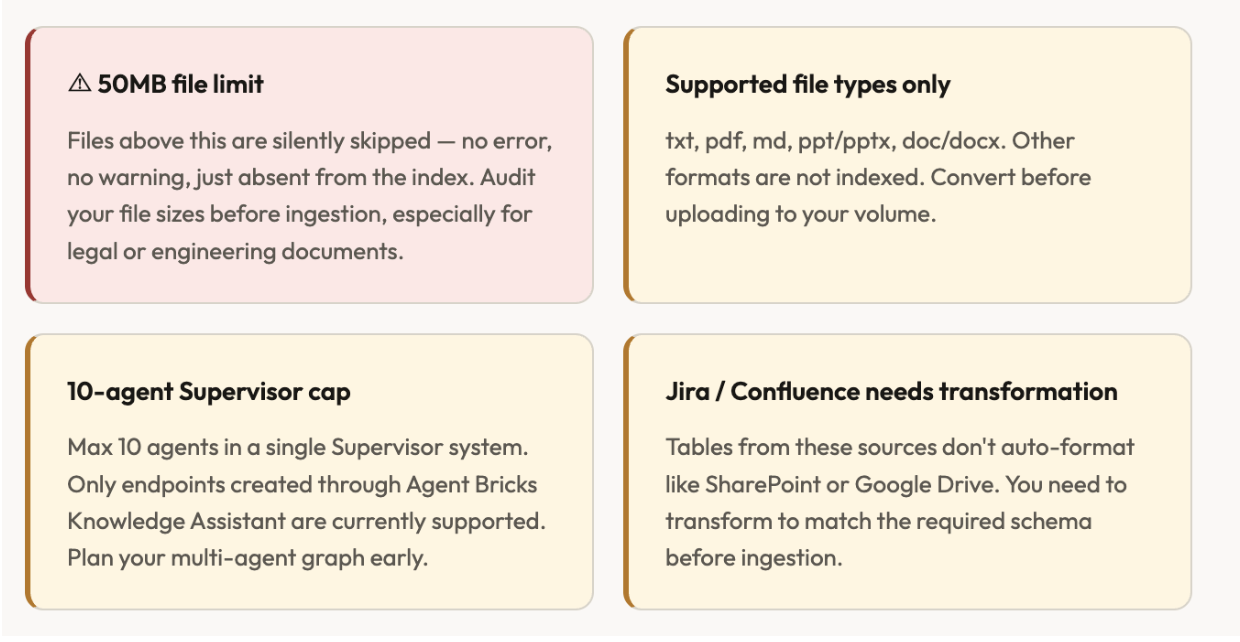
Prepare your data in Unity Catalog. Upload documents to a Unity Catalog Volume, organised by domain rather than just file type. Check file sizes before uploading: anything above 50MB will be silently skipped during indexing.
Create the Knowledge Assistant agent. Navigate to Agents in the workspace left navigation, click Create Agent, select Knowledge Assistant, and add context under "Describe the content" so the Instructed Retriever knows when to use this source versus general knowledge.
Wait for initial sync and indexing. Knowledge Assistant parses documents, applies domain-aware chunking, generates embeddings with managed models, and indexes into an AI Search index backed by Unity Catalog, all without manual configuration.
Test in AI Playground. Ask the questions real users will ask before deploying the endpoint, and check the citations to confirm answers are grounded in the actual content rather than hallucinated.
Add natural language guidelines. This is the most underused step: plain-English instructions such as telling the agent to say it doesn't have the information rather than guessing when no relevant document is found. Subject matter expert feedback then adjusts behaviour without retraining.
Deploy and integrate. Knowledge Assistant creates a serverless model serving endpoint callable from any application, governed automatically by Unity Catalog ACLs, audit logs, and lineage.
Knowledge Assistant has real limits, not just strengths
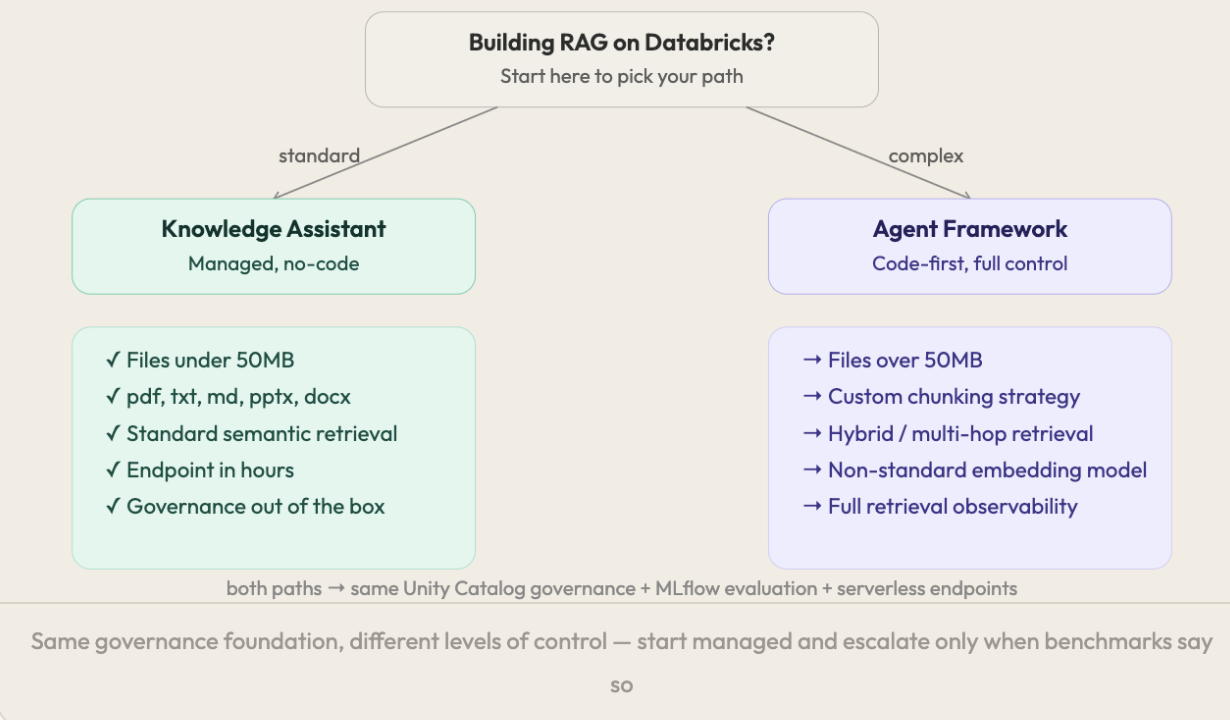
The honest limitation is that Knowledge Assistant is built for standard RAG, and edge cases require the code-first Agent Framework path instead. Knowledge Assistant is the right choice for files under 50MB in txt, pdf, md, pptx, or docx format, standard semantic retrieval, and getting a governed endpoint live in hours. Agent Framework is the right choice for files over 50MB, custom chunking strategies, hybrid or multi-hop retrieval, non-standard embedding models, or full retrieval observability. Both paths share the same Unity Catalog governance, MLflow evaluation, and serverless endpoints underneath.
Use Knowledge Assistant when | Use Agent Framework when |
|---|---|
Files are under 50MB | Files exceed 50MB |
Format is pdf, txt, md, pptx, or docx | Custom chunking strategy is required |
Standard semantic retrieval is sufficient | Hybrid or multi-hop retrieval is required |
An endpoint is needed within hours | A non-standard embedding model is required |
Out-of-the-box governance is sufficient | Full retrieval observability is required |
What happens to files larger than 50MB in Knowledge Assistant?
Files above 50MB are silently skipped during indexing with no error message. The pipeline reports success while the oversized document is simply absent from the index, so file sizes should be checked before ingestion.
Unity Catalog governance is structural, not bolted on
Unity Catalog governance in Knowledge Assistant applies at the point of retrieval, not just at storage, which is the most underappreciated part of building RAG on Databricks. When a user queries Knowledge Assistant, retrieval respects their Unity Catalog permissions directly: if a user doesn't have access to a document in the source volume, that document will not be retrieved for them, regardless of whether it was indexed.
This also brings full lineage showing which documents contributed to which answer, audit logs of every query through AI Gateway, guardrails for PII exposure, prompt injection, and hallucinations, and automatic data updates when source documents change. Building RAG on Databricks for enterprise use cases is meaningfully different from spinning up a LangChain pipeline connected to a standalone vector store, because the governance doesn't require extra work; it's structural.
Does Unity Catalog governance apply to RAG retrieval, or only to storage access?
It applies to retrieval directly. If a user doesn't have Unity Catalog permission to access a source document, Knowledge Assistant will not retrieve that document for them, even though it exists in the indexed knowledge source.
Knowledge Assistant is the entry point into a larger agent platform
Once a RAG pipeline is running, the natural next step is connecting it to a Supervisor Agent, Databricks' multi-agent orchestration layer. Under Supervisor Agent, a Knowledge Assistant becomes one tool in a broader workflow: intent detection routes the query, Knowledge Assistant retrieves from documents, a Genie Space handles structured data queries, and the Supervisor synthesises a complete response.
Agent Bricks also natively supports MCP (Model Context Protocol), which means a RAG agent can securely connect to external systems such as GitHub, Jira, Slack, Google Drive, and SharePoint as governed tools through managed OAuth flows, so the knowledge base doesn't have to stay static.
Quick reference: key limits and specs
Parameter | Value |
|---|---|
Max file size | 50MB, files above are silently skipped, no error |
Supported formats | txt, pdf, md, ppt/pptx, doc/docx |
Supported embedding models (AI Search) | databricks-gte-large-en, databricks-bge-large-en, databricks-qwen3-embedding-0-6b |
Max agents in a Supervisor system | 10 |
Quality vs. standard RAG | Up to 70% higher, Databricks benchmark |
Compute | Serverless, no cluster management |
Governance | Unity Catalog, automatic ACL at retrieval layer |
Endpoint type | Serverless model serving |
Start managed, escalate only where the benchmark demands it
Agent Bricks and Knowledge Assistant remove the infrastructure tax from RAG pipelines, and for standard use cases a governed, production-ready endpoint in under an hour is genuinely achievable. For edge cases, large files, custom chunking, and complex retrieval, the limitations covered above are real, so knowing which side of that line a use case sits on matters before starting.
The order of operations that saves the most time is to start with Knowledge Assistant, validate quality with MLflow's CLEARS framework, and escalate to code-first builds only where the benchmark tells you to. That approach saves months, not because Knowledge Assistant is universally sufficient, but because it forces the escalation decision to be evidence-driven rather than assumed upfront.
Quick reference glossary
Agent Bricks — Databricks' managed agent platform, the unified control plane for building, evaluating, deploying, and governing AI agents on the lakehouse, with both no-code managed builders and code-first custom agent support.
Knowledge Assistant — The Agent Brick for building RAG pipelines over enterprise documents, using an Instructed Retriever and fully managed chunking, embedding, and indexing through Unity Catalog.
Instructed Retriever — Knowledge Assistant's retrieval approach, which incorporates system context, metadata, and user constraints instead of relying on simple semantic similarity search.
Unity Catalog — Databricks' unified governance layer that enforces access control, lineage, and auditing for all data assets, including at the retrieval layer for RAG pipelines built on Knowledge Assistant.
Supervisor Agent — Databricks' multi-agent orchestration Agent Brick, which combines Knowledge Assistant, Genie Spaces, and other tools into a single synthesised response, up to 10 agents per system.
Agent Framework — The code-first path for building custom RAG agents with LangChain, LangGraph, or LlamaIndex, used when Knowledge Assistant's limits on file size, chunking, or retrieval strategy don't fit the use case.
At Enqurious, we work with data teams navigating exactly this decision, choosing between managed Agent Bricks pipelines and custom Agent Framework builds, and structuring Unity Catalog for clean RAG governance.
Ready to Experience the Future of Data?
You Might Also Like
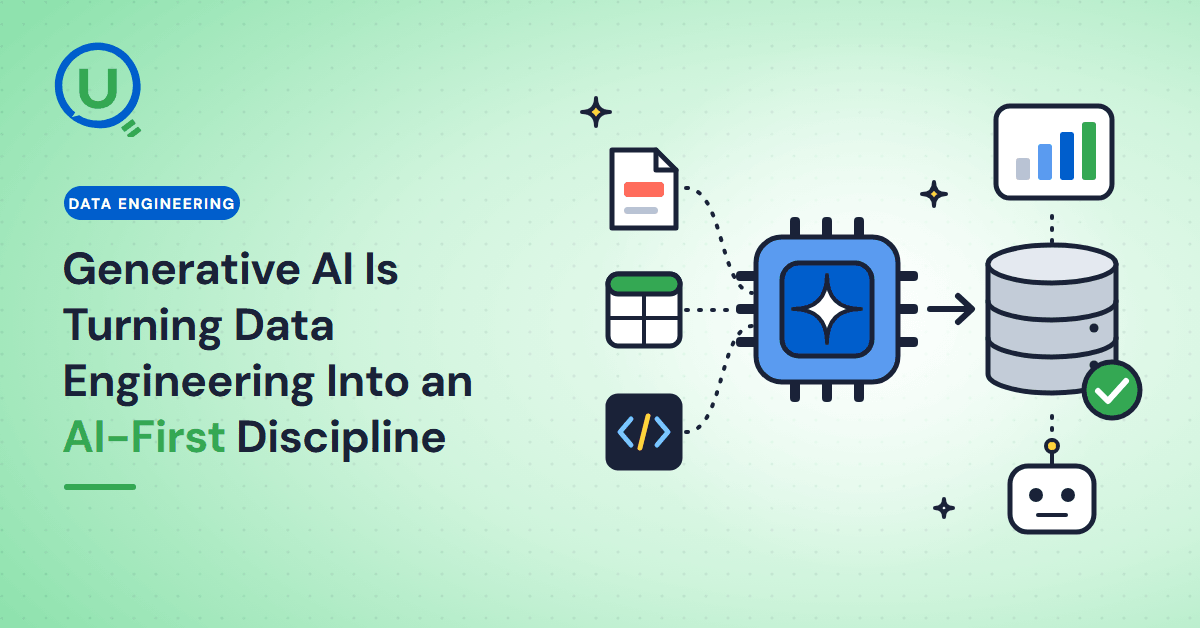
Generative AI in data engineering: what Gartner's Data Engineering 2.0 means, how AI agents now write pipeline code, and why data engineers matter more.

Storage account keys and mount points give every user in a Databricks workspace the same shared access to ADLS, with no audit trail. Here's why teams are moving to Storage Credentials and External Locations instead.
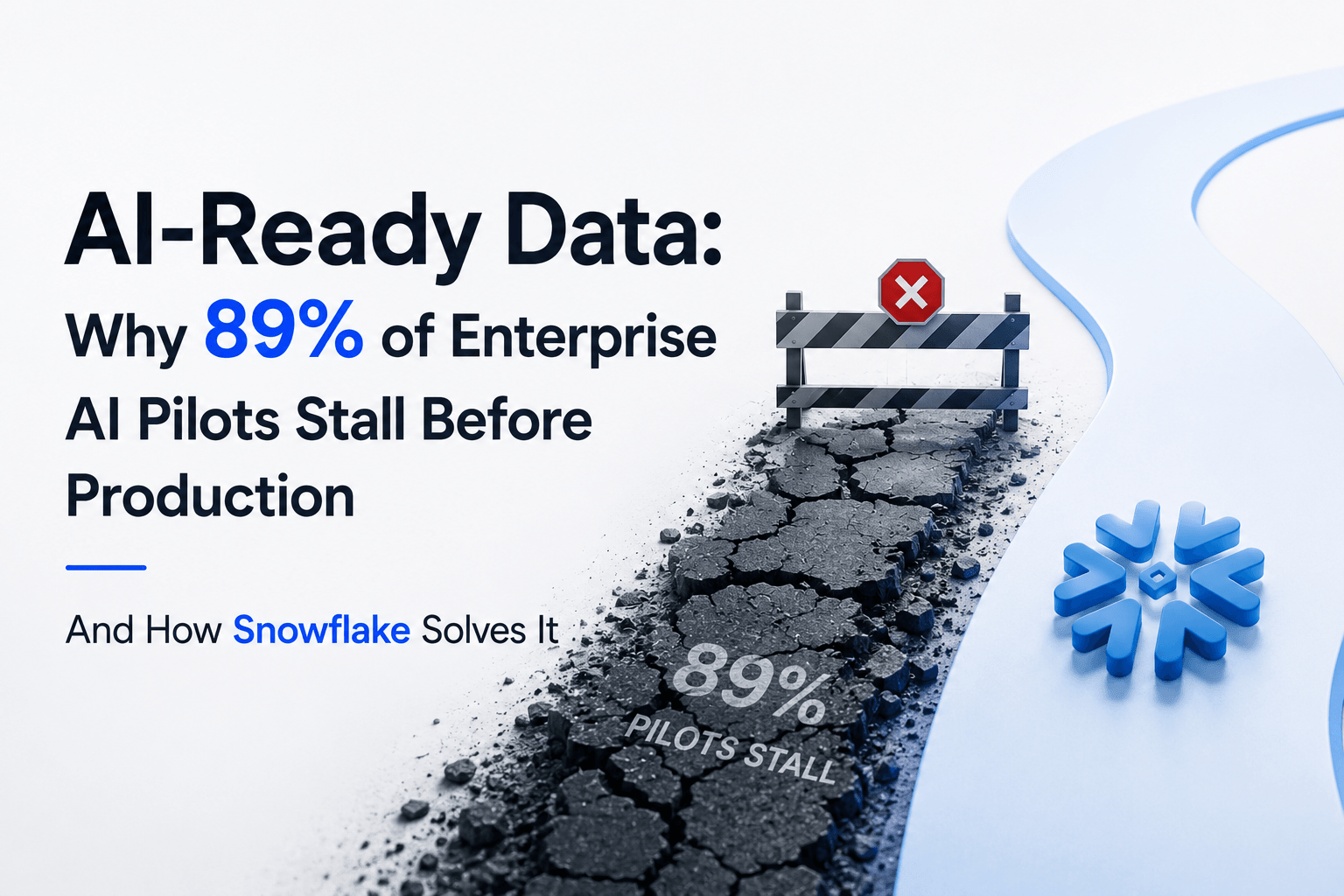
89% of enterprise AI pilots never reach production. Data integration, governance gaps, and silos are why. See how Snowflake Cortex AI fixes the root cause.
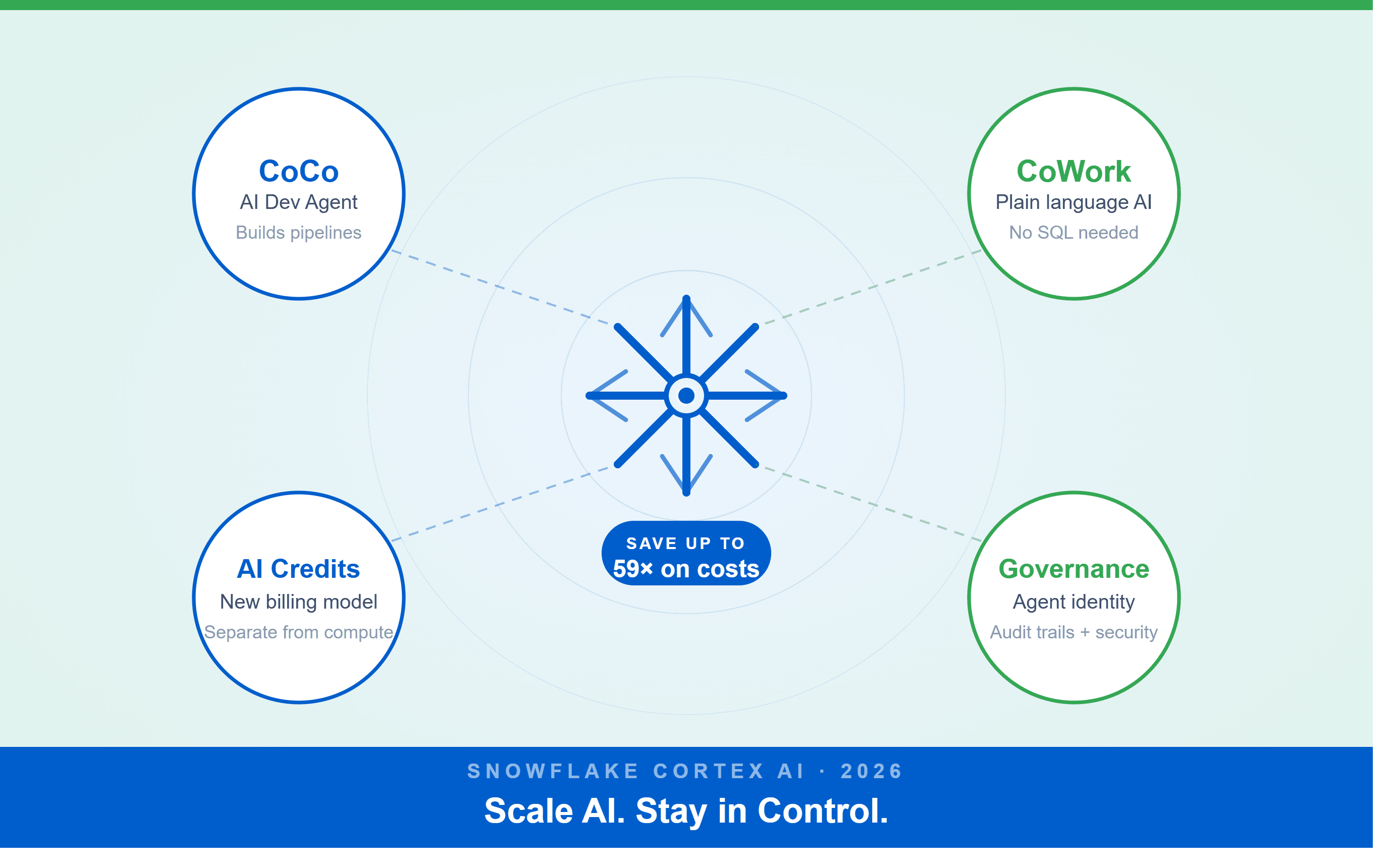
A Snowflake Summit 2026 benchmark revealed a 59x cost gap — open-source models at 440 credits vs. frontier models at 26,000 credits for identical workloads. Learn how CoCo, CoWork, AI Credits, and Cortex Training change enterprise AI strategy.
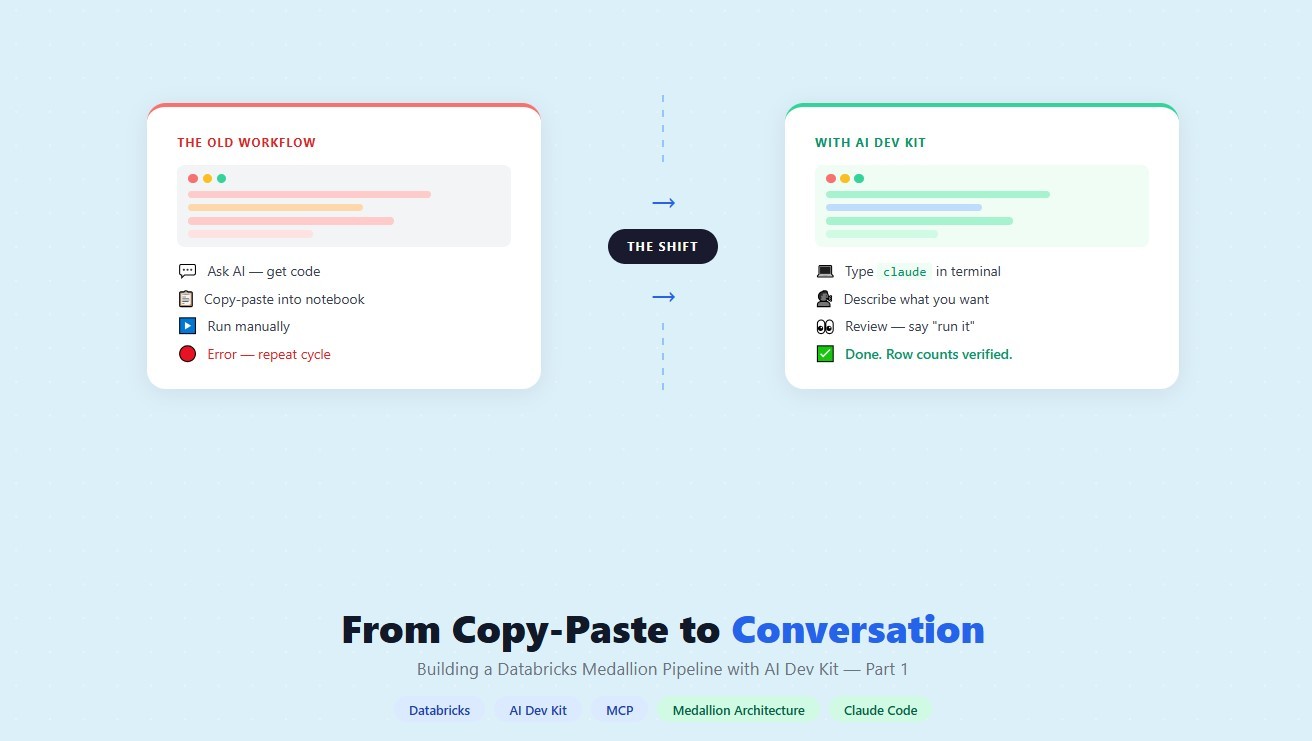
How a data engineering team replaced manual pipeline work with natural language prompts, using Claude Code and the Databricks AI Dev Kit.
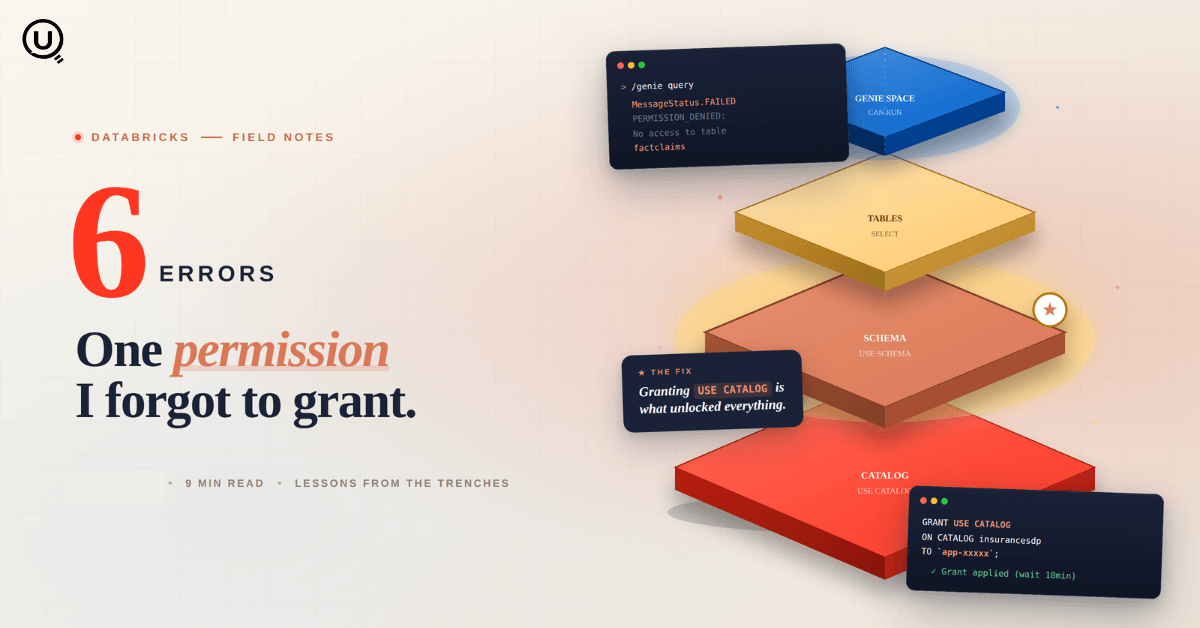
Six errors, 6 hours of debugging, and the permission checklist that finally made Databricks Apps + Genie work. The full lessons-learned guide.
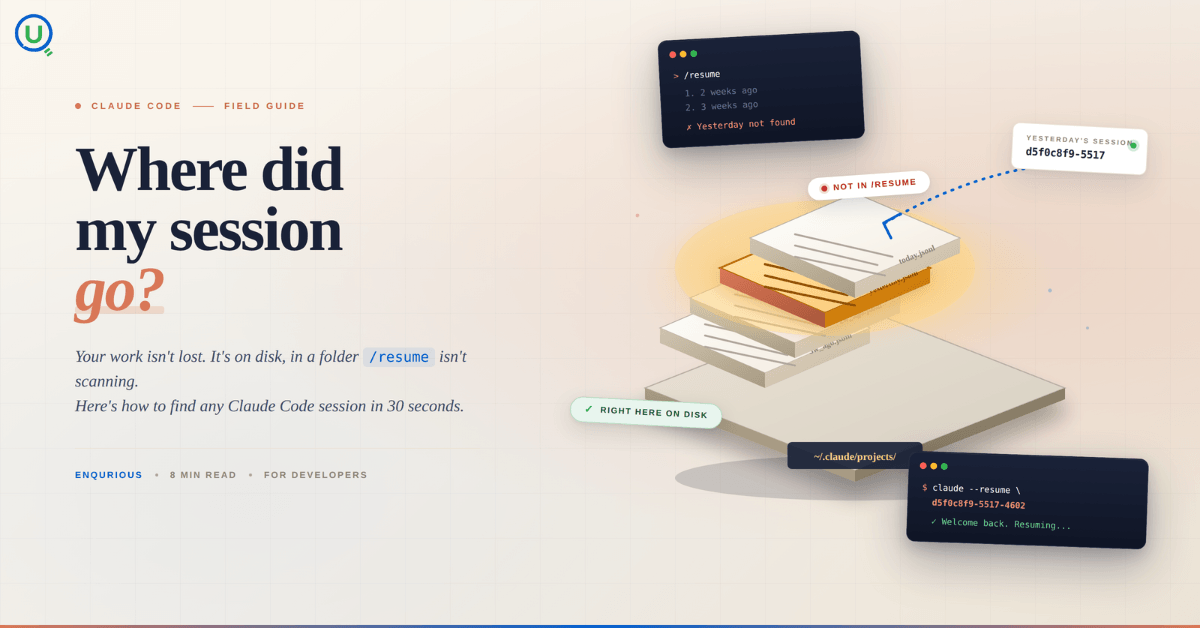
Your Claude Code session isn't lost. It's on disk, in a folder /resume isn't scanning. Here's how to find any session in 30 seconds, with the exact commands.
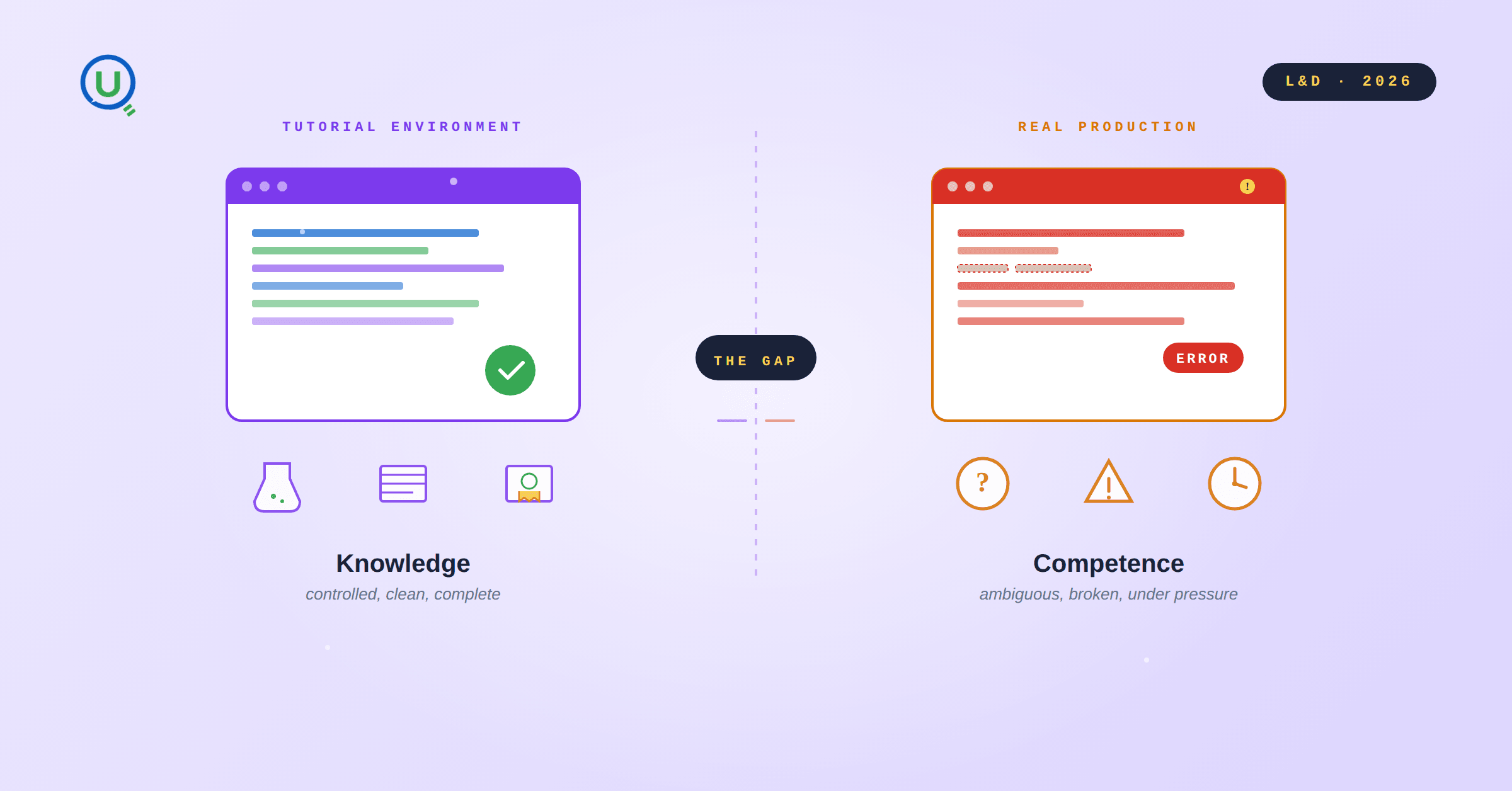
Scenario based learning replaces tutorials with realistic operational scenarios where engineers develop the hands on judgment classroom instruction cannot produce. How it works and why it matters.
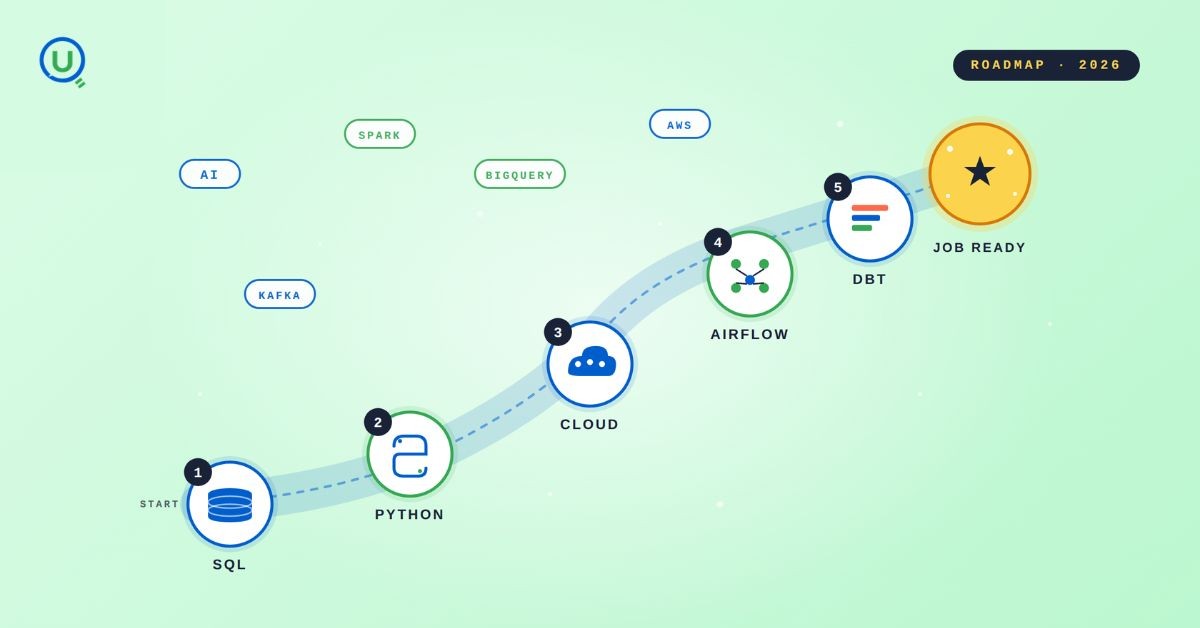
The 2026 data engineering roadmap. SQL, Python, cloud, Airflow, dbt, streaming. What companies actually hire for and how to build a portfolio that gets shortlisted.
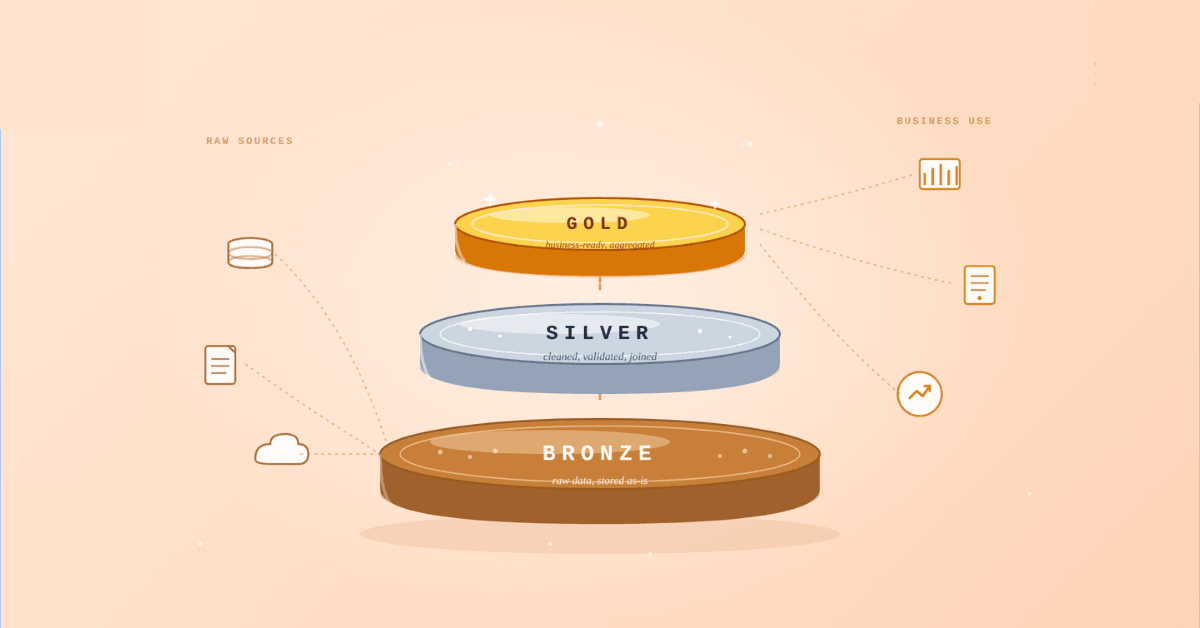
Medallion Architecture splits your data pipeline into Bronze, Silver, and Gold layers so a small business change never forces a full rebuild. Here's why it works.
I was working on a large content repository on Windows, and I needed to version some new work — campaign assets, workshop content, LinkedIn job descriptions, and some file deletions. Simple enough, right? What followed was a two-day journey through some of Git's more obscure corners.
New engineers shouldn't learn Docker like they're defusing a bomb. Here's how we created a fear-free learning environment—and cut training time in half." (165 characters)

A complete beginner’s guide to data quality, covering key challenges, real-world examples, and best practices for building trustworthy data.
Explore the power of Databricks Lakehouse, Delta tables, and modern data engineering practices to build reliable, scalable, and high-quality data pipelines."
A real-world Terraform war story where a “simple” Azure SQL deployment spirals into seven hard-earned lessons, covering deprecated providers, breaking changes, hidden Azure policies, and why cloud tutorials age fast. A practical, honest read for anyone learning Infrastructure as Code the hard way.
Data doesn’t wait - and neither should your insights. This blog breaks down streaming vs batch processing and shows, step by step, how to process real-time data using Azure Databricks.
This blog talks about Databricks’ Unity Catalog upgrades -like Governed Tags, Automated Data Classification, and ABAC which make data governance smarter, faster, and more automated.

Tired of boring images? Meet the 'Jai & Veeru' of AI! See how combining Claude and Nano Banana Pro creates mind-blowing results for comics, diagrams, and more.
What I thought would be a simple RBAC implementation turned into a comprehensive lesson in Kubernetes deployment. Part 1: Fixing three critical deployment errors. Part 2: Implementing namespace-scoped RBAC security. Real terminal outputs and lessons learned included
This blog walks you through how Databricks Connect completely transforms PySpark development workflow by letting us run Databricks-backed Spark code directly from your local IDE. From setup to debugging to best practices this Blog covers it all.
A simple ETL job broke into a 5-hour Kubernetes DNS nightmare. This blog walks through the symptoms, the chase, and the surprisingly simple fix.
Master the bronze layer foundation of medallion architecture with COPY INTO - the command that handles incremental ingestion and schema evolution automatically. No more duplicate data, no more broken pipelines when new columns arrive. Your complete guide to production-ready raw data ingestion
This blog talks about the Power Law statistical distribution and how it explains content virality
This blog explains how Apache Airflow orchestrates tasks like a conductor leading an orchestra, ensuring smooth and efficient workflow management. Using a fun Romeo and Juliet analogy, it shows how Airflow handles timing, dependencies, and errors.
The blog contains the journey of ChatGPT, and what are the limitations of ChatGPT, due to which Langchain came into the picture to overcome the limitations and help us to create applications that can solve our real-time queries

An account of experience gained by Enqurious team as a result of guiding our key clients in achieving a 100% success rate at certifications

This blog delves into the capabilities of Calendar Events Automation using App Script.
Dive into the fundamental concepts and phases of ETL, learning how to extract valuable data, transform it into actionable insights, and load it seamlessly into your systems.