
AI-native engineering: write less code, own more systems
Ready to transform your data strategy with cutting-edge solutions?
KEY TAKEAWAYS
AI-native engineering is software development where AI agents write most of the code, and engineers own the system around it.
84% of developers use or plan to use AI tools, yet 46% distrust the accuracy of the output (Stack Overflow Developer Survey, 2025).
Engineers cannot write faster than AI. The skill that still sets them apart is systems thinking, which is knowing what a change will touch beyond the code in front of them.
Topics covered: AI coding agents, systems thinking, AI adoption, and AI-native workflows.
AI-native engineering is a way of building software in which AI agents write most of the code and engineers stay responsible for everything around it. That includes what gets built, how it fails, and what it costs to run.
Writing the code used to be the expensive part. Throwing code away was treated almost as a crime, so even a proof of concept was written so that some of it could be reused later. Today the code is the cheap part, and that leaves an awkward question for anyone who built a career on writing it. What is an engineer for now?
We often hear this question from customers who want to upskill their engineers in AI. Our founder, Amit Choudhary, has also been asking AI leaders the same question. One conversation with the head of AI at a lending company with 500 developers shaped much of this article. The answer was simple: Engineers will write less code and take more responsibility for the systems they build.
So this piece is about what owning a system means in practice, when to leave AI out altogether, and how a junior engineer learns any of it. We end with six habits a team can start on.
Developers use AI more than ever, and trust it less
84% of developers use or plan to use AI tools, up from 76%, while 46% distrust the accuracy of the output, up from 31%, according to the Stack Overflow Developer Survey (2025).
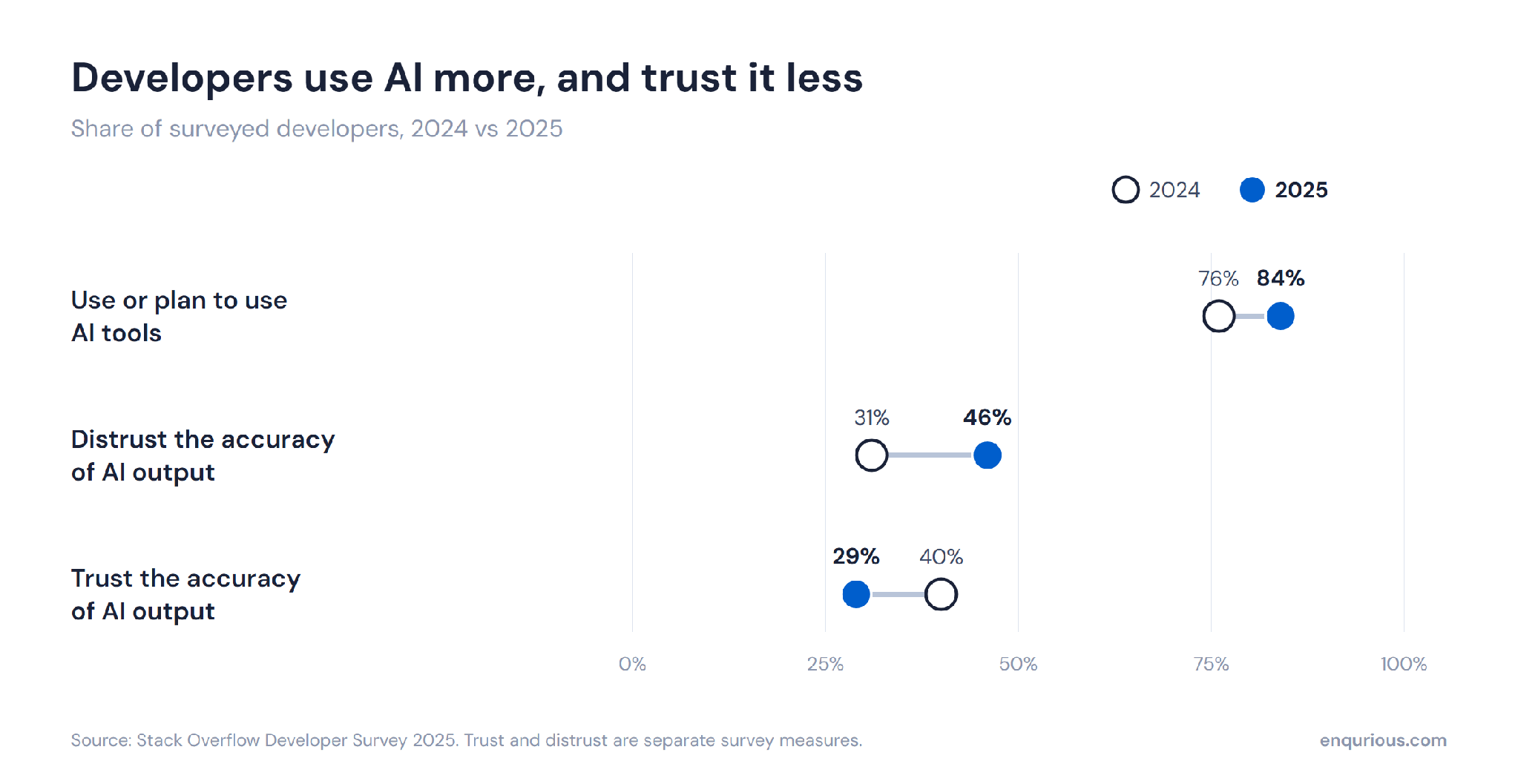
Read those two numbers together. In one year, the share of developers using the tools went up by 8 points, and the share who distrust them went up by 15. So distrust is growing almost twice as fast as adoption, among the same developers.
None of this means the tools are bad at writing code. They are very good at it, and getting better. The head of AI at that lender told Amit that a year ago, fixing what the model wrote took 25 to 30% of their time. Today it takes 5 to 10%.
But a model that builds things right can still build the wrong thing, and we think that is the part developers have learnt to distrust. Code that is plainly broken gets caught early. The code that costs you is the kind that reads well and is wrong in one place.
And the model cannot check that for you. It can index 200 microservice repositories and still not know what a change will do to the business on the other end. Somebody has to bring that knowledge into the conversation, and today that somebody is the engineer. To see what that looks like, it helps to follow one bug from start to finish.
Why do developers trust AI less as they use it more?
Developers trust AI less as they use it more because regular use shows them how often the output looks correct and is slightly wrong. Code like that passes a quick read, and catching it takes knowledge of the wider system.
You cannot write faster than AI, so compete on understanding systems
Systems thinking is the ability to see how a change in one component affects the infrastructure, services, and costs connected to it. We think it is now the skill that matters most, because no engineer can write faster than AI and there is no point competing on speed. Where a person can still be ahead is in knowing the system the code will run in.
What does systems thinking look like in practice?
The clearest example we have heard came from the same lender. Their developers had written a piece of code for face detection, and it worked well on their own machines. Then they deployed it to the QA environment, where it ran in a pod like every other service on Kubernetes. A pod is the unit a service runs in, and all the pods on a cluster share the same pool of memory and computing power. This one restarted the moment execution began. The team tried two or three times. Then they did what most teams do now, which is to hand the log to the model and ask what went wrong.
The model's diagnosis was reasonable. The face detection model was heavy, and the pods could not support it, so the fix it proposed was to bump up the pods.
This is the point where a developer has to stop and look. More pods for this one service would have squeezed the other software running behind it, including the software that earns the company its money. In lending, a business that stops for five minutes is a big deal. Had the team accepted the recommendation, three of their systems would have gone down.
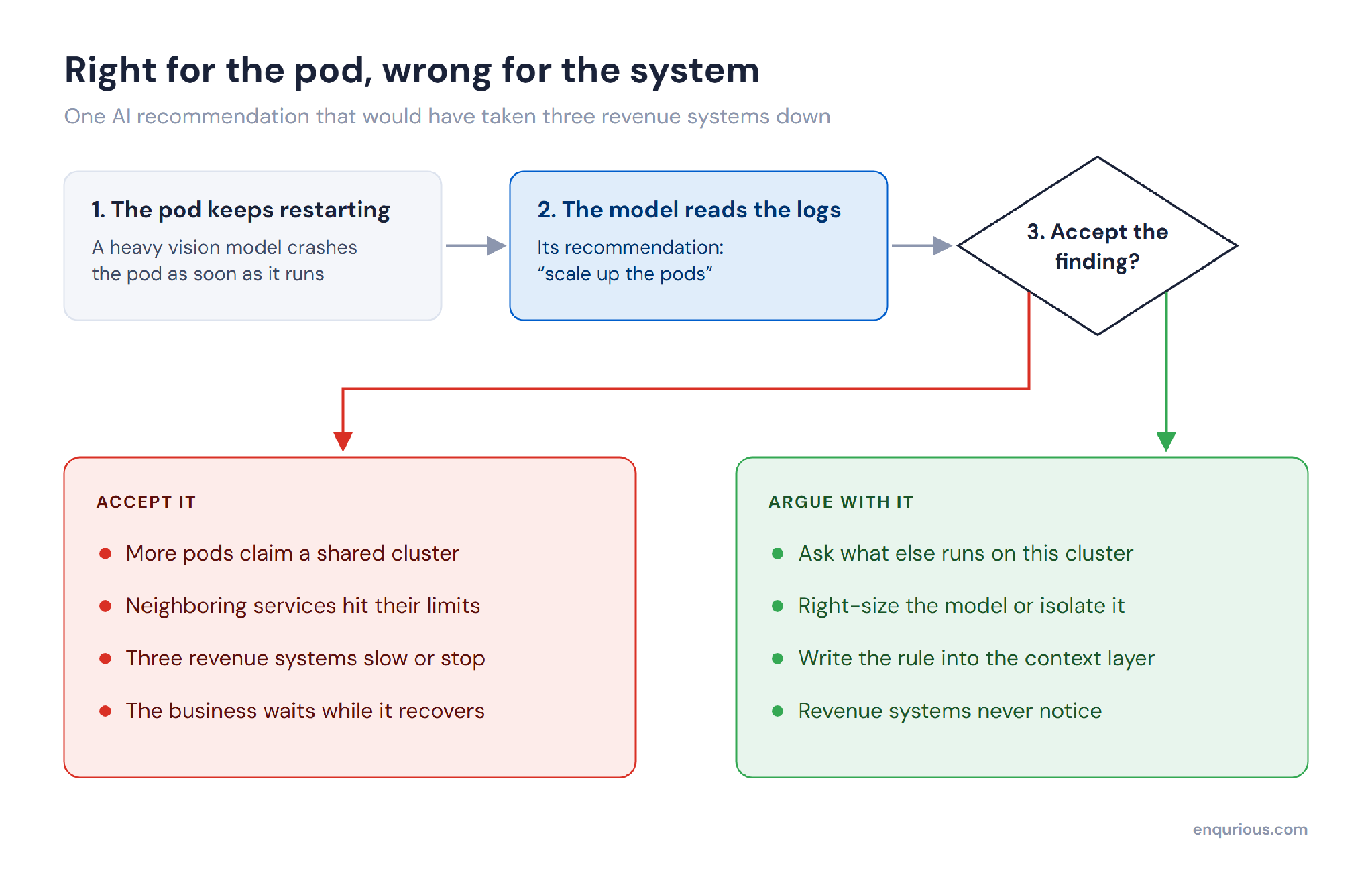
The model's finding was accurate. Its fix ignored everything else on the cluster.
Notice what the model got right. It read the log correctly and named the real cause. A developer checking only the diagnosis would have found nothing to object to. The mistake was in the fix, and the only way to see it was to know what else depended on that infrastructure. None of that was in the log.
Should junior engineers stop using AI tools?
Some senior developers now tell juniors to put the AI tools down and write the code themselves. We understand the instinct, and we do not agree with it. AI writing the code is fast becoming the norm, and there is little sense in typing it out by hand while everyone else uses the tools. Amit is clear that the struggle that builds an engineer was never the character-by-character typing.
Our advice is to think with AI while AI is coding. Read the code it writes. When you hand it a log, and it comes back with a finding, the easy reply is "implement it", and that is exactly where things go wrong. Talk to it about the finding first, and ask what the fix will affect. In the pod story, that one extra exchange was the difference between a failed QA run and three systems going down.
How long does it take to understand code you did not write?
Amit had his own story for this, from inside Enqurious. He wanted a pipeline that takes recordings of our instructor-led sessions and turns them into short videos for our YouTube channel. It was an area he did not know, so he decided to go in blind and trust whatever Claude built. The result surprised him. The transcripts were cleanly chunked, the videos were generated, and captions were laid on top.
Then he stopped to work out what he had. "The building took, say, 1 hour. The understanding took 8 hours for me." When he traced it step by step, about 70% of the pipeline was plain Python scripts and only 30% was calls to a language model. Knowing that let him pull the scripts together and make the workflow more deterministic, which means fewer places for it to fail.
The same thing shows up in reviews. Amit was the one who pushed Claude Code across our team, and since then he has been handed AI-written documents that run to 50 pages. His rule now is that the author reviews it first and brings him no more than three pages. Getting 50 pages down to three takes real skill, he said, and it shows whether the person understood what the AI produced.
What is the most important skill for engineers using AI coding agents?
The most important skill for engineers using AI coding agents is systems thinking, which means knowing what a change will touch beyond the file being edited. It lets an engineer turn down a fix that solves the local problem and breaks something elsewhere.
The best AI decisions start by asking whether you need AI
95% of enterprise generative AI pilots showed no measurable impact on profit and loss, according to MIT Project NANDA (2025). The report puts much of that down to how the tools were fitted into the work.
It often starts with a leader handing out 200 licences and expecting delivery to be faster from the next morning. It does not work that way, and it is unfair on a team that is simply told to start.
The lender we have been describing went the other way. It has more than 100 AI use cases live, and very few of them are systems built entirely in AI. Three of its practices are worth copying, and the third it learnt by failing first.
What is an AI canvas?
In the early days, teams there were enthusiastic about AI, and the requests came quickly. Can I do this with AI? Can I do that? The answer was an AI canvas, which is a physical sheet of paper and a one-hour session with each business leader and their team. They wrote down the problem. Then they were asked to imagine that someone had already built the system, and to describe how their work was better because of it.
People kept drifting back to where AI could help, and the person running the session kept pulling them back to the work itself. A lot of ideas ended on that sheet, because some needed only a rule-based engine and some were not digital problems at all. The order to think in is digital first, then AI.
An hour on paper costs very little, and a project stopped there is a project stopped before it burns any tokens. Amit's view is that knowing when AI should not be used is the bigger skill, because the temptation is to treat it like a magic wand.
Why aim for six before sixty?
AI works best as an amplifier. Take credit decisioning. If a credit team sanctions three leads today, the first goal is to help them sanction six. Nobody should start by asking for sixty.
Think of it like music. Before you turn the volume up, find out whether you like the song, because loud music you dislike only gives you a headache. Start small, and understand what the AI is amplifying before you scale it. That part is the leader's work. They have to find out, a few layers below them, which workflows need the help.
Why did nobody use the branch chatbot?
This is the failure. The lender built a chatbot for frontline staff in its branches. The team had worked out a new way of doing retrieval for it, and the data was fine. Two weeks after launch, nobody was using it.
So the person leading the project went to the branches and asked. People were polite and said the software was very good. Then one person explained. His manager sits right there, and the manager answers in 300 milliseconds.
If you take away the way people have worked for 20 or 30 years, adoption takes a hit. So do not build AI first. Make the existing workflow AI native. Google Docs is a good everyday example. At some point, many of us began pressing tab more than typing, and nobody had asked us to open a new tool.
We learnt the same thing at Enqurious. Our sales and operations heads tracked their tasks on paper and later in Google Sheets. Amit's first instinct, as a techie, was to move them to a dedicated tool. But the team didn't adopt it. What worked was keeping them on Sheets and bringing Gemini into the tool they already used.
When should a team not use AI?
A team should not use AI when fixed rules can solve the problem with the same answer every time, or when the problem does not need software at all. If a problem can be solved deterministically, there is no reason to bring a non-deterministic system into it.
Systems thinking is learnt next to someone who has seen the system
The teams that are good at systems thinking pass it on by pairing senior engineers with juniors. The seniors have seen how systems behave, inside their company and outside it. A junior who has not seen that world learns it by working beside one who has.
Amit points out that this is how skills were always passed on. In a gurukul or a carpenter's workshop, a learner worked under a senior who watched closely. It made great craftsmen out of ordinary people. It also could not scale, because nobody has thousands of senior engineers free to mentor thousands of juniors one-to-one. So learning moved to classrooms, and then to online courses that people take alone.
That last step is the one Amit worries about with AI. Watching a video and feeling that you have learnt is, in his words, "just an illusion of learning. You need to dirty your hands; you need to burn those tokens." Producing bad code along the way is part of the process.
This is the problem Enqurious works on. Our team collects real stories from practitioners, the failures as well as the successes, across industries such as banking, insurance, and retail. We turn them into scenarios that learners work through in live lab environments. Assessments are hands-on, so what a learner can do shows up in the work.
How do engineers learn systems thinking?
Engineers learn systems thinking by working on realistic problems with someone more experienced, who can point out what a change will affect elsewhere. Videos alone do not build it. Amit Choudhary, founder of Enqurious, calls that "an illusion of learning".
Six habits move a team towards AI-native engineering
None of the practices above needs a new tool or a new budget. Each one is a change in how the team works, and each comes from a story in this piece.
Question the fix. Before accepting a fix from the model, ask it what else the fix will affect.
Spend an hour on paper first. Write down the problem and how the work improves once it is solved, and be willing to stop there.
Double before you scale. Help a team that does three of something today get to six.
Go to where people already work. Put AI inside the sheet, document, or workflow they use now.
Make the author review first. Ask for AI-written work to be cut to three pages before anyone else reads it.
Pair juniors with seniors on real problems. Systems thinking is learnt by working beside someone who has seen how systems behave.
How does a team become AI-native?
A team becomes AI-native by changing how it works around the tools. Its engineers question what the AI proposes, its leaders choose which problems need AI at all, and AI is added to the workflows people already use.
Code is cheap, and ownership is the job
The model in the pod story read the logs correctly and still proposed a fix that would have taken three systems down. Somebody on that team had to know what else was running there. Now that the code costs so little to produce, that knowledge is most of what an engineer is paid for.
Quick reference glossary
AI-native engineering: Software development in which AI agents write most of the code while engineers own design, failure modes, and cost.
Systems thinking: Reasoning about how a change in one component affects connected infrastructure, services, and business outcomes.
Pod: The smallest deployable unit in Kubernetes, one or more containers sharing a cluster's resources.
Rule engine: Software that applies fixed, deterministic rules to inputs, producing the same answer every time.
AI canvas: A one-hour exercise on a physical sheet in which a team writes down its problem and describes how its work improves once the system exists, before anything is built.
Ready to Experience the Future of Data?
You Might Also Like
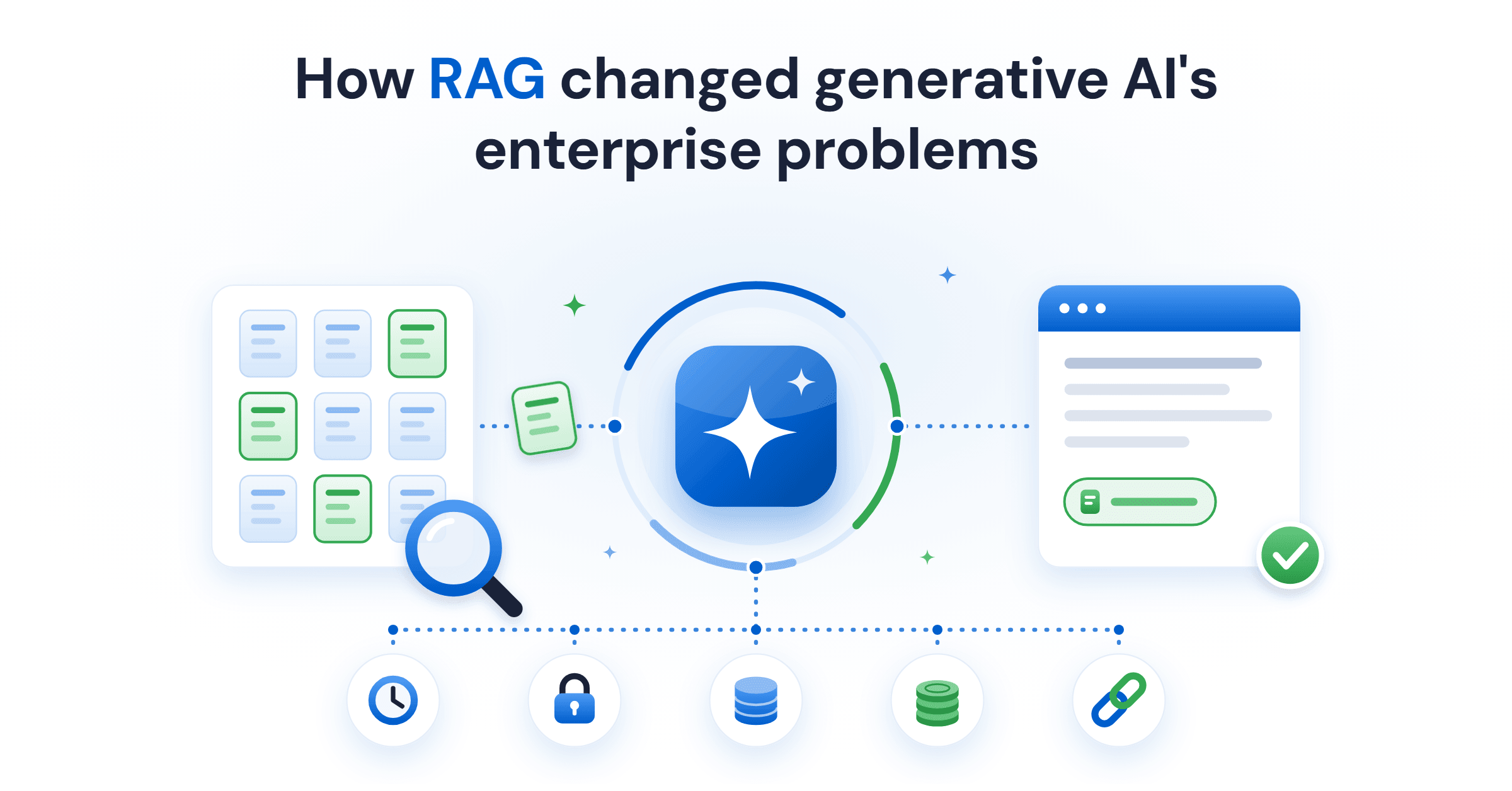
Retrieval-augmented generation (RAG) gives a language model current and private data at query time. What it fixes, what it costs, and the five ways it fails.
Generative AI in data engineering: what Gartner's Data Engineering 2.0 means, how AI agents now write pipeline code, and why data engineers matter more.
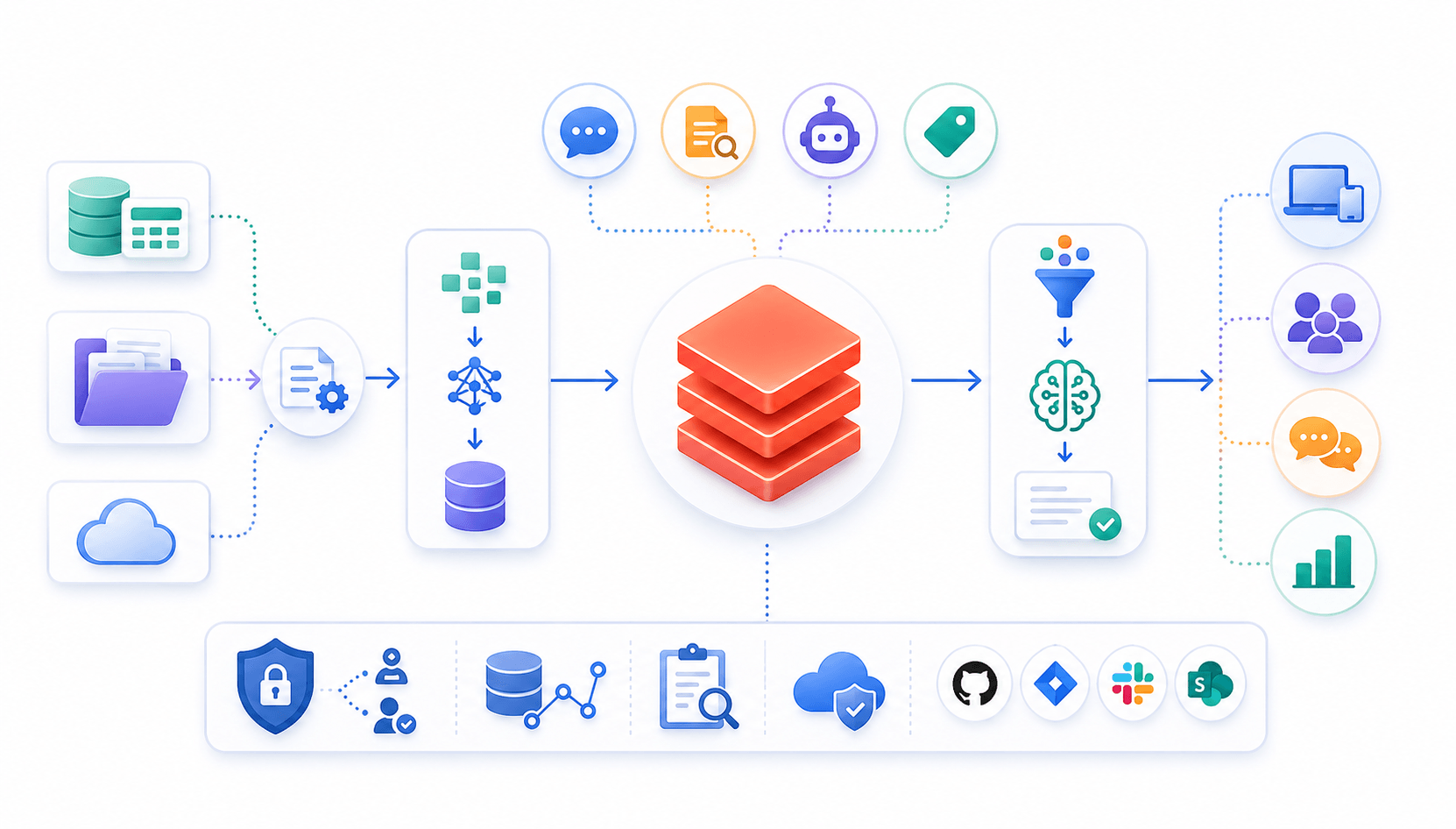
Learn to build governed RAG pipelines on Databricks using Agent Bricks and Unity Catalog. Discover the Knowledge Assistant, its 70% quality boost, and key limits.

Storage account keys and mount points give every user in a Databricks workspace the same shared access to ADLS, with no audit trail. Here's why teams are moving to Storage Credentials and External Locations instead.
89% of enterprise AI pilots never reach production. Data integration, governance gaps, and silos are why. See how Snowflake Cortex AI fixes the root cause.
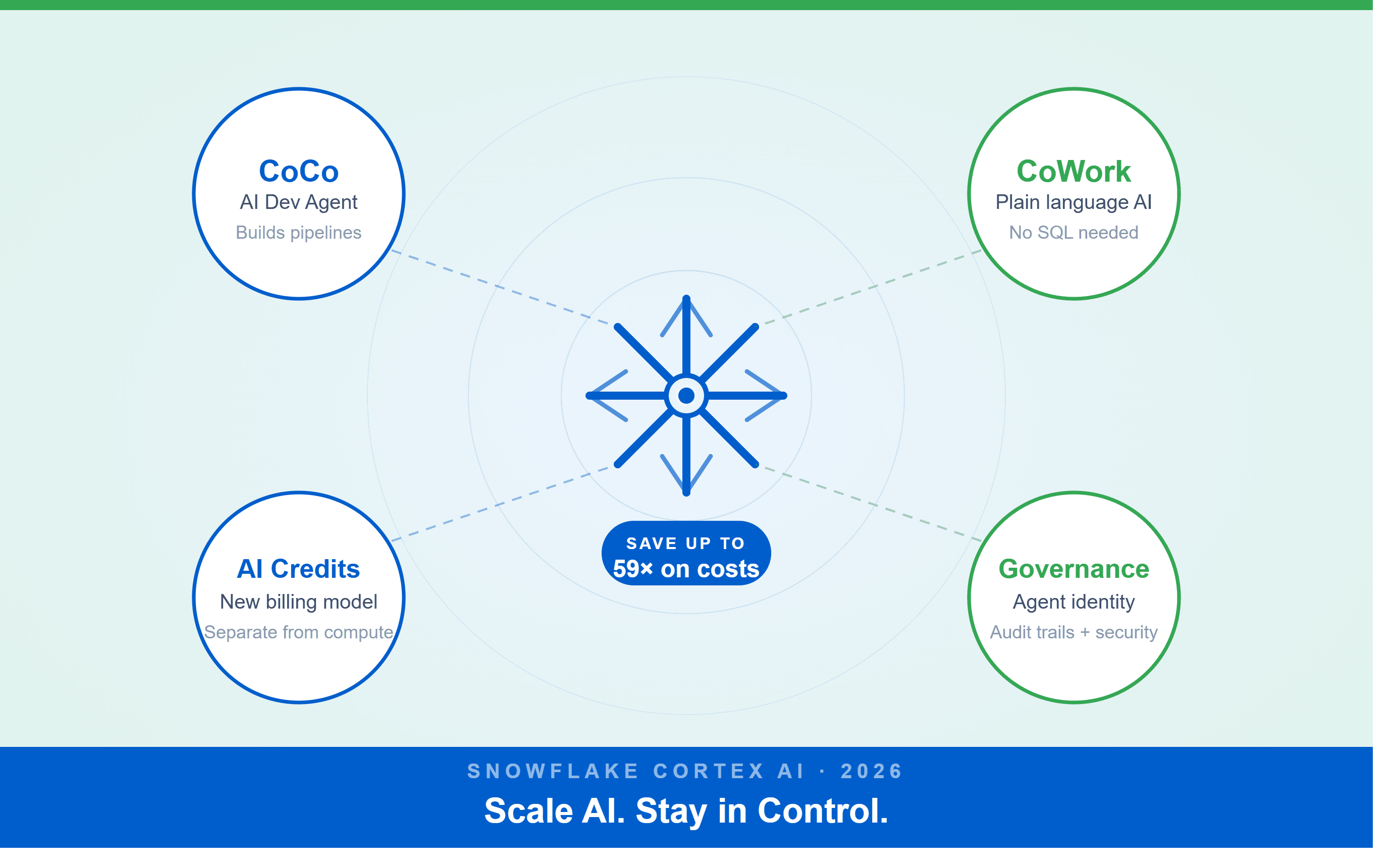
A Snowflake Summit 2026 benchmark revealed a 59x cost gap — open-source models at 440 credits vs. frontier models at 26,000 credits for identical workloads. Learn how CoCo, CoWork, AI Credits, and Cortex Training change enterprise AI strategy.
How a data engineering team replaced manual pipeline work with natural language prompts, using Claude Code and the Databricks AI Dev Kit.
Six errors, 6 hours of debugging, and the permission checklist that finally made Databricks Apps + Genie work. The full lessons-learned guide.
Your Claude Code session isn't lost. It's on disk, in a folder /resume isn't scanning. Here's how to find any session in 30 seconds, with the exact commands.
Scenario based learning replaces tutorials with realistic operational scenarios where engineers develop the hands on judgment classroom instruction cannot produce. How it works and why it matters.
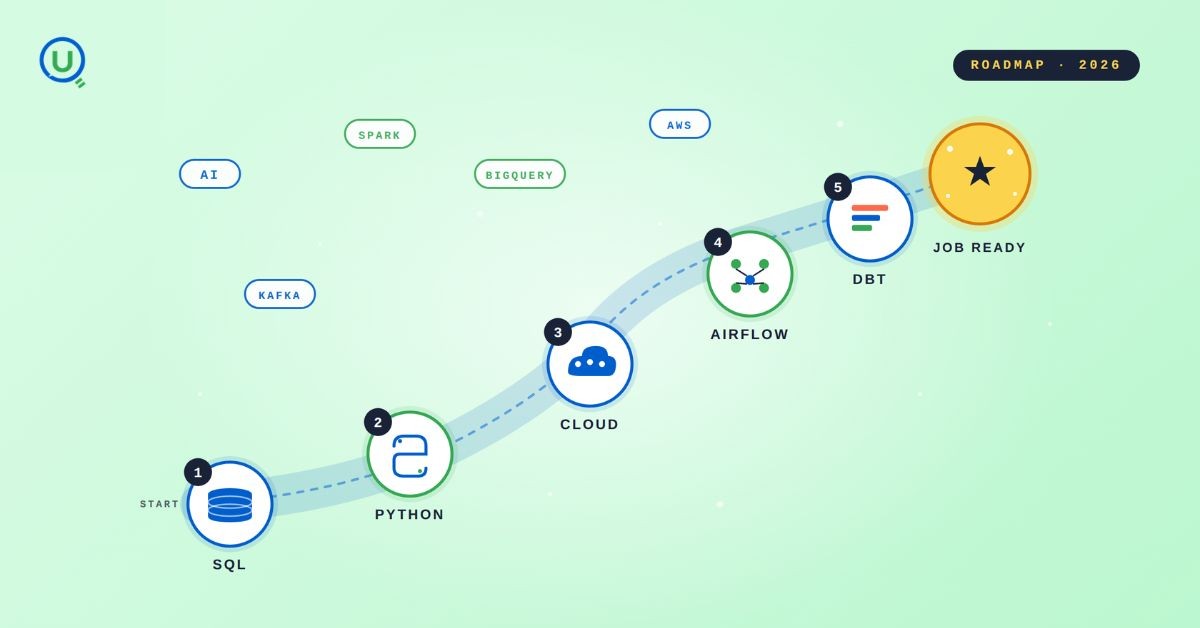
The 2026 data engineering roadmap. SQL, Python, cloud, Airflow, dbt, streaming. What companies actually hire for and how to build a portfolio that gets shortlisted.
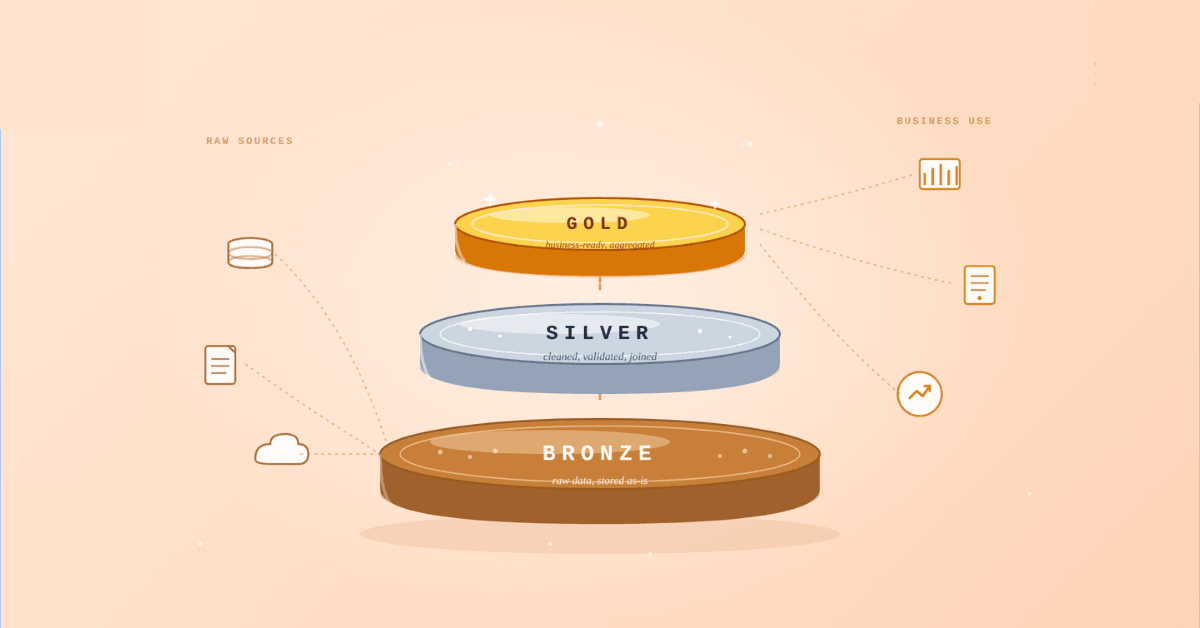
Medallion Architecture splits your data pipeline into Bronze, Silver, and Gold layers so a small business change never forces a full rebuild. Here's why it works.
I was working on a large content repository on Windows, and I needed to version some new work — campaign assets, workshop content, LinkedIn job descriptions, and some file deletions. Simple enough, right? What followed was a two-day journey through some of Git's more obscure corners.
New engineers shouldn't learn Docker like they're defusing a bomb. Here's how we created a fear-free learning environment—and cut training time in half." (165 characters)

A complete beginner’s guide to data quality, covering key challenges, real-world examples, and best practices for building trustworthy data.
Explore the power of Databricks Lakehouse, Delta tables, and modern data engineering practices to build reliable, scalable, and high-quality data pipelines."
A real-world Terraform war story where a “simple” Azure SQL deployment spirals into seven hard-earned lessons, covering deprecated providers, breaking changes, hidden Azure policies, and why cloud tutorials age fast. A practical, honest read for anyone learning Infrastructure as Code the hard way.
Data doesn’t wait - and neither should your insights. This blog breaks down streaming vs batch processing and shows, step by step, how to process real-time data using Azure Databricks.
This blog talks about Databricks’ Unity Catalog upgrades -like Governed Tags, Automated Data Classification, and ABAC which make data governance smarter, faster, and more automated.

Tired of boring images? Meet the 'Jai & Veeru' of AI! See how combining Claude and Nano Banana Pro creates mind-blowing results for comics, diagrams, and more.
What I thought would be a simple RBAC implementation turned into a comprehensive lesson in Kubernetes deployment. Part 1: Fixing three critical deployment errors. Part 2: Implementing namespace-scoped RBAC security. Real terminal outputs and lessons learned included
This blog walks you through how Databricks Connect completely transforms PySpark development workflow by letting us run Databricks-backed Spark code directly from your local IDE. From setup to debugging to best practices this Blog covers it all.
A simple ETL job broke into a 5-hour Kubernetes DNS nightmare. This blog walks through the symptoms, the chase, and the surprisingly simple fix.
Master the bronze layer foundation of medallion architecture with COPY INTO - the command that handles incremental ingestion and schema evolution automatically. No more duplicate data, no more broken pipelines when new columns arrive. Your complete guide to production-ready raw data ingestion
This blog talks about the Power Law statistical distribution and how it explains content virality
This blog explains how Apache Airflow orchestrates tasks like a conductor leading an orchestra, ensuring smooth and efficient workflow management. Using a fun Romeo and Juliet analogy, it shows how Airflow handles timing, dependencies, and errors.
The blog contains the journey of ChatGPT, and what are the limitations of ChatGPT, due to which Langchain came into the picture to overcome the limitations and help us to create applications that can solve our real-time queries

An account of experience gained by Enqurious team as a result of guiding our key clients in achieving a 100% success rate at certifications

This blog delves into the capabilities of Calendar Events Automation using App Script.
Dive into the fundamental concepts and phases of ETL, learning how to extract valuable data, transform it into actionable insights, and load it seamlessly into your systems.