
A Week-Long Journey Through Deployment Errors and RBAC Implementation

Ready to transform your data strategy with cutting-edge solutions?
- What I thought would be a simple RBAC implementation turned into a comprehensive lesson in Kubernetes deployment. Part 1: Fixing three critical deployment errors. Part 2: Implementing namespace-scoped RBAC security. Real terminal outputs and lessons learned included
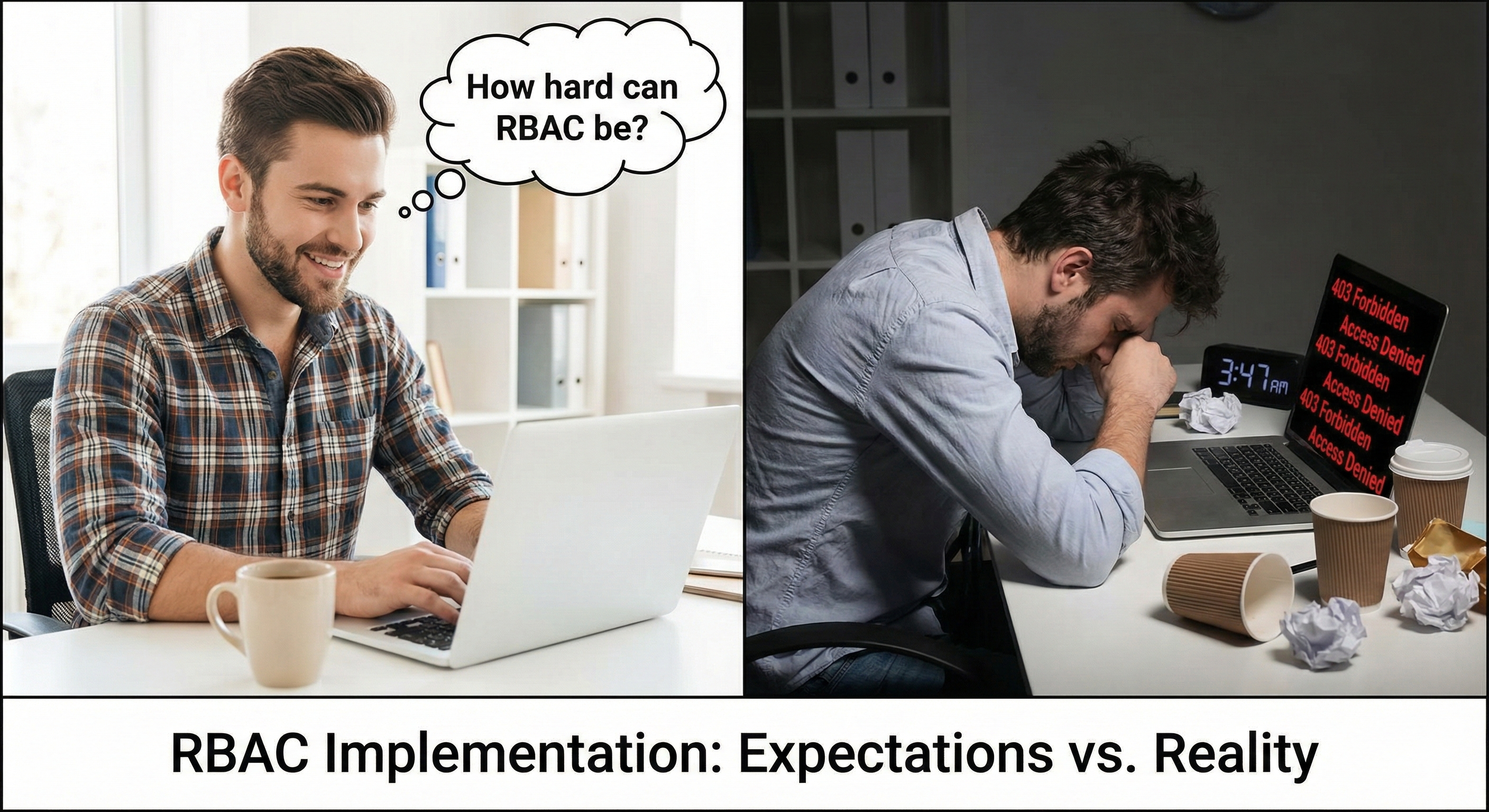
How It Started
Last month, my manager dropped a folder on my desk. “The dev team deployed our new ETL pipeline on AKS. It works, but security is wide open. Lock it down with Kubernetes RBAC. No Azure AD, pure Kubernetes only.”
I nodded confidently. “I’ll have it done by Friday.”
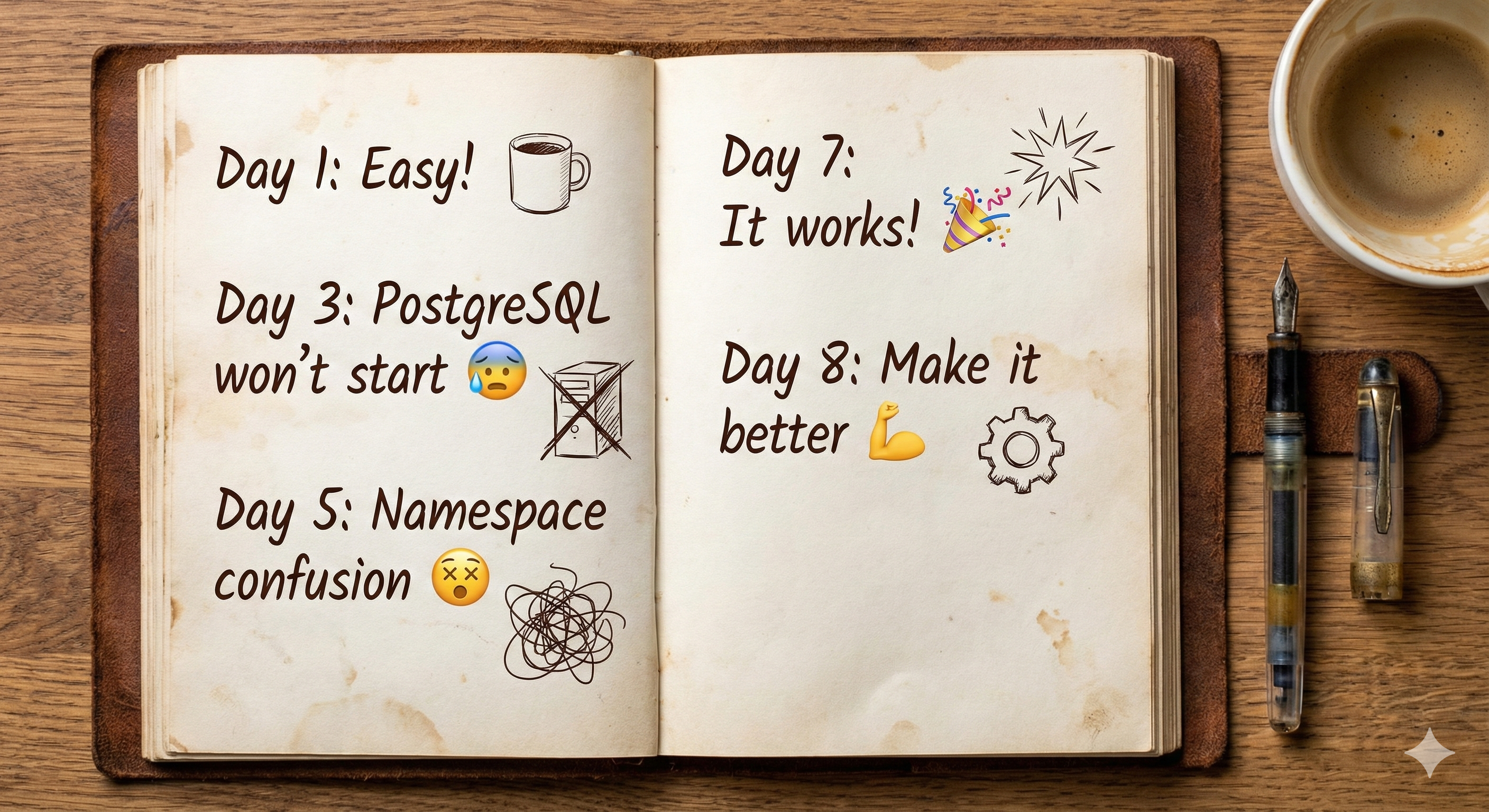
It was Tuesday. I didn’t finish until the following Tuesday. Here’s what went wrong, and what I learned.
Part 1: The Setup (The Easy Part)
Setting up the infrastructure was straightforward:
export RESOURCE_GROUP="CloudWave-RG"
export LOCATION="eastus"
export ACR_NAME="cloudwaveacr$RANDOM"
export AKS_CLUSTER_NAME="CloudWaveAKS"

# Create everything
az group create --name $RESOURCE_GROUP --location $LOCATION
az acr create --resource-group $RESOURCE_GROUP --name $ACR_NAME --sku Basic
az aks create \
  --resource-group $RESOURCE_GROUP \
  --name $AKS_CLUSTER_NAME \
  --node-count 1 \
  --node-vm-size Standard_D2s_v3 \
  --enable-managed-identity \
  --generate-ssh-keys

# Connect AKS to ACR and get credentials
az aks update -n $AKS_CLUSTER_NAME -g $RESOURCE_GROUP --attach-acr $ACR_NAME
az aks get-credentials --resource-group $RESOURCE_GROUP --name $AKS_CLUSTER_NAME
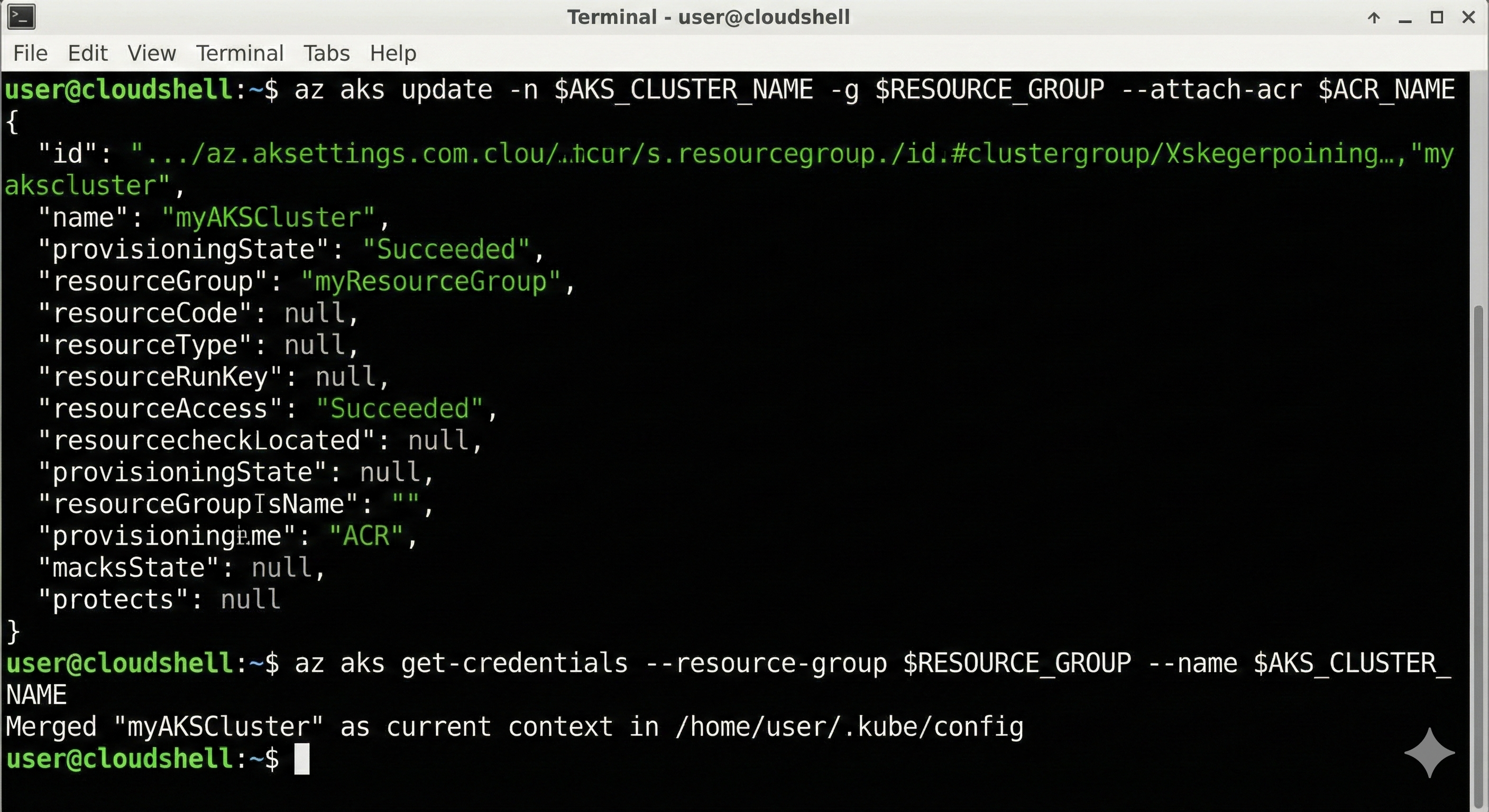
Pro tip: Always use $RANDOM ACR names. I once wasted 30 minutes because “mycompanyacr” was already taken by someone in Europe. ACR names are globally unique.
The ETL script was straightforward: it fetched data from an API and stored it in PostgreSQL. It had retry logic for database connections:
retries = 5
while retries > 0:
    try:
        conn = psycopg2.connect(host=db_host, dbname=db_name, ...)
        return conn
    except:
        retries -= 1
        time.sleep(5)
I containerized it and pushed it to ACR. By Wednesday morning, I was feeling good.
That didn’t last long.
Part 2: The Three Disasters 💥
Creating Namespaces
I created separate namespaces for isolation:
kubectl create namespace db
kubectl create namespace etl
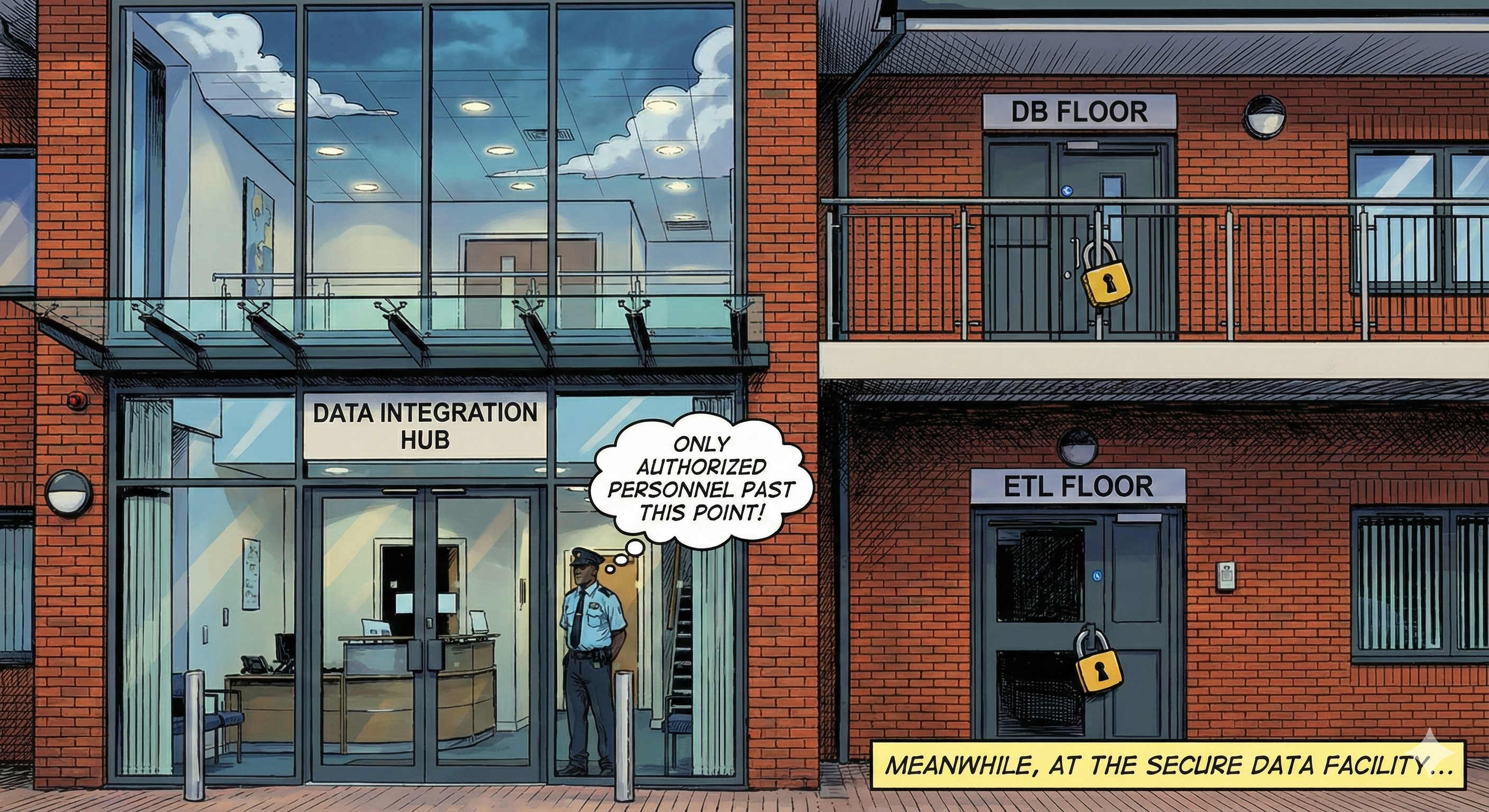
Think of namespaces like apartments in a building: shared infrastructure, but you can’t walk into someone else’s place without permission.
Error #1: PostgreSQL Won’t Start
I deployed the database:
kubectl apply -f db-setup.yaml
kubectl get statefulset -n db
Output: ` 0/1 READY` 😱
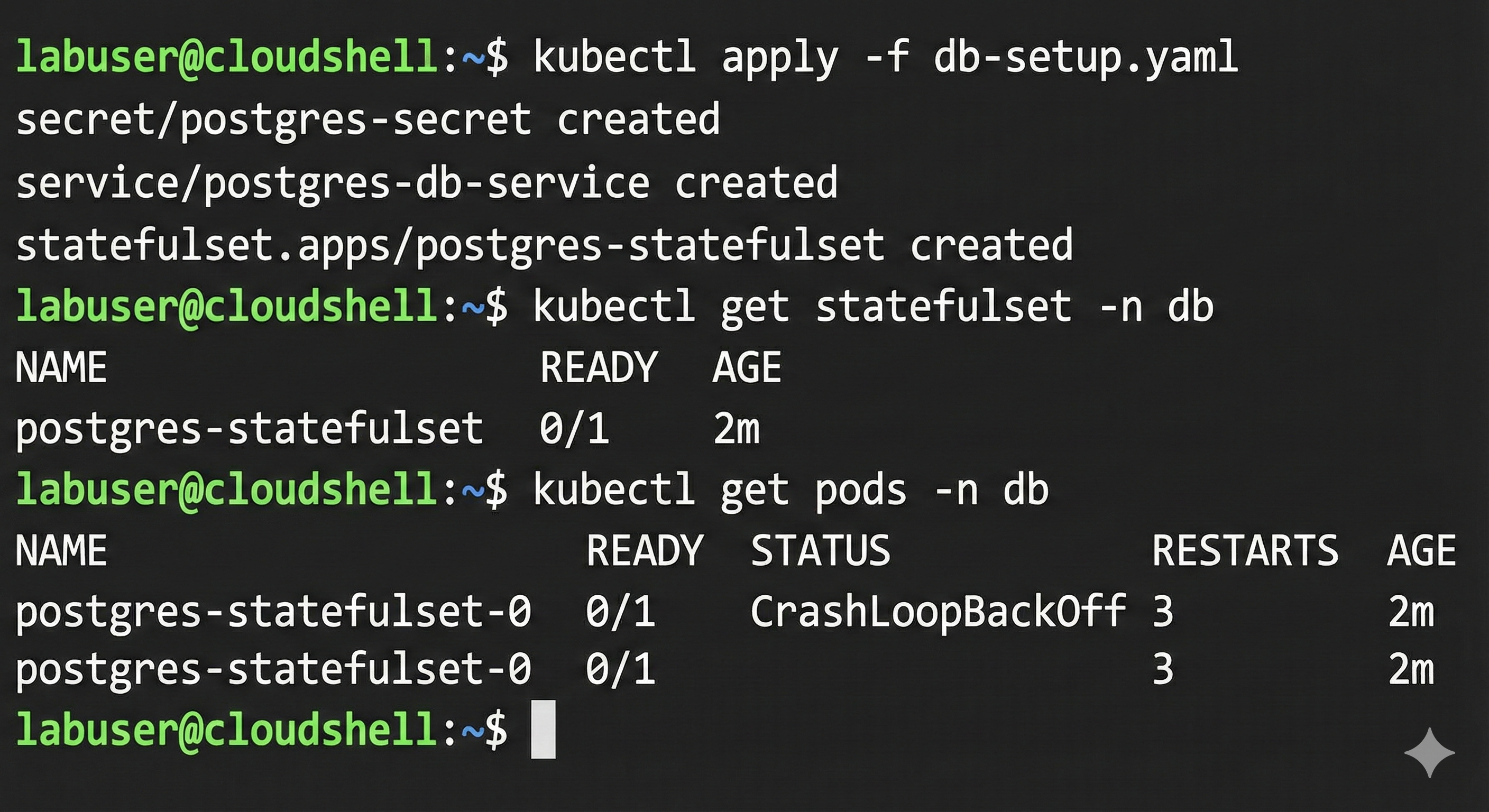
I checked the logs:
kubectl logs postgres-statefulset-0 -n db
The error:
initdb: error: directory "/var/lib/postgresql/data" exists but is not empty
It contains a lost+found directory

What I learned: Azure persistent disks automatically include a lost+found system directory. PostgreSQL refuses to initialize if it finds anything in its data directory.
The fix: Tell PostgreSQL to use a subdirectory:
env:
- name: PGDATA
  value: /var/lib/postgresql/data/pgdata
But here’s the catch: I had to delete the old persistent volume claim first.
kubectl delete -f db-setup.yaml
kubectl delete pvc postgres-storage-postgres-statefulset-0 -n db
kubectl apply -f db-setup.yaml
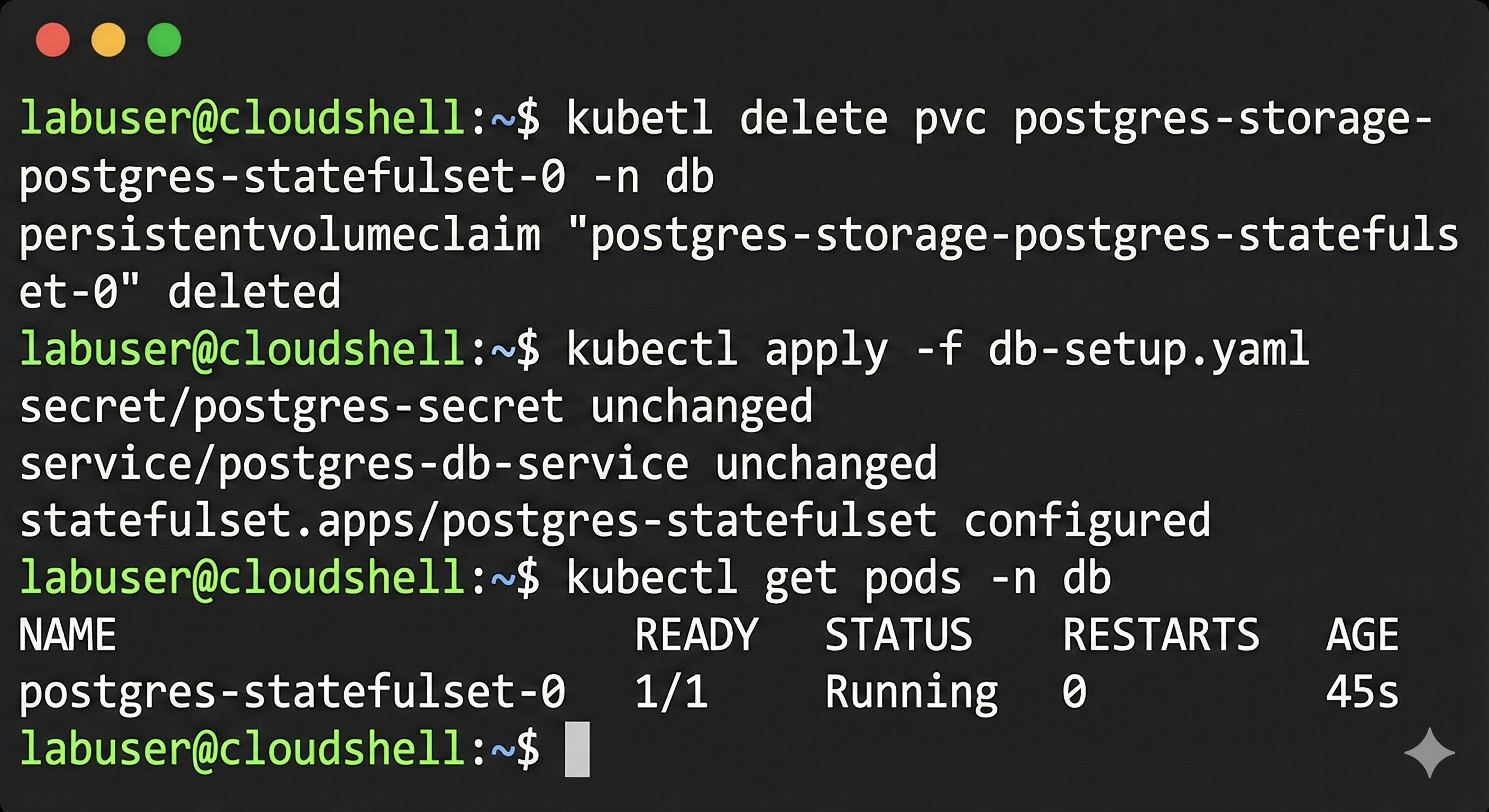
Key insight: Kubernetes doesn’t auto-delete PVCs. This protects your data, but you need to clean up manually when troubleshooting.
✅ Database finally started!
Error #2: Image Not Found
I deployed the ETL job:
kubectl apply -f etl-cronjob.yaml
kubectl create job --from=cronjob/data-fetcher-cronjob test-run -n etl
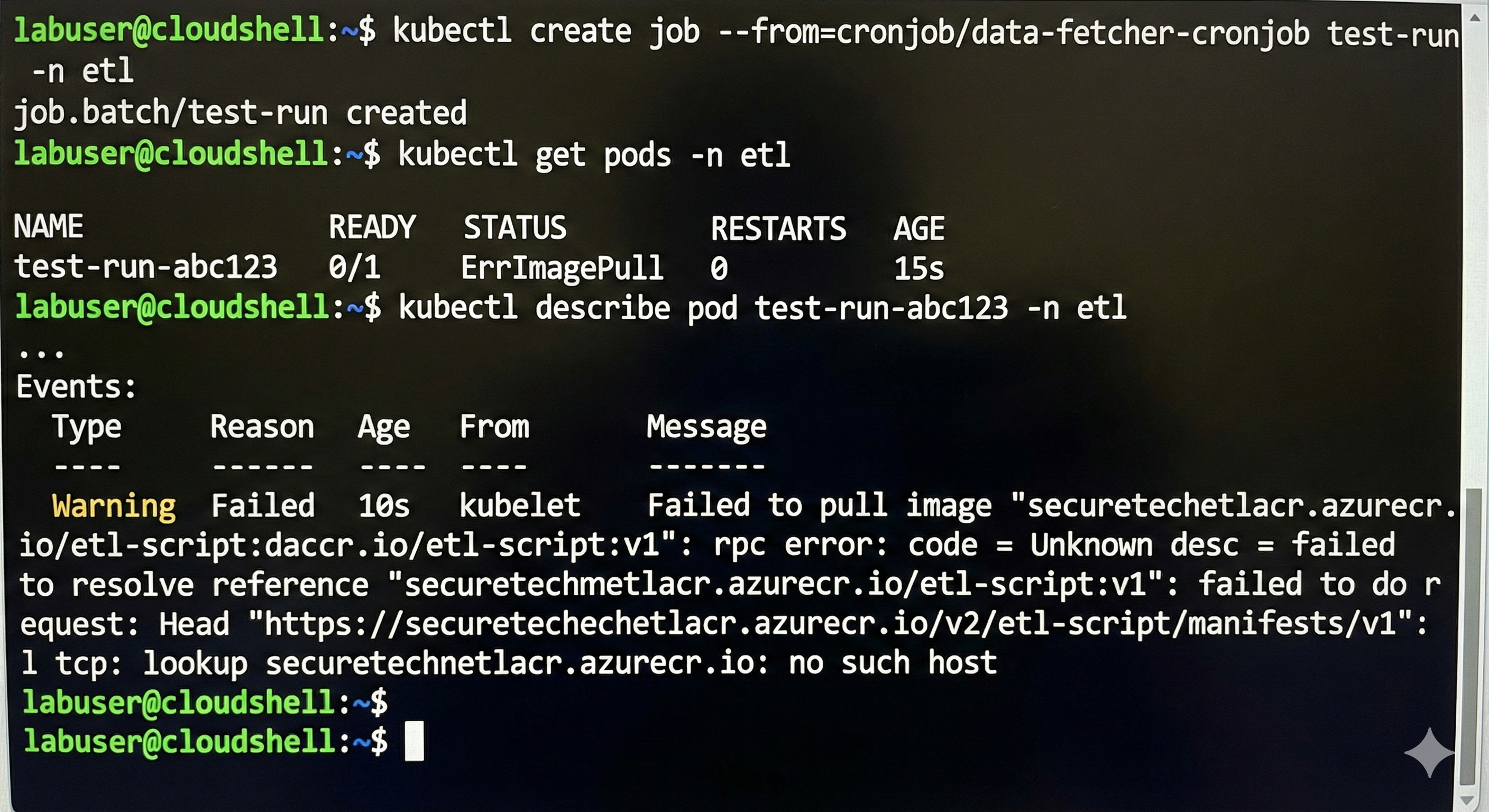
Result: ErrImagePull - no such host
The problem: My YAML had a placeholder image name from a tutorial. I needed my actual ACR name:
az acr list --resource-group $RESOURCE_GROUP --output table
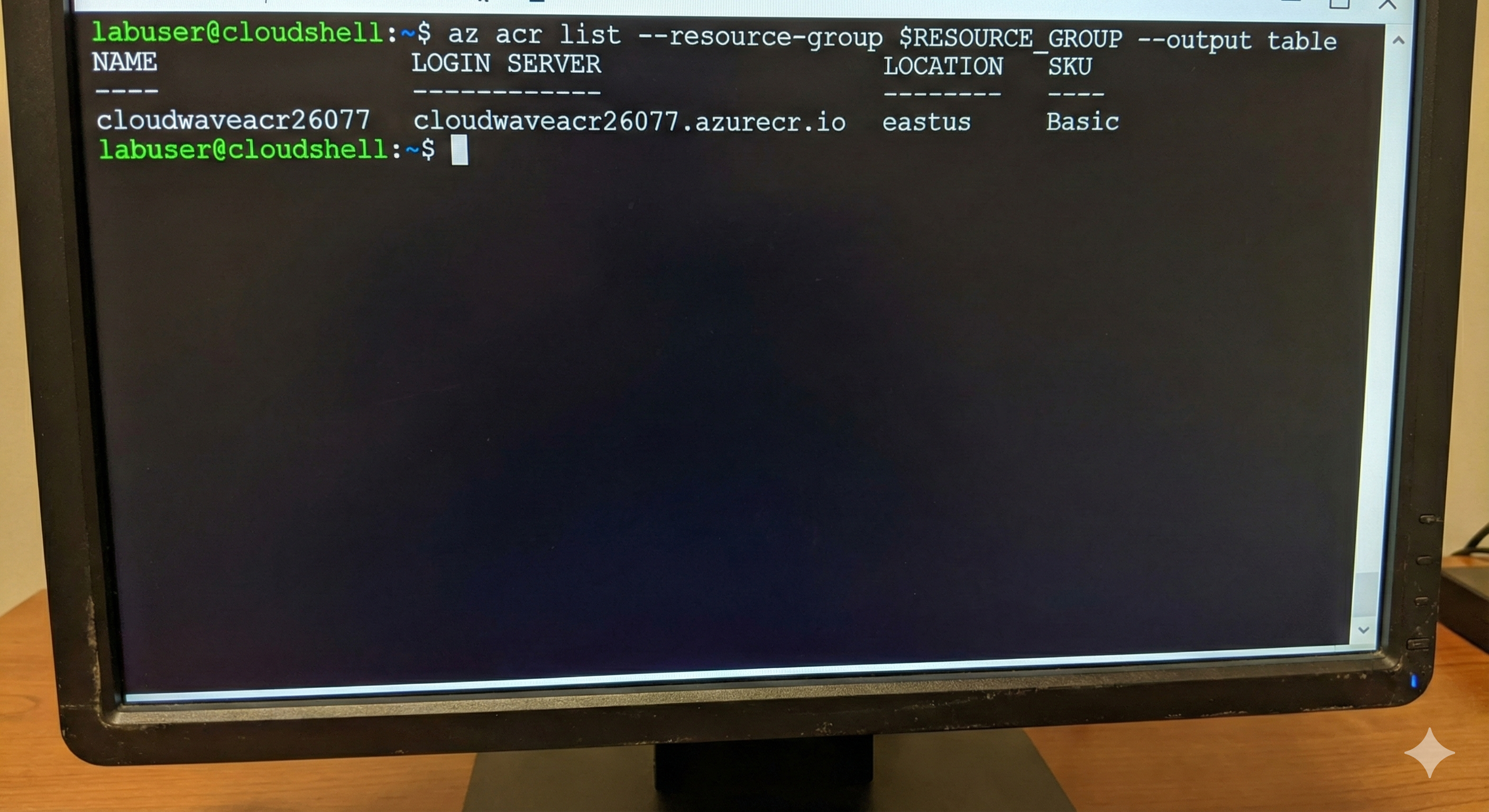
Updated the YAML with the correct registry (cloudwaveacr26077.azurecr.io/etl-script:v1) and redeployed.
Lesson: Never use placeholder values. Always double-check your image paths.
Error #3: Secret Not Found (The Eye-Opener)
The pod started but immediately failed. The logs showed:
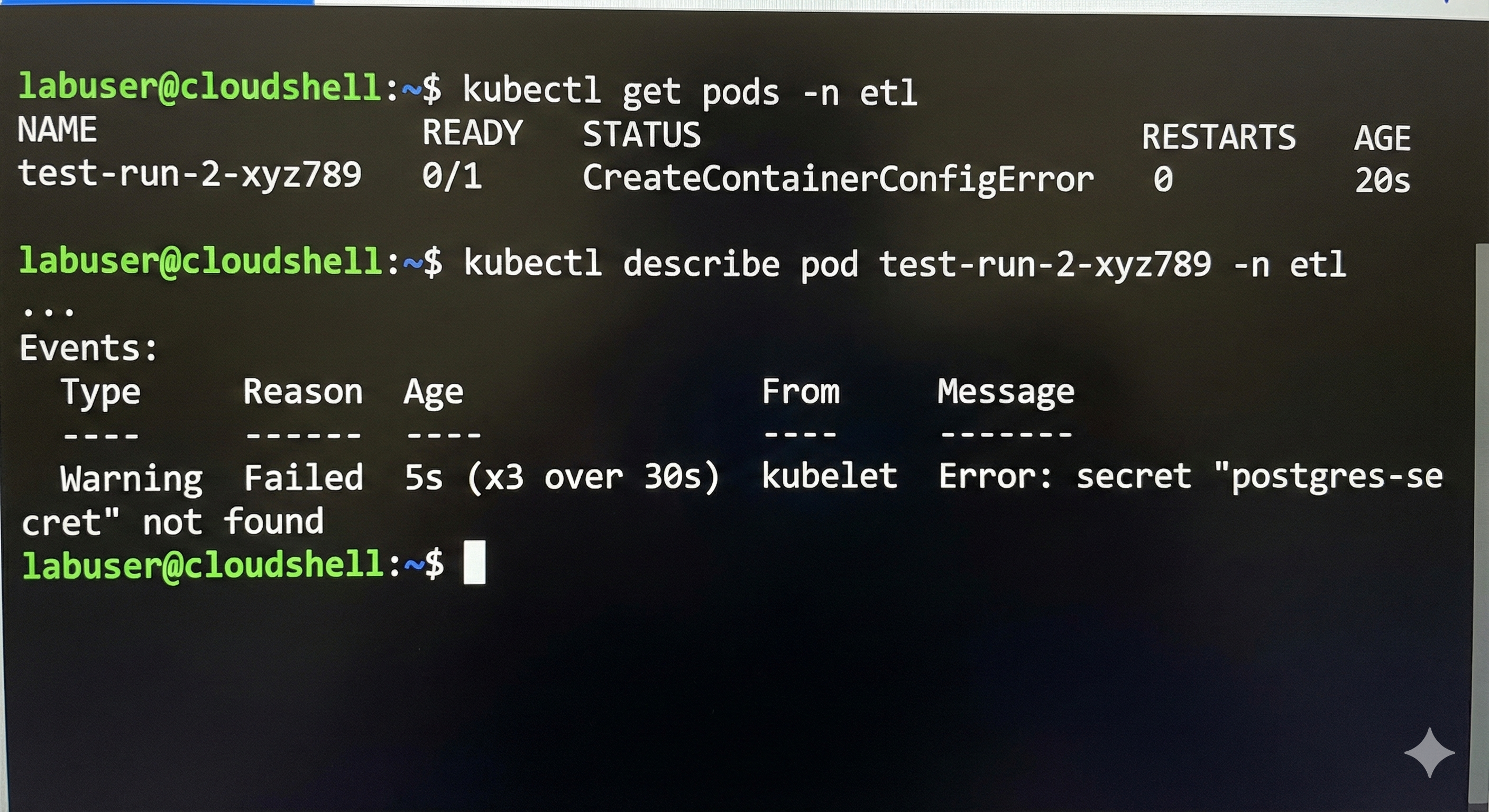
But I HAD created the secret! I checked:
kubectl get secrets -n db
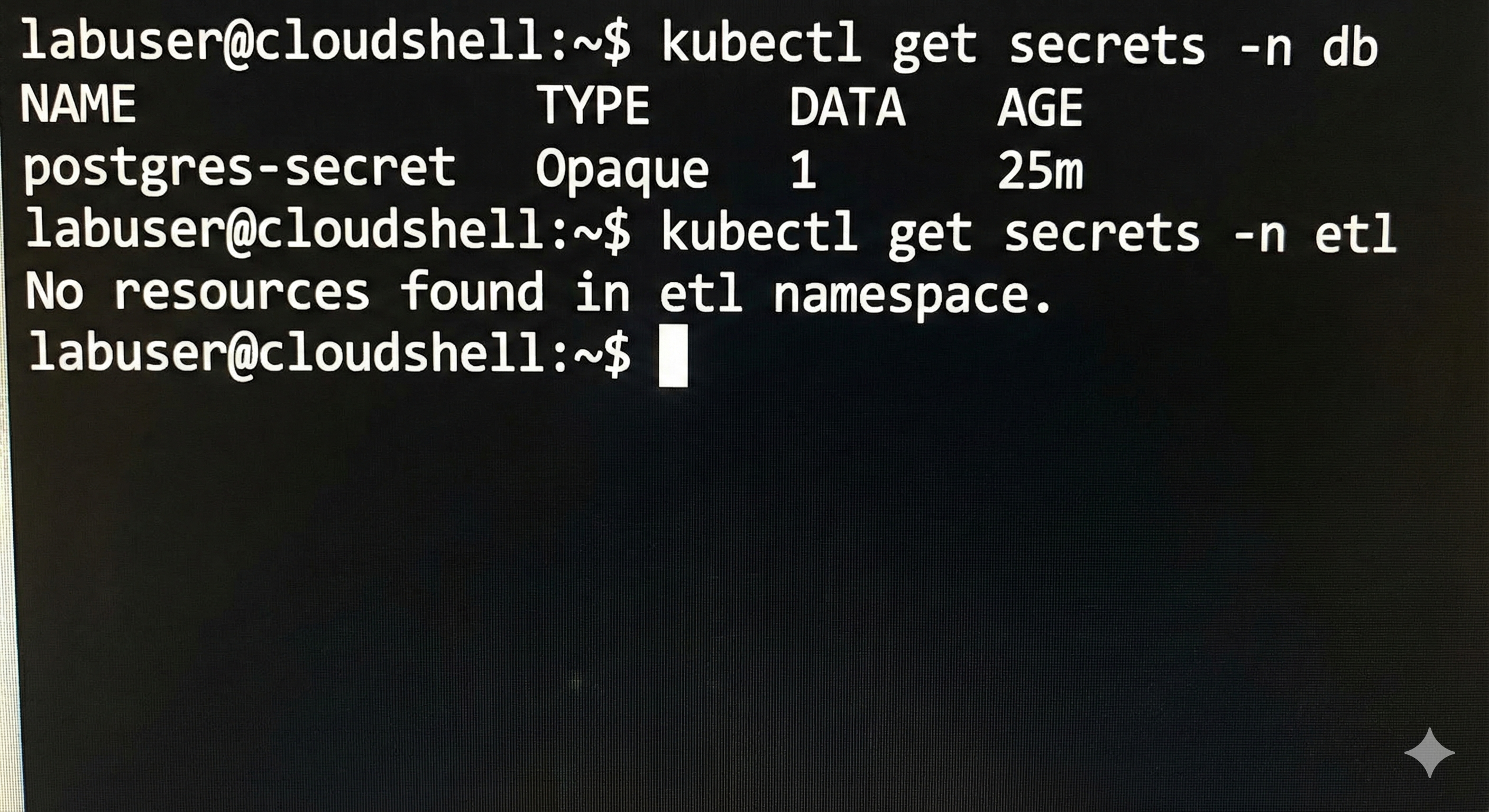
There it was, in the db namespace, but not in etl. Then it hit me.
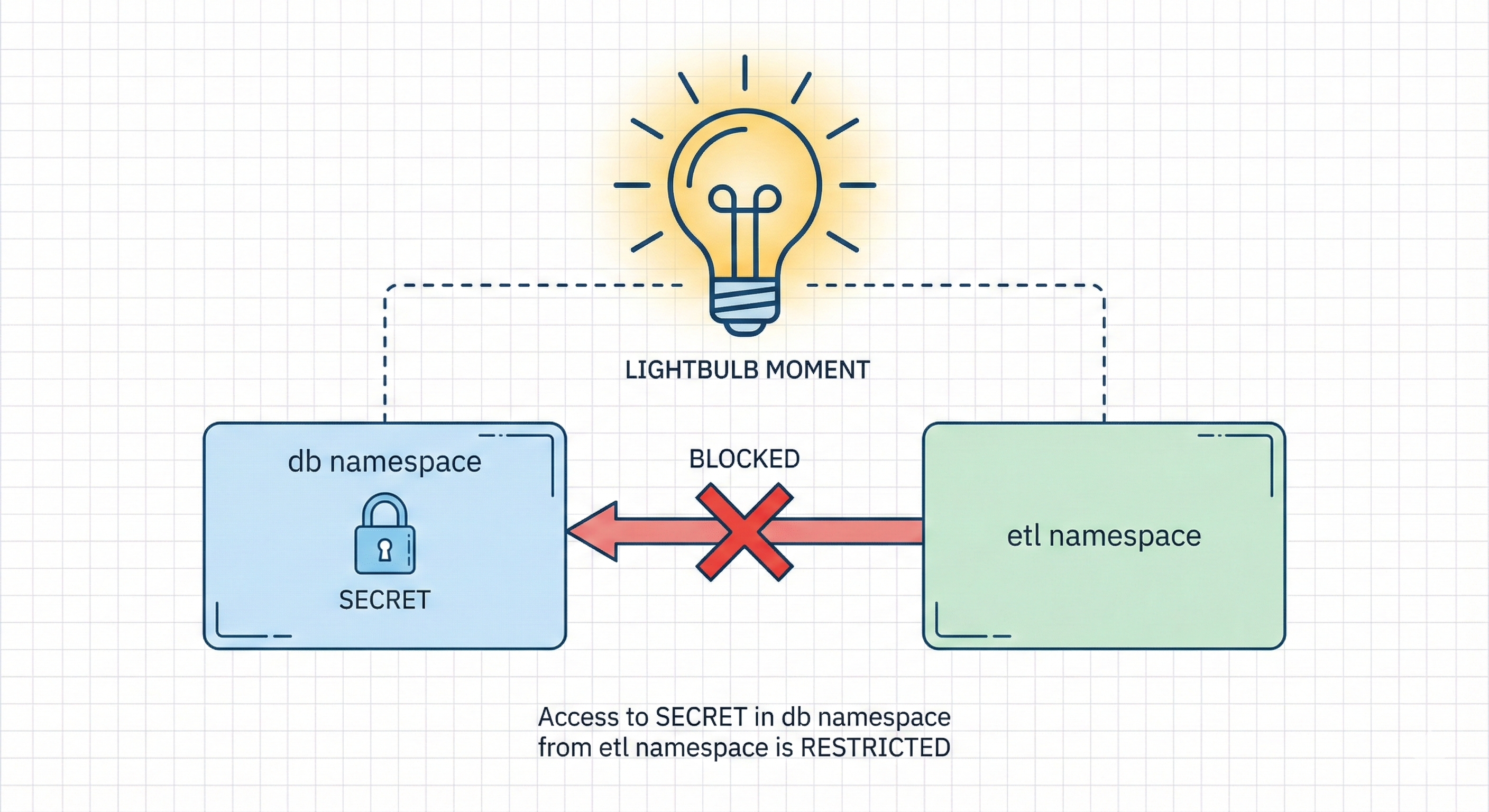
Secrets are namespace-scoped. My ETL pod in the etl` `` namespace couldn't access a secret in the db` `` namespace. This isn’t a bug; it’s intentional isolation!
The fix: Copy the secret to the ETL namespace:
apiVersion: v1
kind: Secret
metadata:
  name: postgres-secret
  namespace: etl  # Different namespace!
type: Opaque
data:
  POSTGRES_PASSWORD: bXlTdXBlclNlY3JldFBhc3N3b3Jk
kubectl apply -f etl-secret.yaml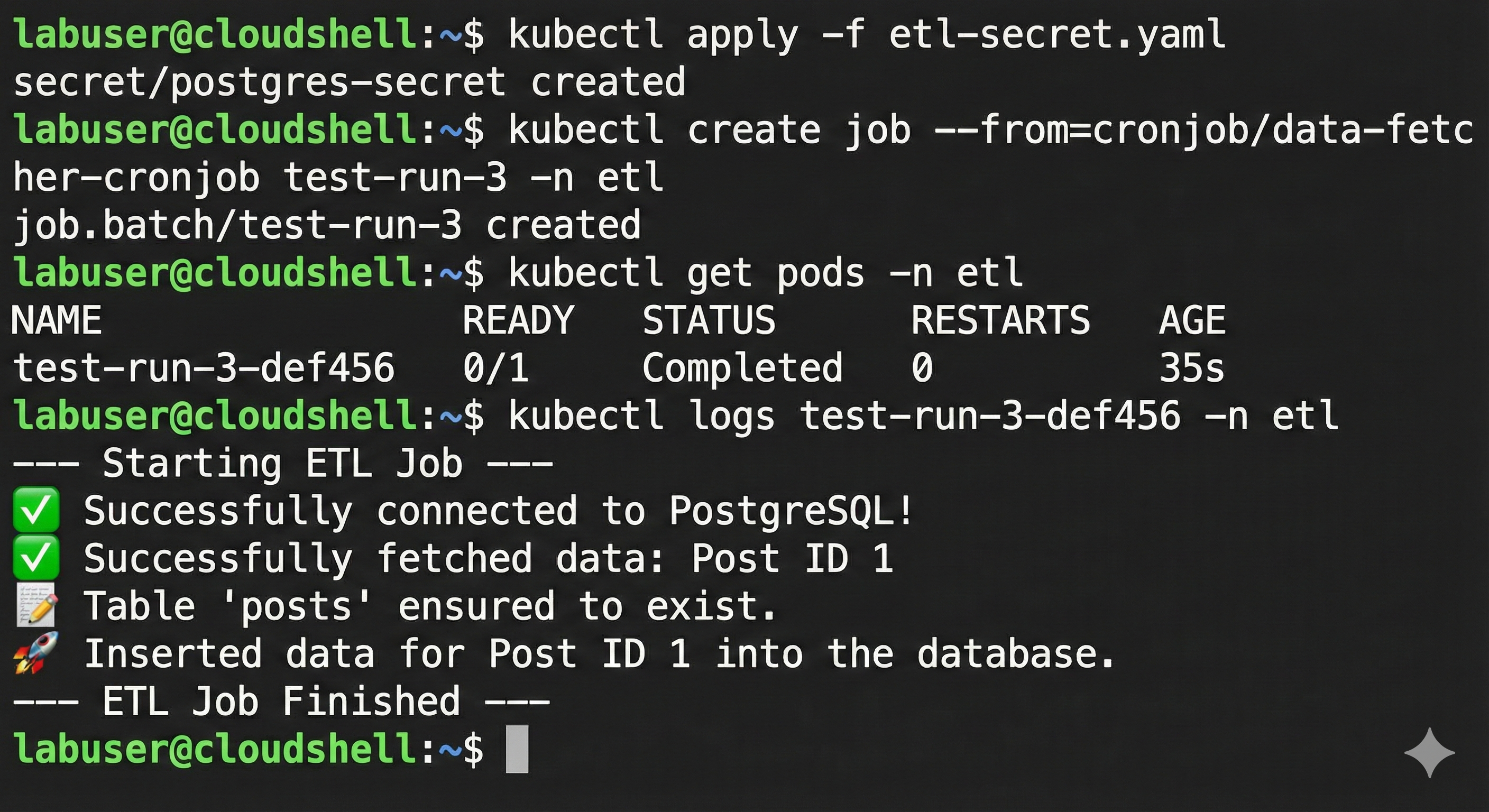
✅ Finally, the ETL job completed successfully!
This namespace isolation moment was crucial, it showed me how Kubernetes enforces boundaries, which would become the foundation of our RBAC security.
Part 3: Implementing RBAC (The Real Mission) 🔒
By Friday, the app was working. Now for the security lockdown.
Understanding RBAC
I explained it to myself like a nightclub VIP system:
- Role = The VIP list (what you’re allowed to do)
- ServiceAccount = Your ID card (who you are)
- RoleBinding = The bouncer (connects your ID to the VIP list)

Creating the Roles
Database Admin Role:
apiVersion: rbac.authorization.k8s.io/v1
kind: Role
metadata:
  namespace: db
  name: db-admin-role
rules:
- apiGroups: ["", "apps"]
  resources: ["statefulsets", "services", "secrets", "persistentvolumeclaims", "pods"]
  verbs: ["get", "list", "watch", "create", "update", "patch", "delete"]
ETL Admin Role:
apiVersion: rbac.authorization.k8s.io/v1
kind: Role
metadata:
  namespace: etl
  name: etl-admin-role
rules:
- apiGroups: ["batch", "", "apps"]
  resources: ["cronjobs", "jobs", "pods"]
  verbs: ["get", "list", "watch", "create", "update", "patch", "delete"]
Key differences:
- Different namespaces
- Different resources (databases vs. jobs)
- ETL role includes the
batchAPI group for CronJobs
Creating ServiceAccounts and Bindings
# ETL Manager Identity
apiVersion: v1
kind: ServiceAccount
metadata:
  name: etl-manager-sa
  namespace: etl
---
# Link identity to permissions
apiVersion: rbac.authorization.k8s.io/v1
kind: RoleBinding
metadata:
  name: bind-etl-manager
  namespace: etl
subjects:
- kind: ServiceAccount
  name: etl-manager-sa
  namespace: etl
roleRef:
  kind: Role
  name: etl-admin-role
  apiGroup: rbac.authorization.k8s.io
Repeated the same pattern for db-manager-sa in the database namespace.
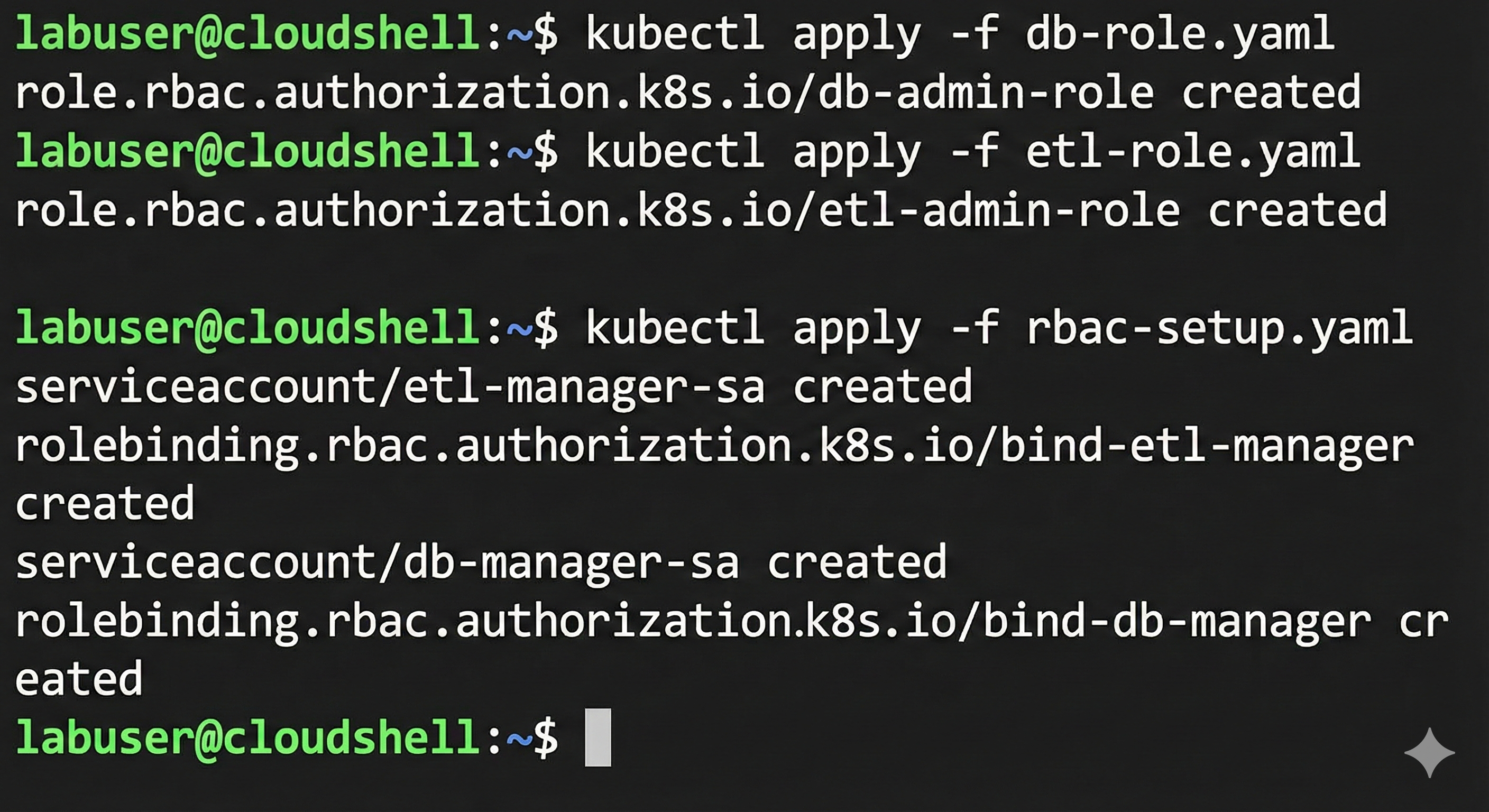
Applied everything:
kubectl apply -f db-role.yaml
kubectl apply -f etl-role.yaml
kubectl apply -f rbac-setup.yaml
Part 4: The Proof (Testing Security) ✅
This was the moment of truth. I used the --as flag to impersonate ServiceAccounts:
Test 1: ETL Manager accessing ETL resources (should work)
kubectl get cronjobs -n etl --as=system:serviceaccount:etl:etl-manager-sa
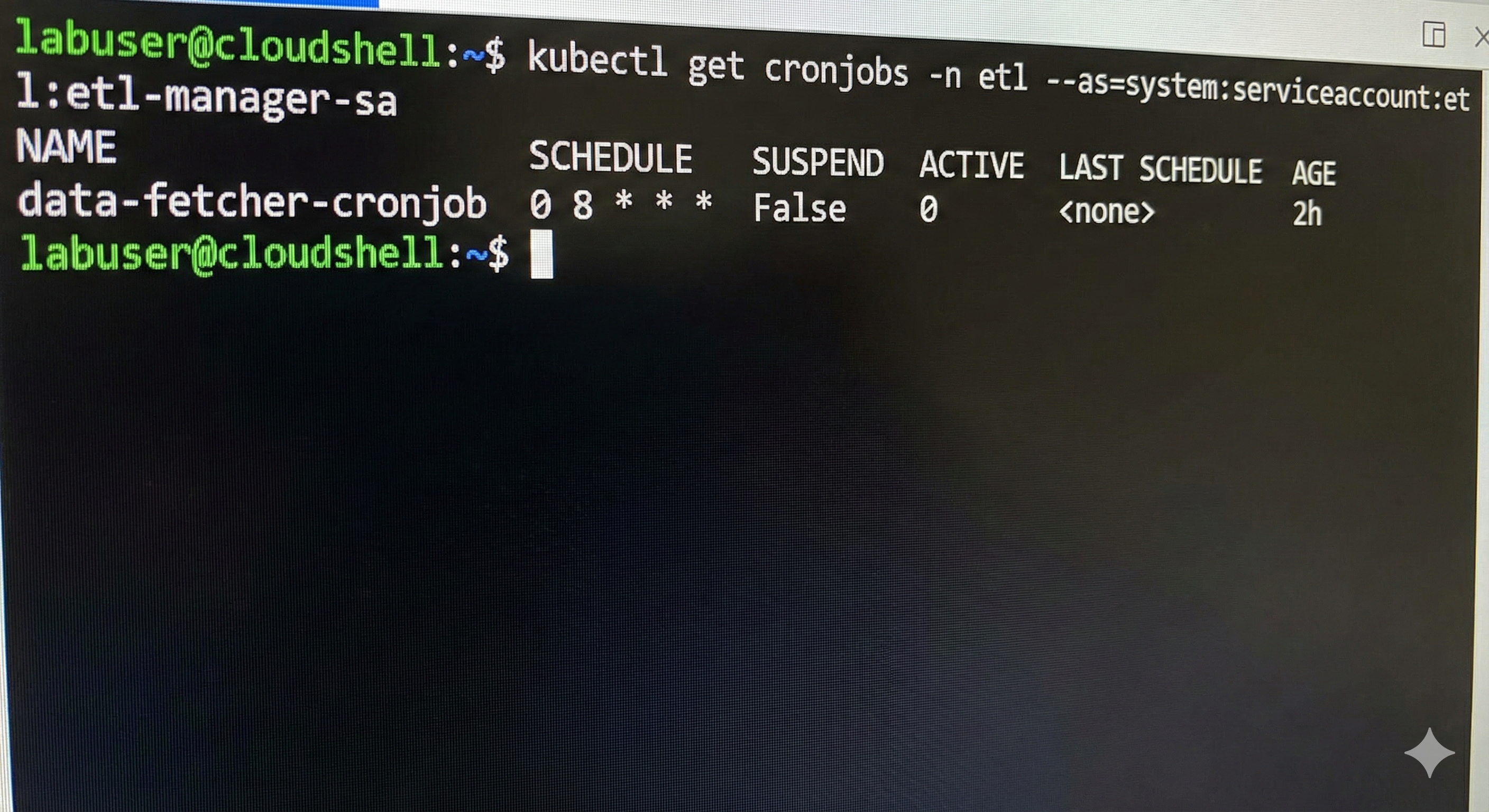
✅ Success! Shows the CronJob.
Test 2: ETL Manager trying to access DB resources (should fail)
kubectl get pods -n db --as=system:serviceaccount:etl:etl-manager-sa
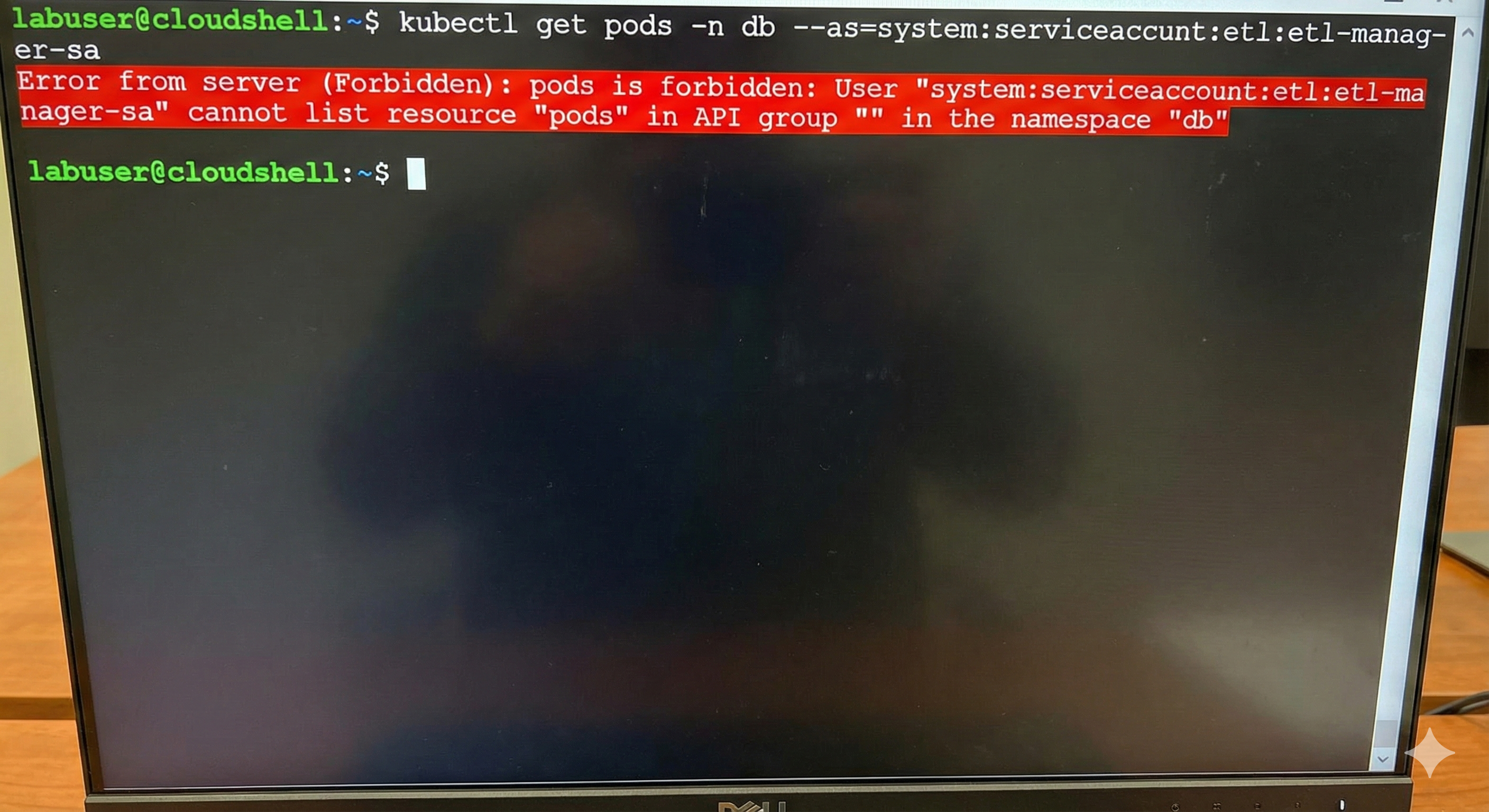
✅ Perfect failure! This is exactly what we want.

Tests 3 & 4: DB Manager
# Can access DB namespace ✅
kubectl get statefulsets -n db --as=system:serviceaccount:db:db-manager-sa

# Cannot access ETL namespace ❌
kubectl get cronjobs -n etl --as=system:serviceaccount:db:db-manager-sa
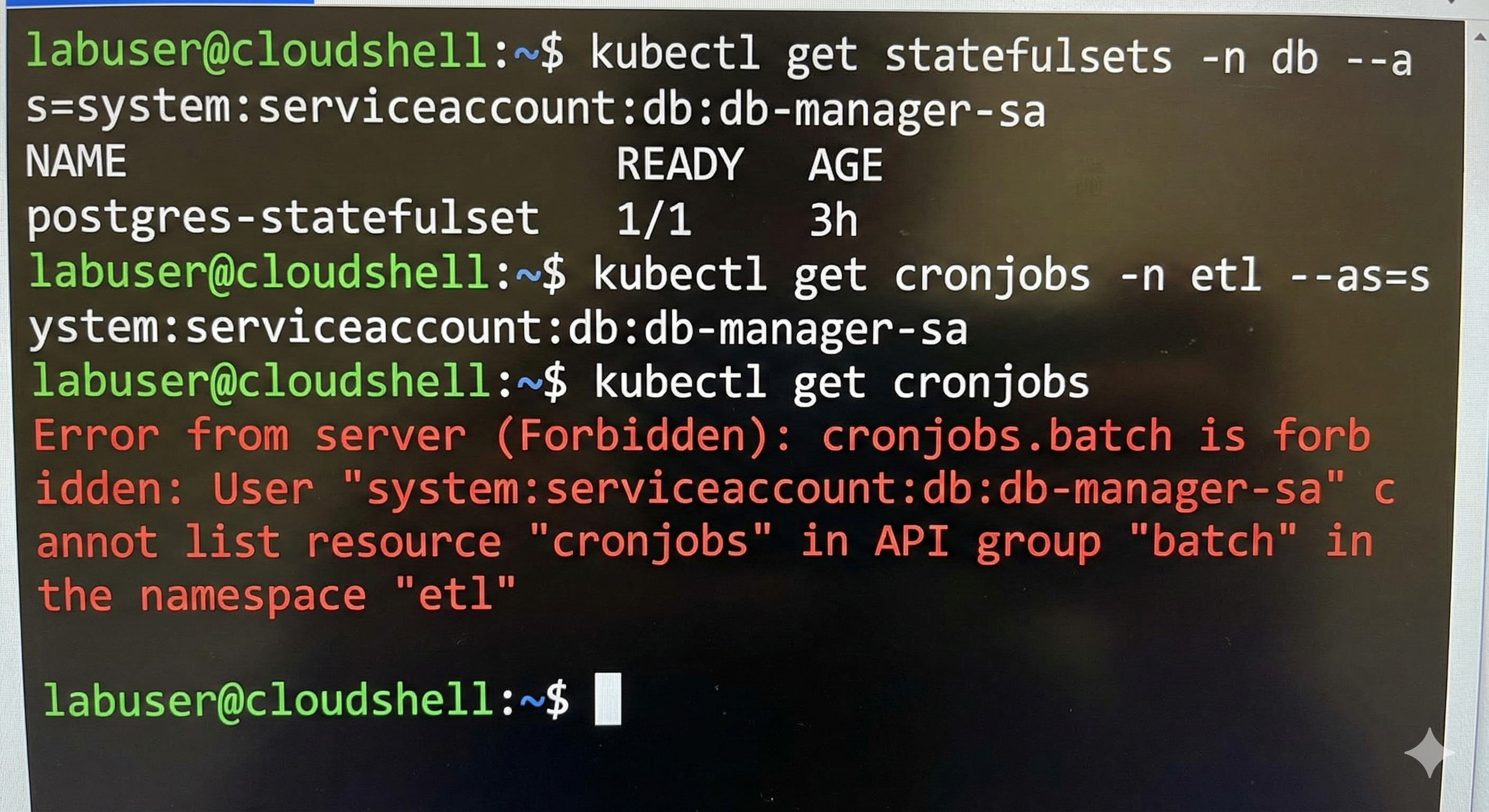
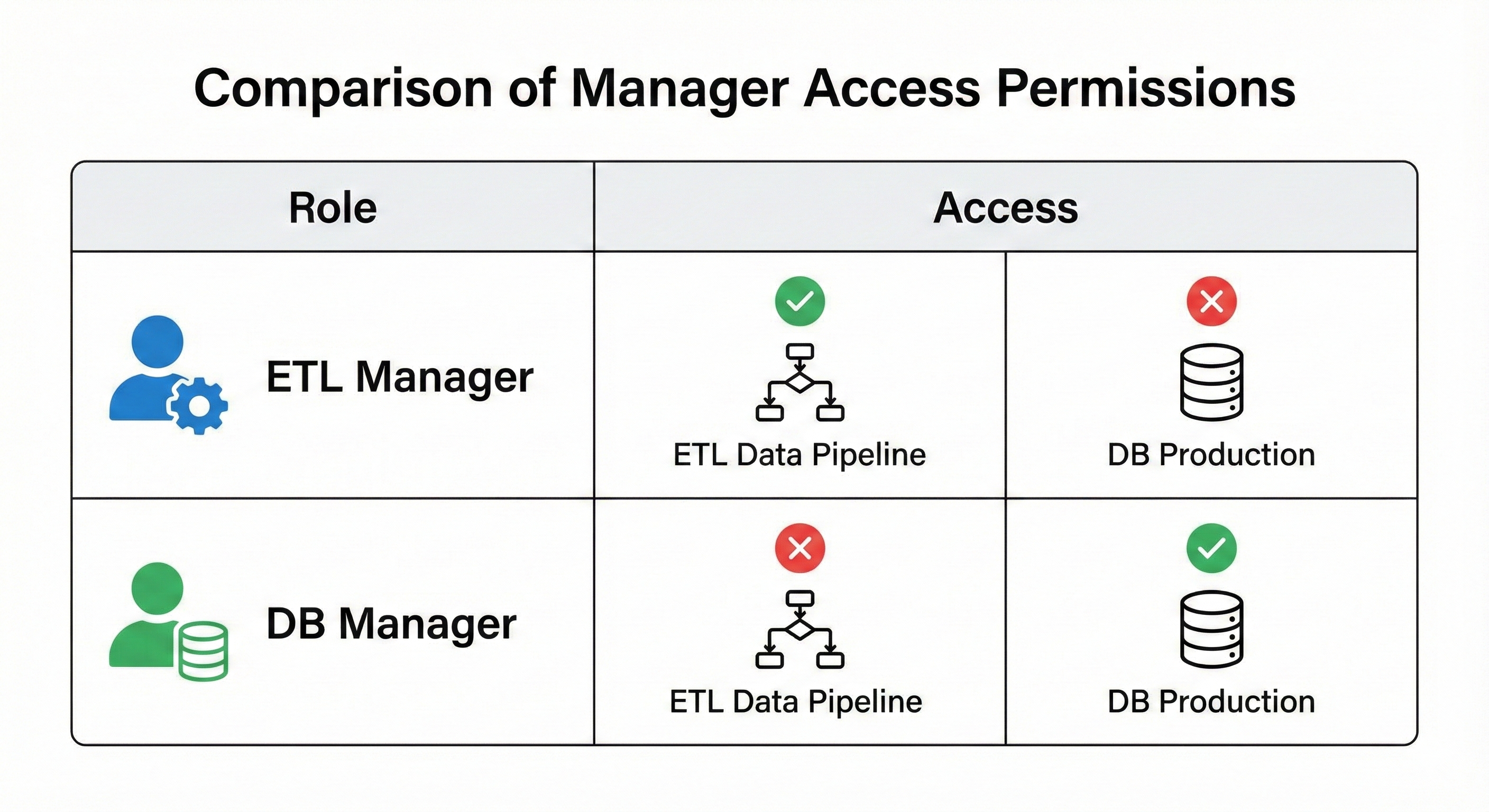
Perfect isolation achieved! Each manager can only access their designated namespace.
What I Learned
1. Namespaces Provide Organizational Isolation, Not Network Isolation
Namespaces separate resources for RBAC and organization, but pods can still talk across namespaces. The ETL pod connects to the database using postgres-db-service.db.svc.cluster.local. For network isolation, you need NetworkPolicies.
2. Secrets Don’t Cross Namespaces
This seemed annoying at first, but it’s excellent security. It forces explicit sharing. Copying the database password to the ETL namespace was the right call; the job legitimately needs it.
3. PVCs Are Sticky By Design
Kubernetes protects your data by not auto-deleting persistent volumes. This felt annoying during debugging, but would be a lifesaver in production.
4. Application Retry Logic Is Essential
Even with init containers and readiness probes, application-level retries are crucial. Databases restart, networks hiccup, and distributed systems are inherently unreliable.
5. The --as Flag Is Your Testing Superpower
Impersonating ServiceAccounts makes testing RBAC painless. No tokens, no kubeconfig gymnastics, just pretend to be the user and see what happens.
6. Error Messages Are Helpful
CrashLoopBackOff→ Check logsErrImagePull→ Check image pathSecret not found→ Check namespaceForbidden→ RBAC working correctly!
Real-World Applications
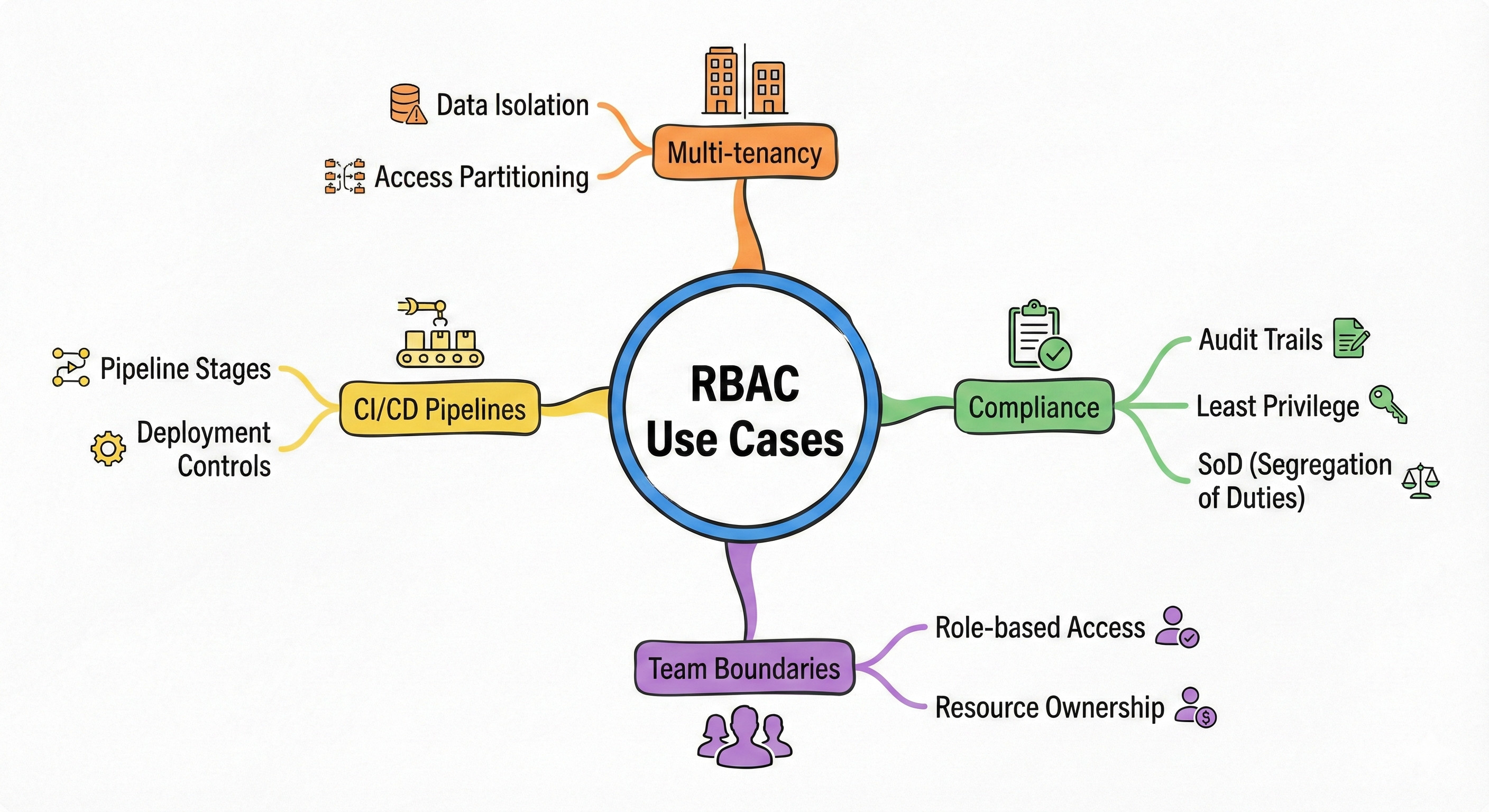
After presenting this at our team meeting, people immediately saw uses:
- Multi-tenant SaaS: One namespace per customer with isolated permissions
- Compliance: SOC2 auditors love the separation of duties
- Team boundaries: Dev teams manage their namespaces without breaking production
- CI/CD: Build jobs can’t touch production resources
The Bottom Line
It took me a week and three major errors to secure our Kubernetes cluster, but I learned more from those failures than any tutorial could teach.
What I wish I’d known on day one:
- Start with working apps, then add security
- Expect failures; they’re learning opportunities
- Test thoroughly with
--asa flag. - Document everything
- Security is iterative, not a one-time task
The key lesson: Security isn’t about building a perfect fortress on the first try. It’s about understanding tools, learning from mistakes, and continuously improving.
Clean Up
Don’t forget to delete resources if you’re following along:
az group delete --name $RESOURCE_GROUP --yes --no-wait
Your cloud bill will thank you! 💰
You Might Also Like
We broke a live app in our AI DevOps workshop and let an AI agent find and fix it. What that shows about how AI agents work and how to keep them safe.
AI agents now write most of the code, so what is an engineer for? We look at why developers trust AI less as they use it more, how one AI fix nearly took three systems down, when a team should skip AI altogether, and six habits that move engineers from writing code to owning the systems around it.
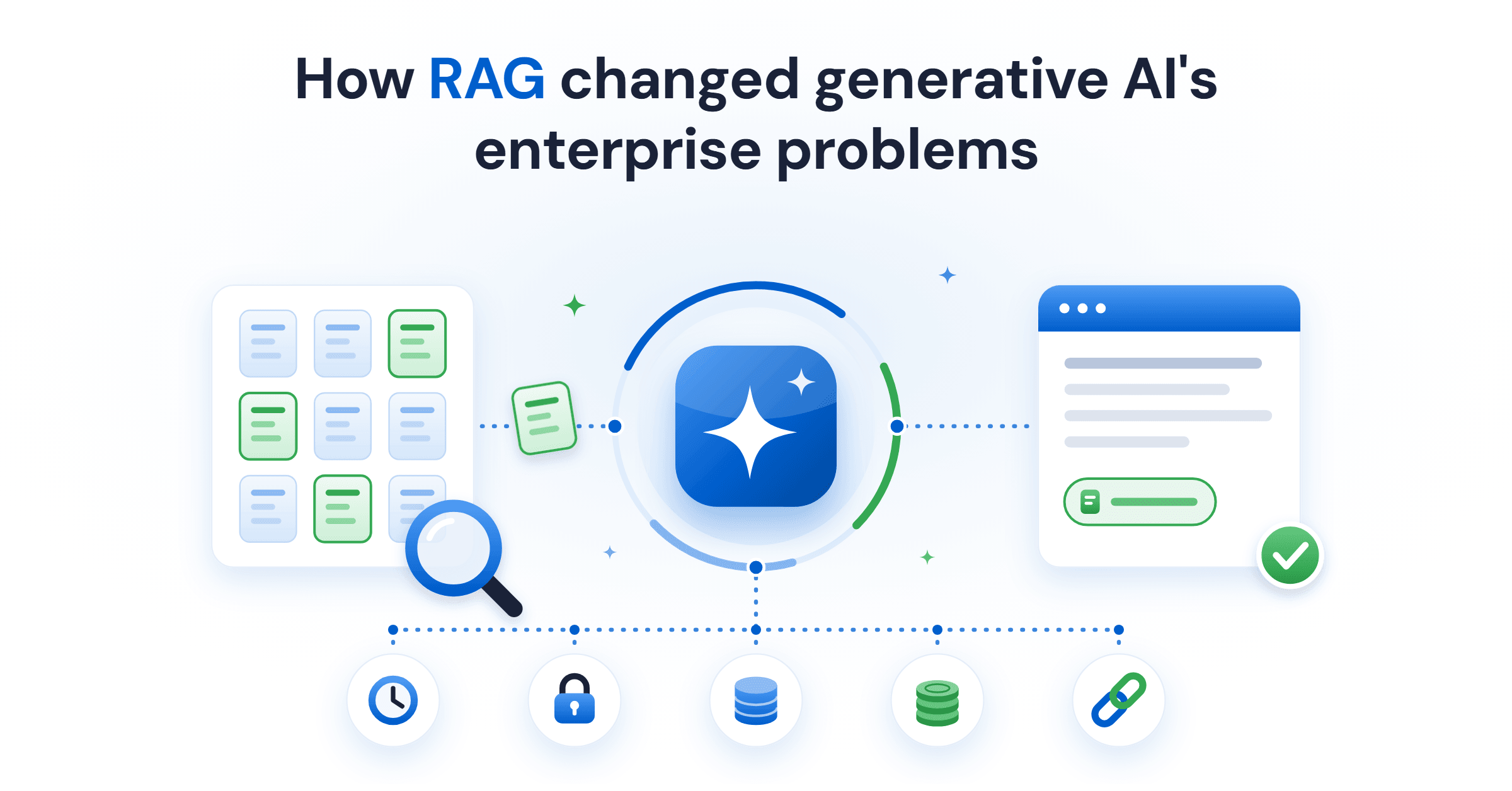
Retrieval-augmented generation (RAG) gives a language model current and private data at query time. What it fixes, what it costs, and the five ways it fails.
Generative AI in data engineering: what Gartner's Data Engineering 2.0 means, how AI agents now write pipeline code, and why data engineers matter more.
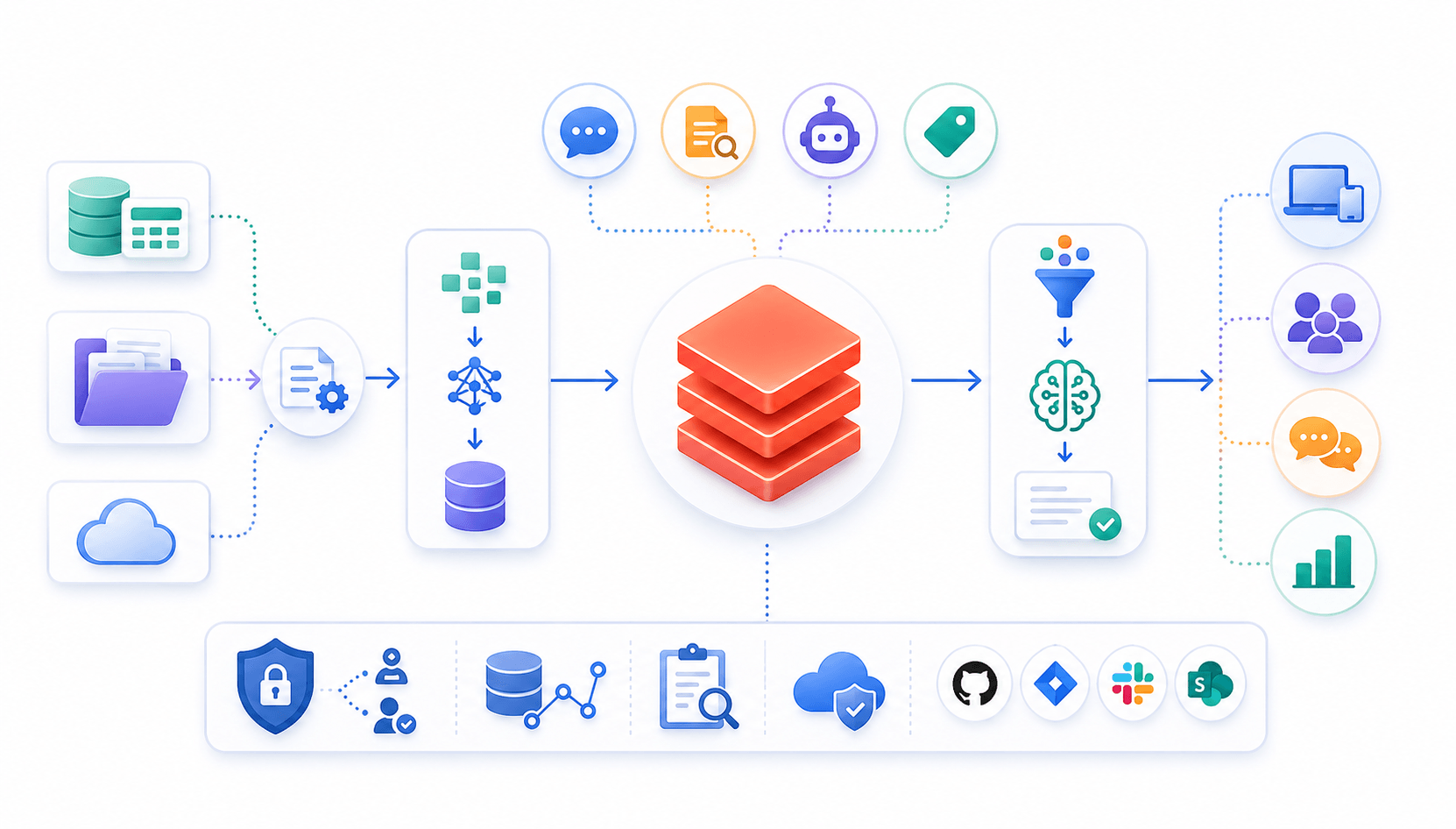
Learn to build governed RAG pipelines on Databricks using Agent Bricks and Unity Catalog. Discover the Knowledge Assistant, its 70% quality boost, and key limits.

Storage account keys and mount points give every user in a Databricks workspace the same shared access to ADLS, with no audit trail. Here's why teams are moving to Storage Credentials and External Locations instead.
89% of enterprise AI pilots never reach production. Data integration, governance gaps, and silos are why. See how Snowflake Cortex AI fixes the root cause.
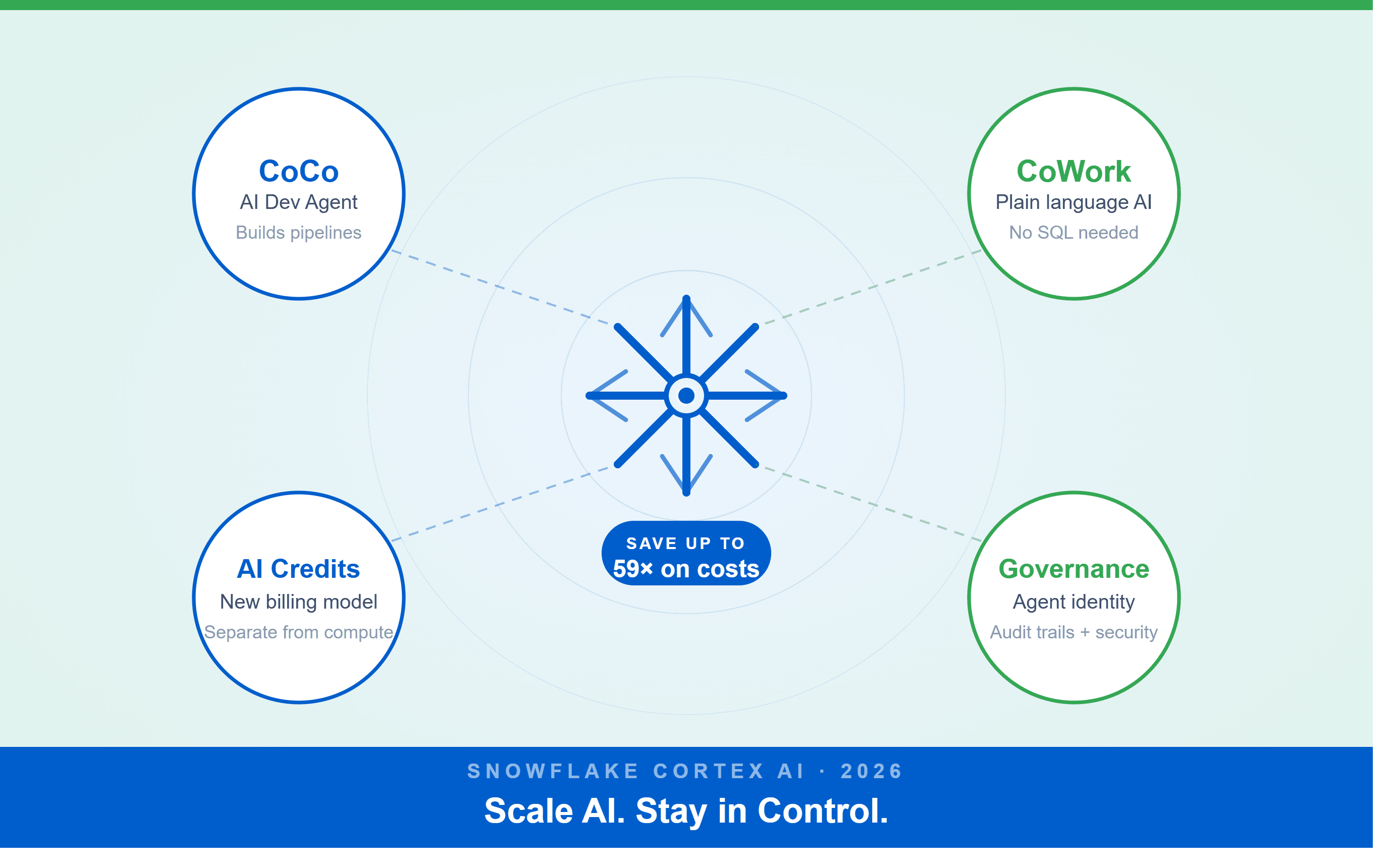
A Snowflake Summit 2026 benchmark revealed a 59x cost gap — open-source models at 440 credits vs. frontier models at 26,000 credits for identical workloads. Learn how CoCo, CoWork, AI Credits, and Cortex Training change enterprise AI strategy.
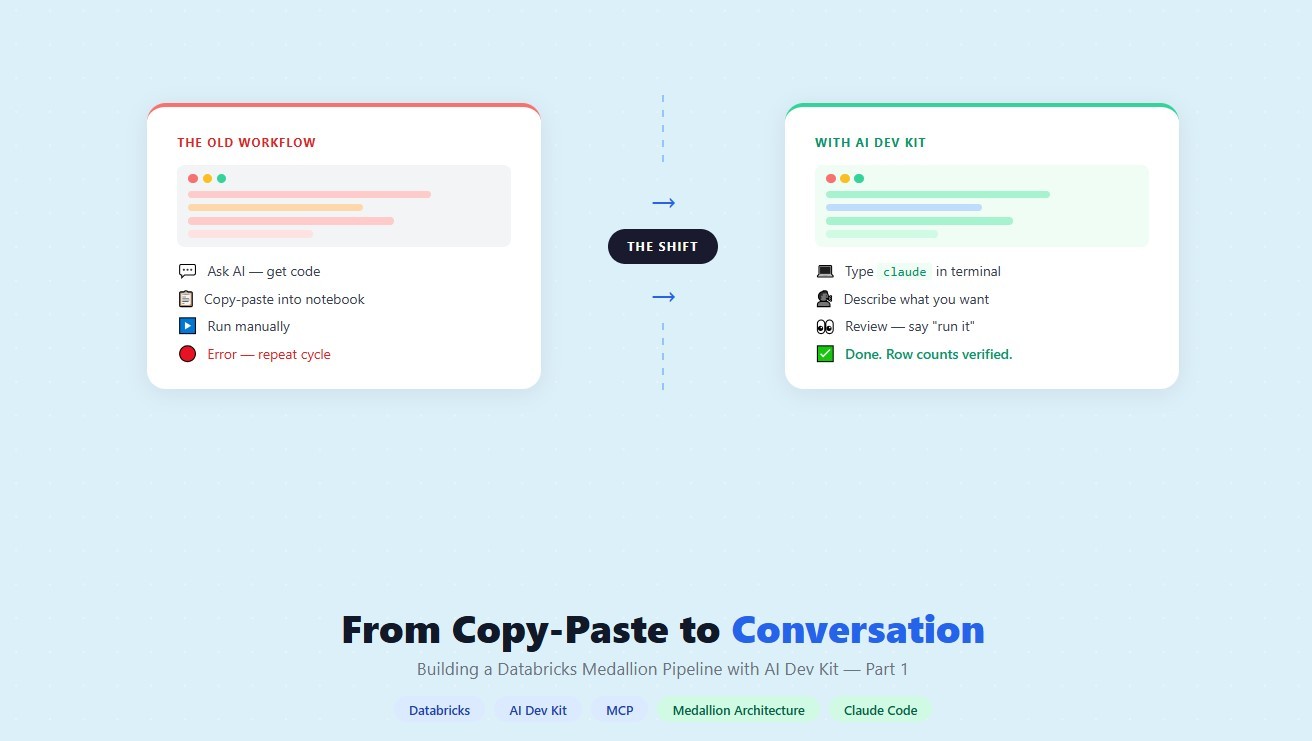
How a data engineering team replaced manual pipeline work with natural language prompts, using Claude Code and the Databricks AI Dev Kit.
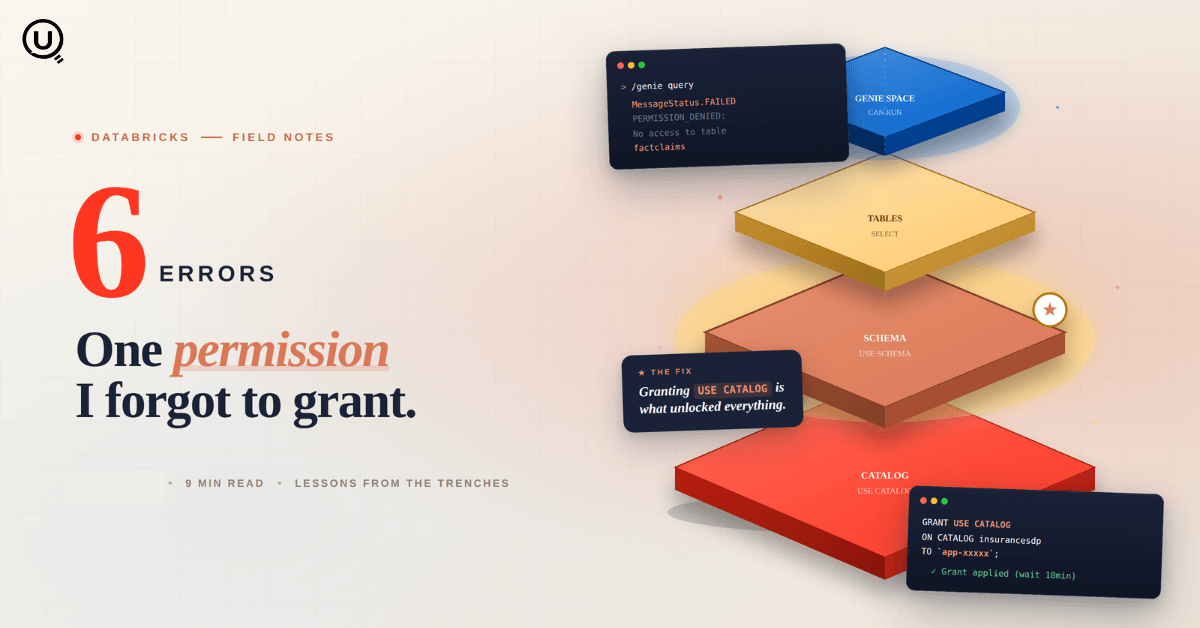
Six errors, 6 hours of debugging, and the permission checklist that finally made Databricks Apps + Genie work. The full lessons-learned guide.
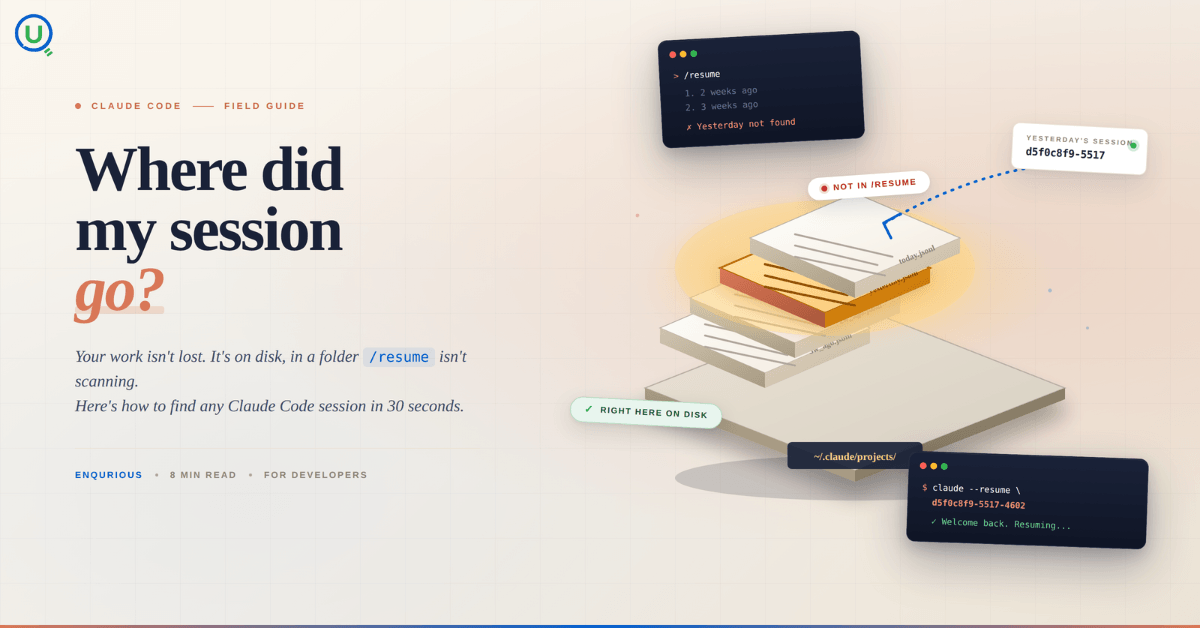
Your Claude Code session isn't lost. It's on disk, in a folder /resume isn't scanning. Here's how to find any session in 30 seconds, with the exact commands.
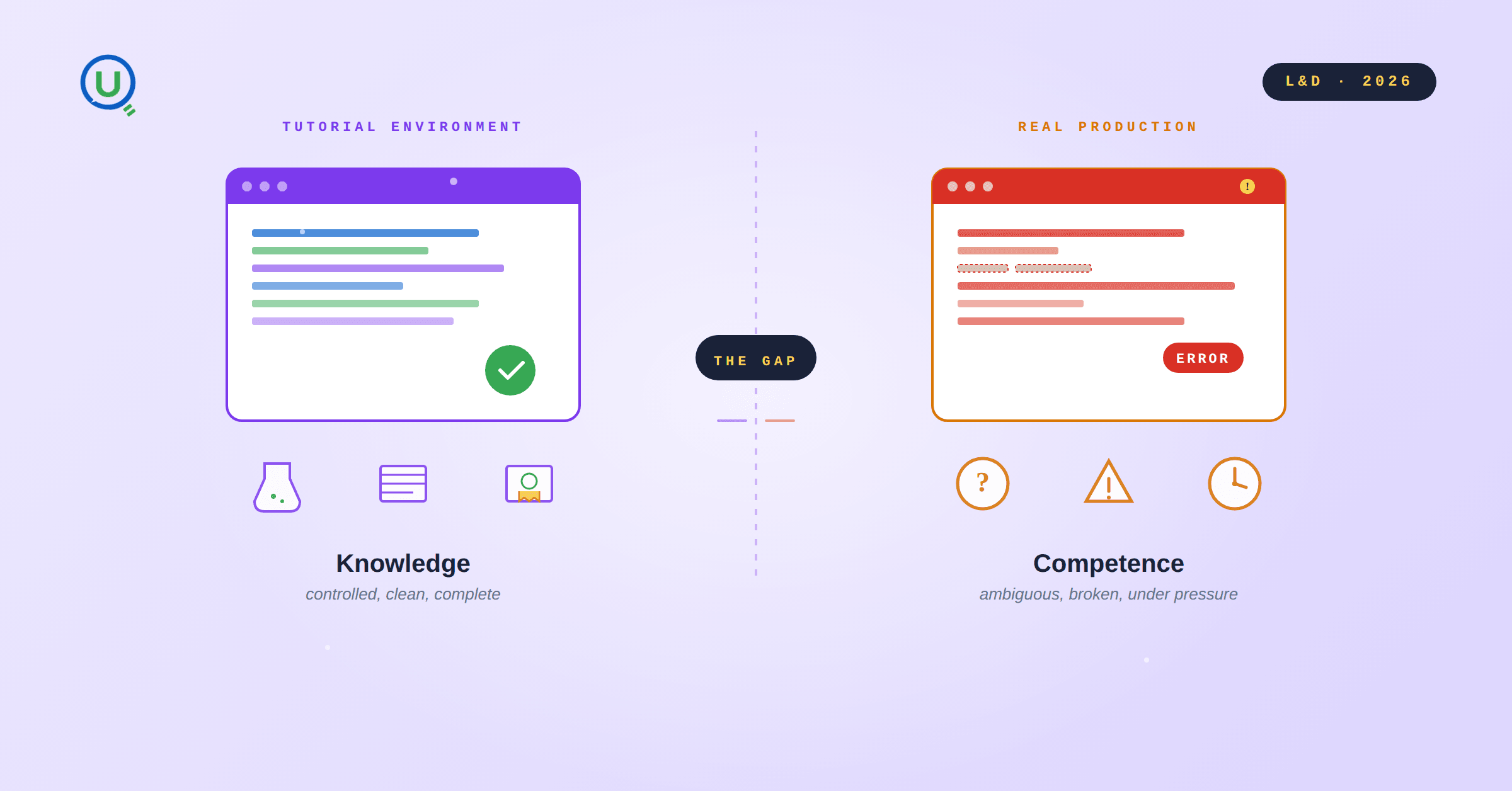
Scenario based learning replaces tutorials with realistic operational scenarios where engineers develop the hands on judgment classroom instruction cannot produce. How it works and why it matters.
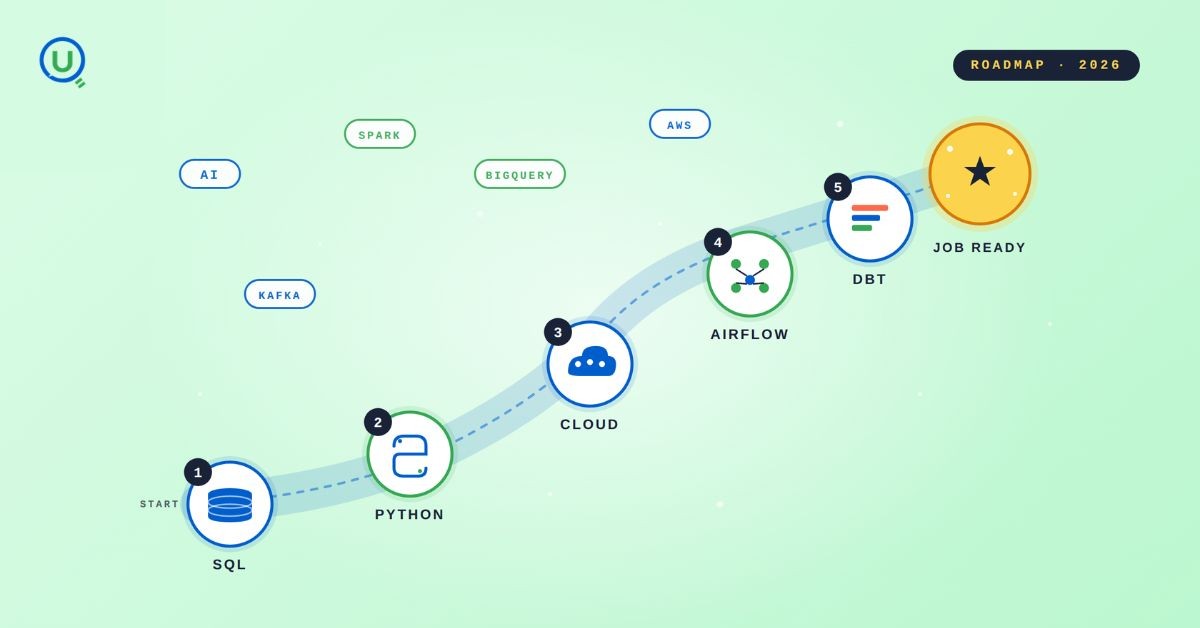
The 2026 data engineering roadmap. SQL, Python, cloud, Airflow, dbt, streaming. What companies actually hire for and how to build a portfolio that gets shortlisted.

Medallion Architecture splits your data pipeline into Bronze, Silver, and Gold layers so a small business change never forces a full rebuild. Here's why it works.

I was working on a large content repository on Windows, and I needed to version some new work — campaign assets, workshop content, LinkedIn job descriptions, and some file deletions. Simple enough, right? What followed was a two-day journey through some of Git's more obscure corners.
New engineers shouldn't learn Docker like they're defusing a bomb. Here's how we created a fear-free learning environment—and cut training time in half." (165 characters)

A complete beginner’s guide to data quality, covering key challenges, real-world examples, and best practices for building trustworthy data.
Explore the power of Databricks Lakehouse, Delta tables, and modern data engineering practices to build reliable, scalable, and high-quality data pipelines."
A real-world Terraform war story where a “simple” Azure SQL deployment spirals into seven hard-earned lessons, covering deprecated providers, breaking changes, hidden Azure policies, and why cloud tutorials age fast. A practical, honest read for anyone learning Infrastructure as Code the hard way.

Data doesn’t wait - and neither should your insights. This blog breaks down streaming vs batch processing and shows, step by step, how to process real-time data using Azure Databricks.

This blog talks about Databricks’ Unity Catalog upgrades -like Governed Tags, Automated Data Classification, and ABAC which make data governance smarter, faster, and more automated.

Tired of boring images? Meet the 'Jai & Veeru' of AI! See how combining Claude and Nano Banana Pro creates mind-blowing results for comics, diagrams, and more.
This blog walks you through how Databricks Connect completely transforms PySpark development workflow by letting us run Databricks-backed Spark code directly from your local IDE. From setup to debugging to best practices this Blog covers it all.

A simple ETL job broke into a 5-hour Kubernetes DNS nightmare. This blog walks through the symptoms, the chase, and the surprisingly simple fix.
Master the bronze layer foundation of medallion architecture with COPY INTO - the command that handles incremental ingestion and schema evolution automatically. No more duplicate data, no more broken pipelines when new columns arrive. Your complete guide to production-ready raw data ingestion

This blog talks about the Power Law statistical distribution and how it explains content virality

This blog explains how Apache Airflow orchestrates tasks like a conductor leading an orchestra, ensuring smooth and efficient workflow management. Using a fun Romeo and Juliet analogy, it shows how Airflow handles timing, dependencies, and errors.
The blog contains the journey of ChatGPT, and what are the limitations of ChatGPT, due to which Langchain came into the picture to overcome the limitations and help us to create applications that can solve our real-time queries

An account of experience gained by Enqurious team as a result of guiding our key clients in achieving a 100% success rate at certifications

This blog delves into the capabilities of Calendar Events Automation using App Script.
Dive into the fundamental concepts and phases of ETL, learning how to extract valuable data, transform it into actionable insights, and load it seamlessly into your systems.