
Same title, different jobs: turning a job description into a skill taxonomy
Ready to transform your data strategy with cutting-edge solutions?
KEY TAKEAWAYS
- A skill taxonomy gives every skill one name and one place, so roles, assessments, and learning use the same language.
- Build it from the job description, not the job title. Titles hide the work; job descriptions list it.
- Six steps turn a job description into a taxonomy: split it, sort each line, write competency statements, address each skill, set levels, and review against the source.
- Topics covered: skill taxonomy, competency statements, proficiency levels, public frameworks such as O*NET and ESCO, and how a taxonomy differs from an ontology.
Our team read 67 job descriptions recently. The same title kept asking for different work, and one "AI Engineer" role turned out to be QA automation. Anyone who has staffed a data team has seen a version of this. The title says one thing and the work says another.
That gap is why a skill taxonomy matters. A skill taxonomy is an organised list of the skills an organisation cares about, arranged in levels from broad to specific, so every skill has one name and one place. It lets teams describe roles, assess people, and plan learning in the same language. This guide shows how to build one from the document you already have: the job description.
A job title tells you very little about the work
Titles are labels for hiring and pay, not descriptions of work. "Data Analyst" in a retail loyalty team might mean SQL on Snowflake, experiment design, and Power BI. In a finance team it might mean Excel models and month-end reporting. Two people with the same title can share almost no skills.
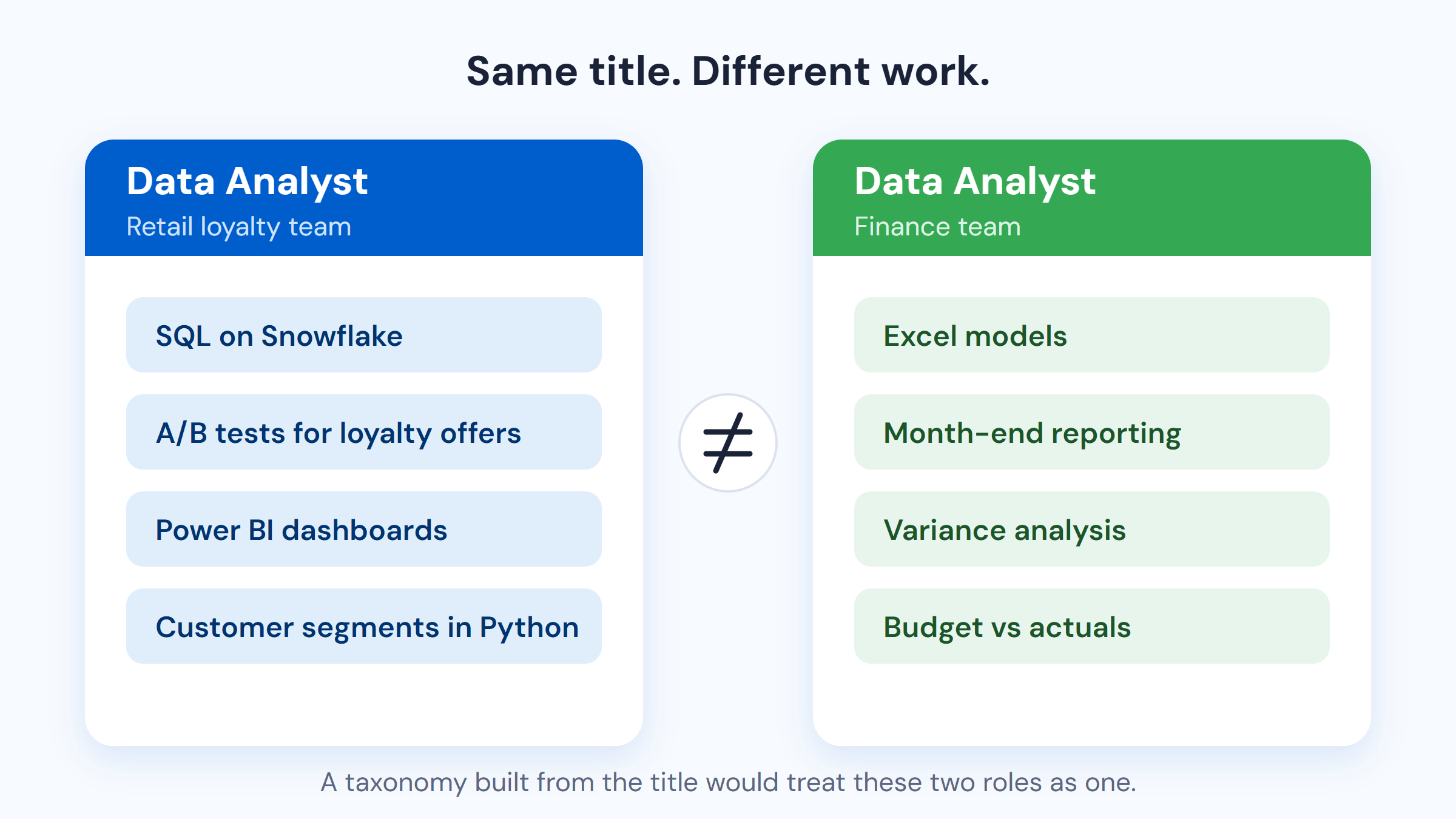
Same title, different work. A taxonomy built from the title would treat these two roles as one.
A taxonomy built from titles inherits that confusion. It ends up with skills that are typical for the title rather than needed for the work. The job description is better material, because it lists the tasks, the tools, and the level of experience the role expects. It is also messy, which is why it needs a method.
Why build a skill taxonomy from job descriptions instead of job titles?
Job descriptions list the tasks, tools, and level a role actually needs, while the same title often covers very different work across teams. Starting from the job description keeps every skill in the taxonomy tied to work someone really does.
A useful taxonomy has three levels and writes skills as actions
For technical roles, three levels are enough: the tool, the capability area within that tool, and the skill itself. Writing each skill as a verb followed by a noun keeps it testable. "Join tables" can be checked. "SQL knowledge" cannot.
| Level | What it holds | Example |
|---|---|---|
| Tool | The technology the work is done in | SQL |
| Capability area | A group of related work within the tool | Data querying |
| Skill | One action, written verb then noun | Join tables, apply window functions |
Each skill then has an address, such as sql > data-querying > join-tables. Only the bottom level, the skill, is ever tagged to an assessment question. The upper levels exist so results can roll up into a view a manager can read.
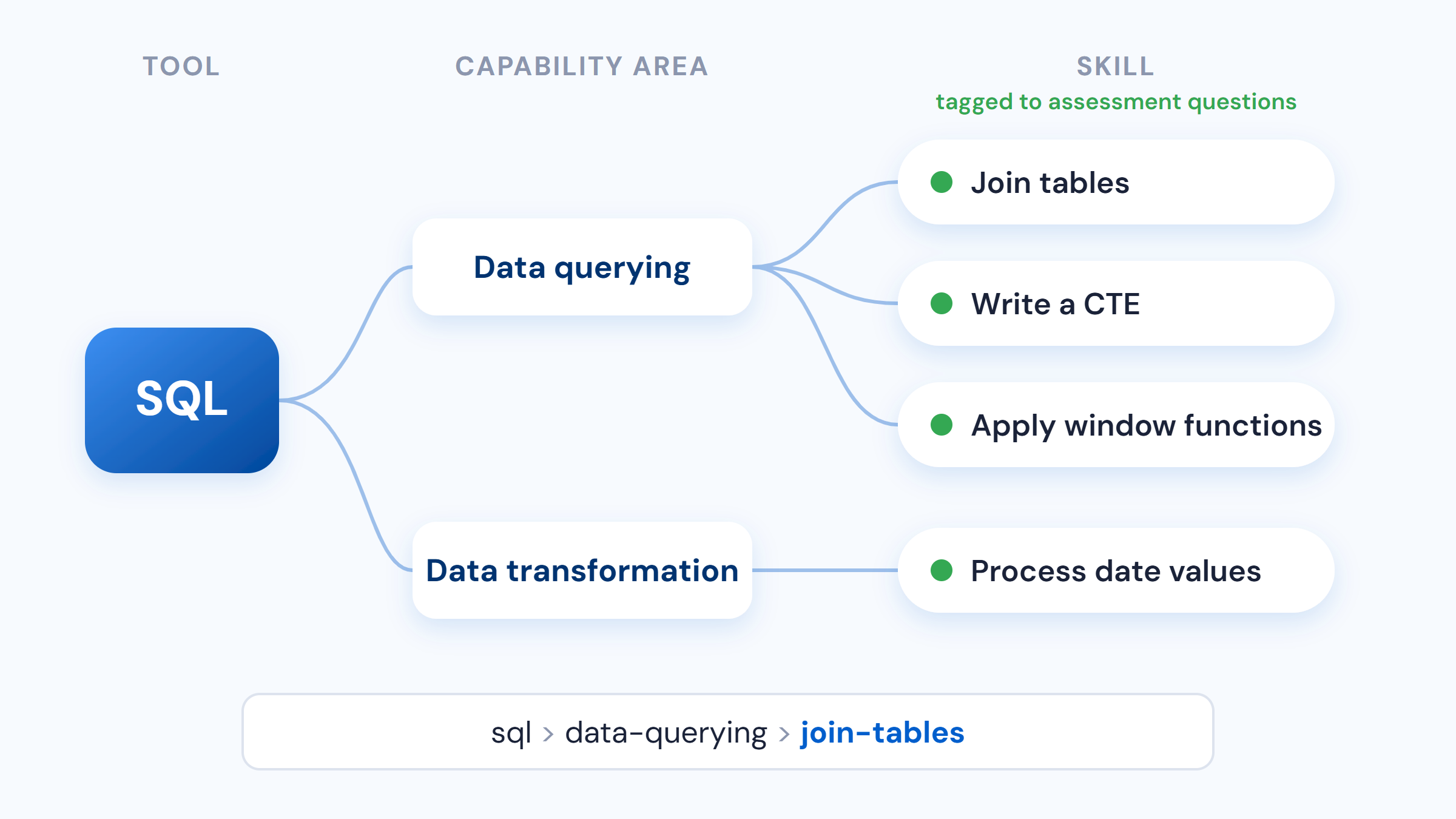
Tool, capability area, skill. Only the skill level is tagged to assessment questions.
Public frameworks are a good place to start, but they rarely go this deep for technical work. O*NET's top skills for business intelligence analysts, such as reading comprehension and critical thinking, would fit almost any office job. When we read ESCO's essential skills for a data analyst on 29 October 2026, the list named no SQL, Python, or BI tool. Singapore's Skills Framework does put a level on each skill, which is the part most taxonomies leave out.
What is a skill taxonomy?
A skill taxonomy is an organised list of skills arranged in levels, from broad to specific, so each skill has one name and one place. For technical roles, the levels are usually tool, capability area, and skill, with each skill written as an action that can be tested.
Six steps turn a job description into a taxonomy
The example below uses a made-up job description for a Senior Data Analyst, Customer Insights, at a retailer we will call Brightcart. It asks for SQL on Snowflake, Power BI dashboards, A/B tests for loyalty offers, customer segmentation in Python, data quality checks, stakeholder presentations, and mentoring two junior analysts.
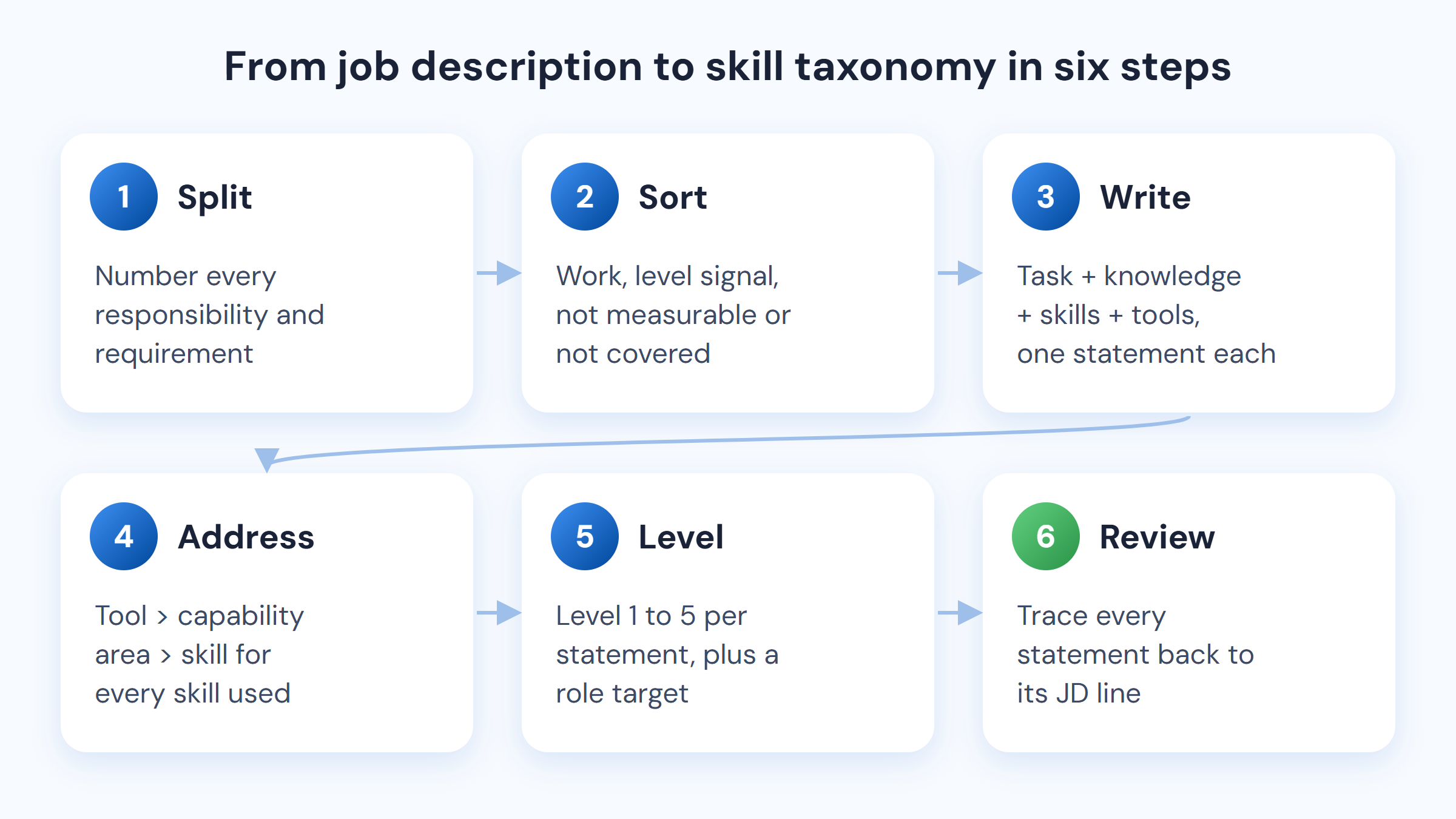
The six steps from job description to skill taxonomy.
Step 1: How do you split the job description?
Number every responsibility and every requirement as its own line. A line such as "Write and optimise SQL on Snowflake to build analysis-ready datasets from orders, customer and campaign tables" becomes line 1. Numbering matters because every skill you add later must point back to a line.
Step 2: How do you sort each line?
Put each line into one of four groups:
- Work. Something the person does, which becomes a competency. "Design and analyse A/B tests for loyalty offers."
- Level signal. Something that tells you how good they need to be, not what they do. "4-6 years in analytics" and "Strong SQL including window functions".
- Not measurable. Lines no assessment can check, such as a general passion for data. Keep them for the hiring conversation.
- Not covered. Real work your taxonomy does not hold yet. In the Brightcart example, "Familiarity with Salesforce Marketing Cloud". Note it so the gap is visible, not hidden.
Step 3: How do you write a competency statement?
Turn each work line into one plain statement built from four parts: the task, the knowledge it needs, the skills it uses, and the tools it is done with. Line 1 of the Brightcart job description becomes:
"Compute retention and repeat-purchase metrics with CTEs and window functions, such as days since last order and month-on-month cohort retention."
The knowledge behind it is window frames, cohort definitions, and date handling. The tools are SQL and Snowflake.
Step 4: How do you place each skill in the taxonomy?
Give every skill in the statement its address. The statement above uses sql > data-querying > write-cte, sql > data-querying > apply-window-functions, and sql > data-transformation > process-date-values. If a skill has no address yet, add it to the taxonomy once, under one capability area, so it never appears twice under two names.
Step 5: How do you set the level?
Put each statement at the level its work demands, then set a target level for the whole role. We use a five-level scale:
| Level | Name | What it means |
|---|---|---|
| 1 | Awareness | Knows the concepts and tools. Can discuss them, not yet hands-on. |
| 2 | Comprehension | Does standard tasks with guidance. |
| 3 | Application | Applies the skill independently on day-to-day work. |
| 4 | Mastery | Solves complex problems and leads implementations. |
| 5 | Expertise | Designs solutions and sets standards. |
The level signals from step 2 decide the target. For Brightcart, four to six years of experience, "strong SQL", owning a programme's analytics, and mentoring juniors point to level 3. A few statements, such as reviewing junior analysts' queries, sit at level 4 as stretch work.
Step 6: How do you review the result?
Check every statement against the job description line it came from. Remove any skill that was added because it seemed typical for the role rather than because the job description asked for it. Then ask the person who owns the role to confirm the statements and levels. The result is often called a role playbook: the role, written as competency statements, each with its skills, tools, and level.
| Job description line | Sorted as | Becomes | Level |
|---|---|---|---|
| Write and optimise SQL on Snowflake to build analysis-ready datasets | Work | Compute cohort retention and repeat-purchase metrics with CTEs and window functions | 3 |
| Strong SQL including window functions | Level signal | Raises the SQL statements to level 3 | n/a |
| Mentor two junior analysts and review their queries | Work | Review junior analysts' queries for correctness and cost | 4 |
| Familiarity with Salesforce Marketing Cloud | Not covered | Logged as a gap in the taxonomy | n/a |
What is a competency statement?
A competency statement is one plain sentence describing a piece of work a role does, built from the task, the knowledge it needs, the skills it uses, and the tools it is done with. Each statement sits at one proficiency level and traces back to a line in the job description.
Most taxonomies fail in the same five ways
- Skills added because they are typical. If no line in the job description asks for it, it does not belong on this role.
- Skills written as topics. "Python" or "statistics" cannot be assessed. "Segment customers with clustering in Python" can.
- One level for the whole role. A role needs different depth in different tools. A single level hides where people fall short.
- The same skill under two names. "Filter rows" and "apply WHERE clauses" in two places split the evidence. One skill, one address.
- Built once and left alone. Tools change faster than roles. Review the taxonomy when a job description changes and at a fixed interval, such as every quarter.
How often should a skill taxonomy be updated?
Review a skill taxonomy whenever a role's job description changes and at a fixed interval, such as every quarter. Add new skills and retire ones the work no longer needs. The tool level changes most often, because tools move faster than roles.
A taxonomy organises skills; an ontology connects them
The two terms are often used as if they mean the same thing, but they do different jobs. A taxonomy says where each skill sits. An ontology says how skills relate: which one is a prerequisite for another, which sit close together, and which transfer from one role to the next. Joining tables comes before computing cohort retention, for example, and both come before building a churn model.
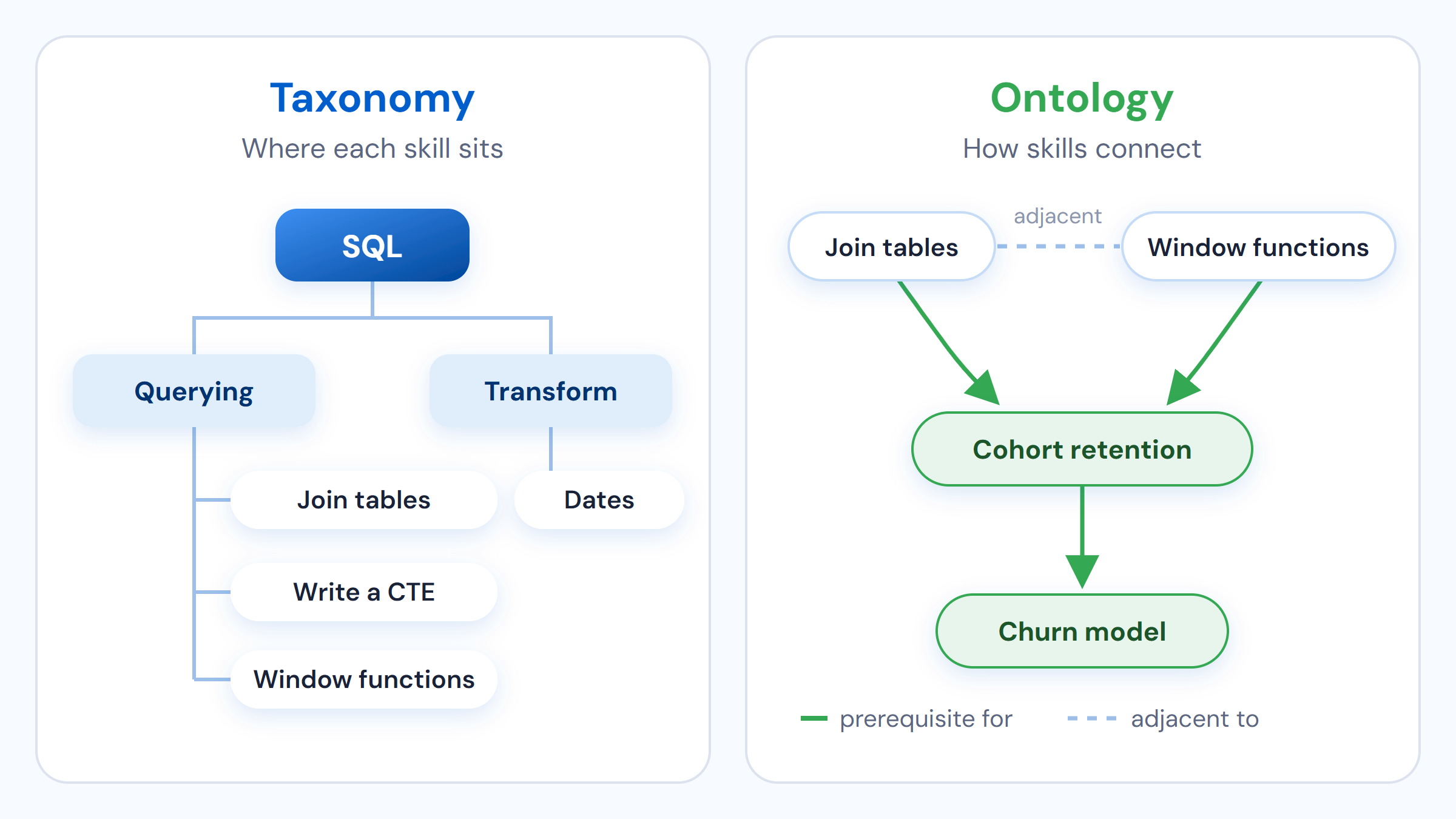
A taxonomy places each skill once. An ontology adds the links between them.
Most organisations build the taxonomy first, because an ontology needs a clean list of skills to connect. Without one, the relationships point at duplicates and vague topics.
What is the difference between a skill taxonomy and a skill ontology?
A skill taxonomy organises skills into a hierarchy so each has one name and one place. A skill ontology adds the relationships between skills, such as prerequisites and adjacent skills. The taxonomy usually comes first, since the ontology needs a clean list of skills to connect.
Readiness should be designed, not left to chance
When a role is described only by its title, whether someone turns out ready for it is close to luck. When it is described as competency statements, each traced to the job description and set at a level, readiness can be tested, and training can go after the gap instead of the whole role. A taxonomy built this way is the base of skill intelligence: a skill-by-skill view of what each role needs and what each person has shown.
At Enqurious, Curio, our Capability Building Assistant, runs the first draft of these six steps on a job description, and a domain owner reviews every statement before it is used. If you would like to see a role playbook built from one of your own job descriptions, send us one.
Quick reference glossary
Skill taxonomy: An organised list of skills in levels, from broad to specific, giving each skill one name and one place.
Capability area: A group of related skills within one tool, such as data querying in SQL.
Competency statement: One sentence describing a piece of work, built from the task, knowledge, skills, and tools, set at one level.
Level signal: A line in a job description that says how good someone must be, such as years of experience, rather than what they do.
Role playbook: A role written as competency statements, each with its skills, tools, and level, confirmed by the person who owns the role.
Skill ontology: A map of how skills relate, such as prerequisites and adjacent skills, built on top of a taxonomy.
Skill intelligence: A skill-by-skill view of what each role needs and what each person has shown, built on a skill taxonomy.
Ready to Experience the Future of Data?
You Might Also Like
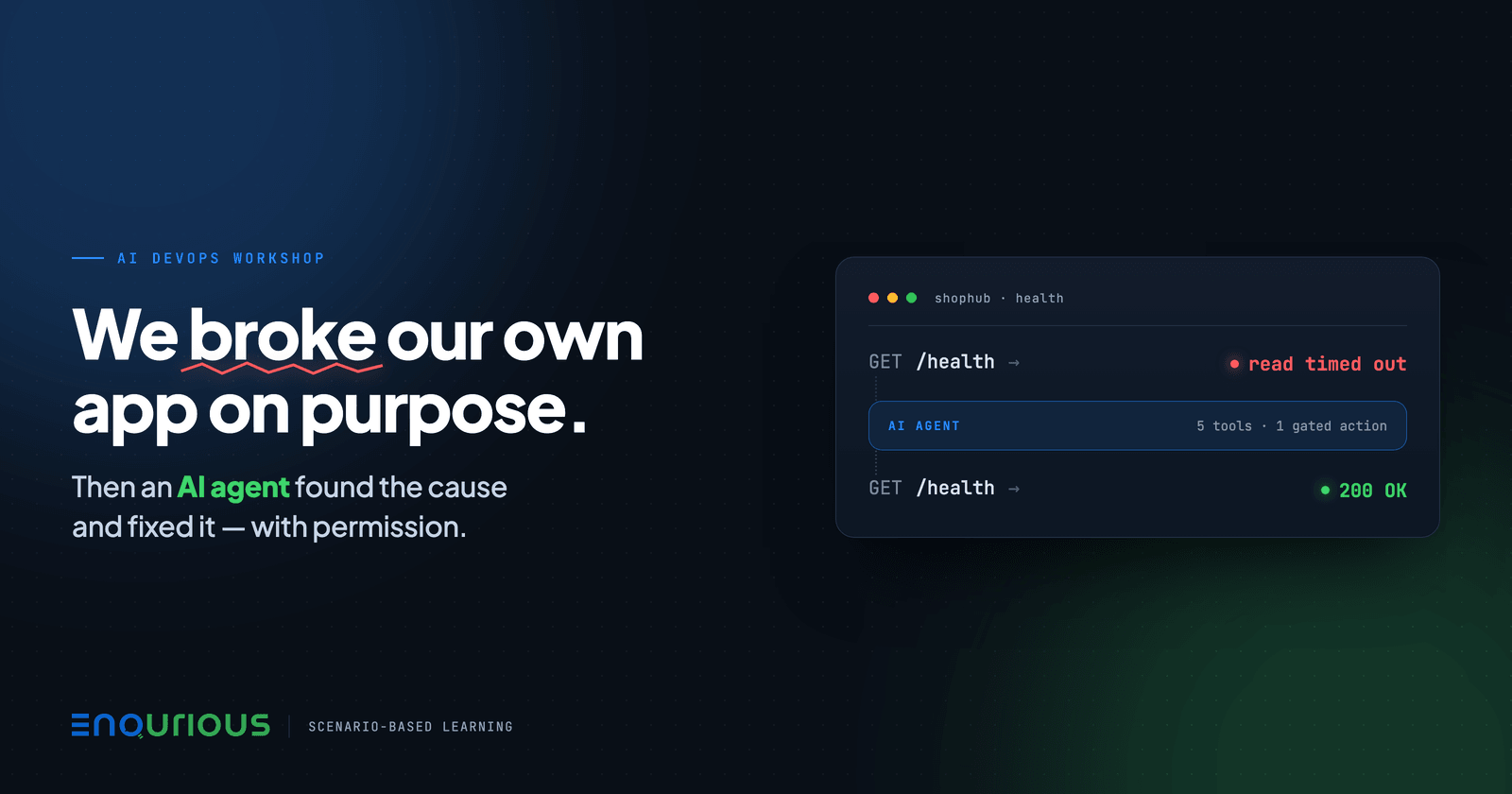
We broke a live app in our AI DevOps workshop and let an AI agent find and fix it. What that shows about how AI agents work and how to keep them safe.
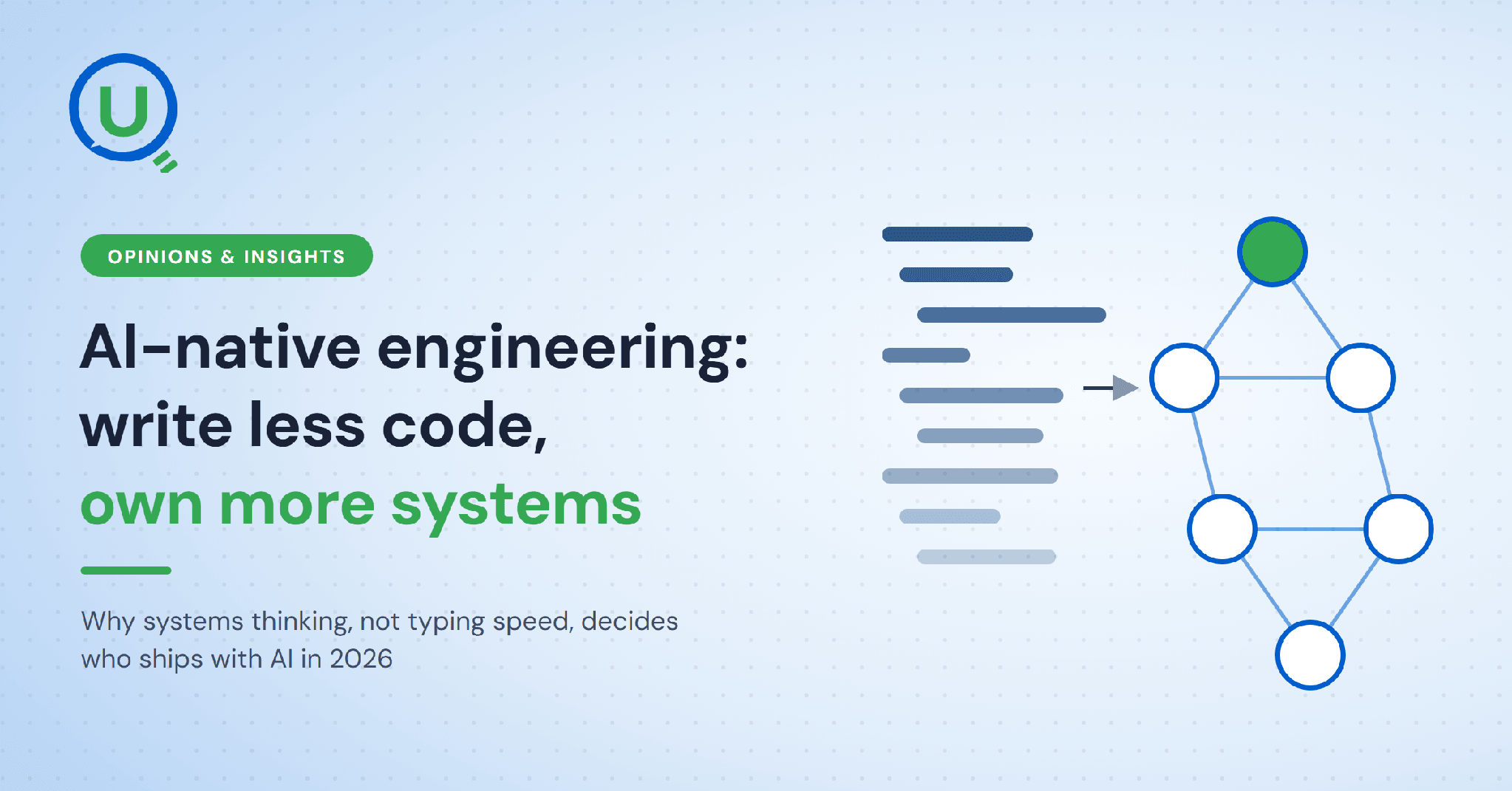
AI agents now write most of the code, so what is an engineer for? We look at why developers trust AI less as they use it more, how one AI fix nearly took three systems down, when a team should skip AI altogether, and six habits that move engineers from writing code to owning the systems around it.
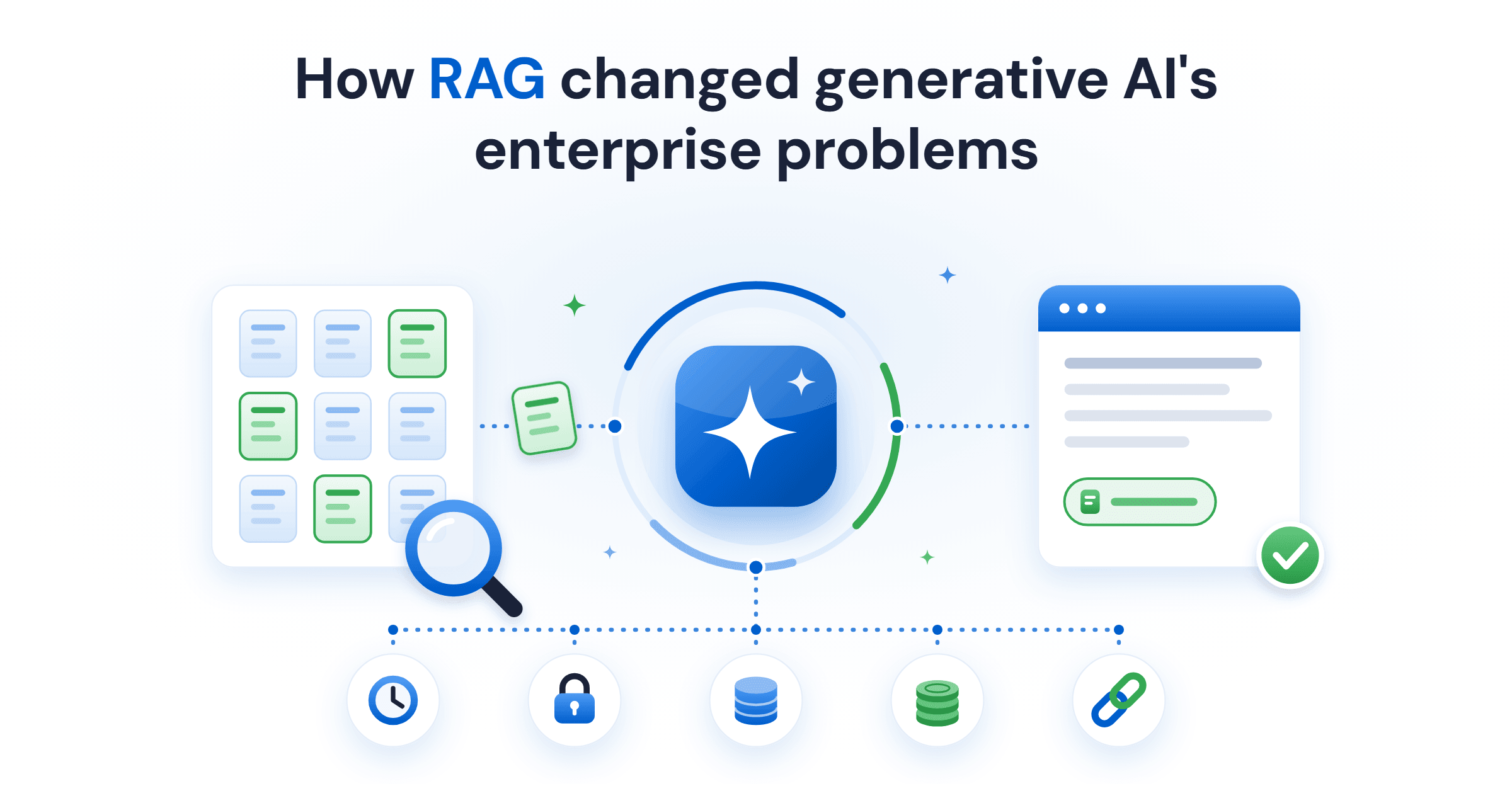
Retrieval-augmented generation (RAG) gives a language model current and private data at query time. What it fixes, what it costs, and the five ways it fails.
Generative AI in data engineering: what Gartner's Data Engineering 2.0 means, how AI agents now write pipeline code, and why data engineers matter more.
Learn to build governed RAG pipelines on Databricks using Agent Bricks and Unity Catalog. Discover the Knowledge Assistant, its 70% quality boost, and key limits.

Storage account keys and mount points give every user in a Databricks workspace the same shared access to ADLS, with no audit trail. Here's why teams are moving to Storage Credentials and External Locations instead.
89% of enterprise AI pilots never reach production. Data integration, governance gaps, and silos are why. See how Snowflake Cortex AI fixes the root cause.
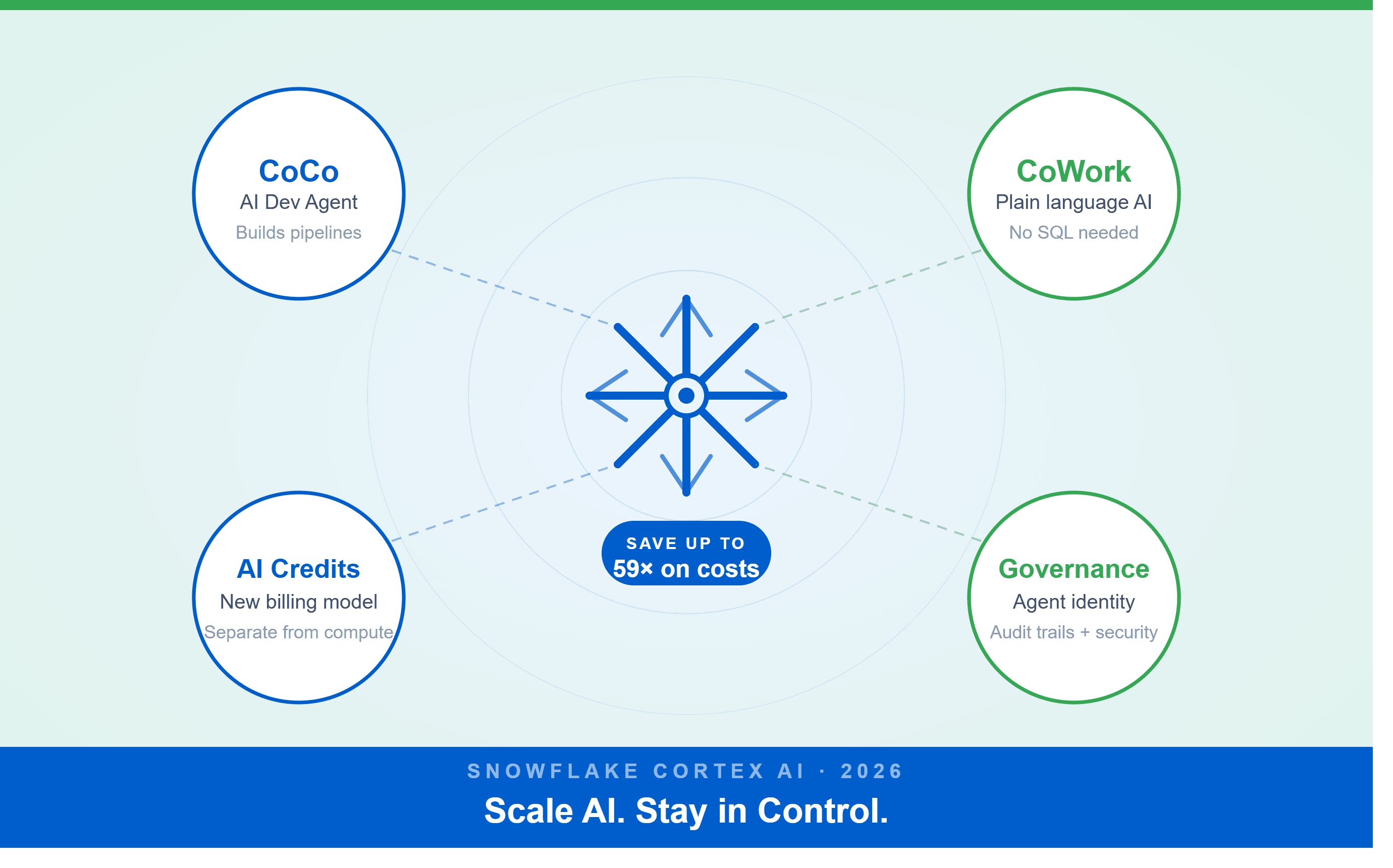
A Snowflake Summit 2026 benchmark revealed a 59x cost gap — open-source models at 440 credits vs. frontier models at 26,000 credits for identical workloads. Learn how CoCo, CoWork, AI Credits, and Cortex Training change enterprise AI strategy.
How a data engineering team replaced manual pipeline work with natural language prompts, using Claude Code and the Databricks AI Dev Kit.
Six errors, 6 hours of debugging, and the permission checklist that finally made Databricks Apps + Genie work. The full lessons-learned guide.
Your Claude Code session isn't lost. It's on disk, in a folder /resume isn't scanning. Here's how to find any session in 30 seconds, with the exact commands.
Scenario based learning replaces tutorials with realistic operational scenarios where engineers develop the hands on judgment classroom instruction cannot produce. How it works and why it matters.
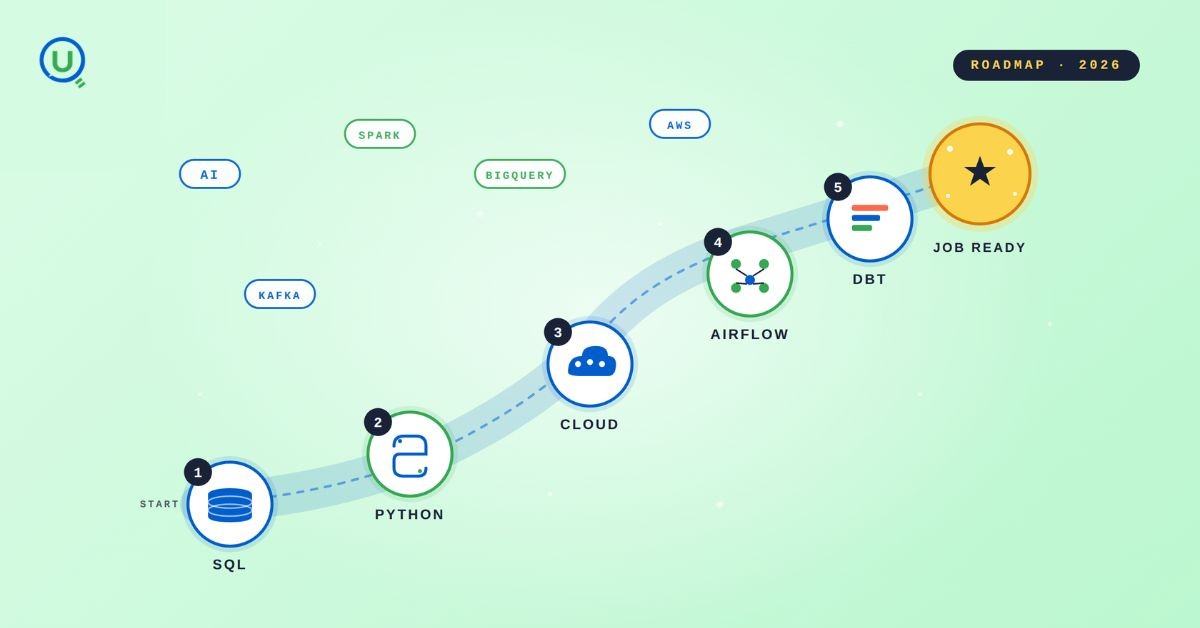
The 2026 data engineering roadmap. SQL, Python, cloud, Airflow, dbt, streaming. What companies actually hire for and how to build a portfolio that gets shortlisted.
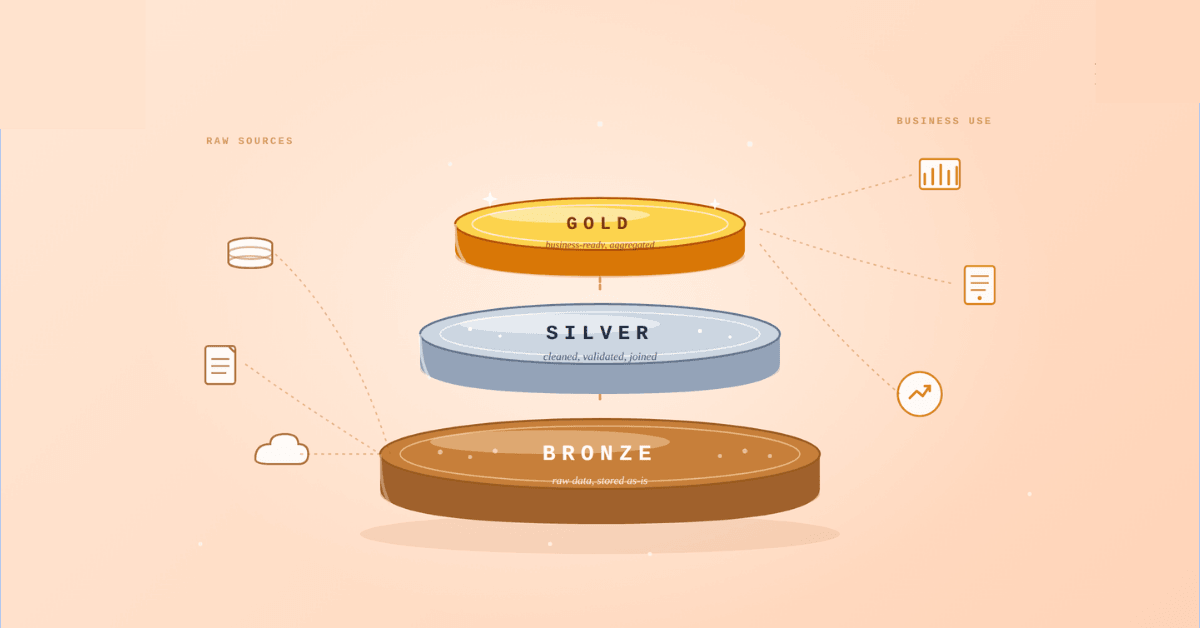
Medallion Architecture splits your data pipeline into Bronze, Silver, and Gold layers so a small business change never forces a full rebuild. Here's why it works.

I was working on a large content repository on Windows, and I needed to version some new work — campaign assets, workshop content, LinkedIn job descriptions, and some file deletions. Simple enough, right? What followed was a two-day journey through some of Git's more obscure corners.
New engineers shouldn't learn Docker like they're defusing a bomb. Here's how we created a fear-free learning environment—and cut training time in half." (165 characters)

A complete beginner’s guide to data quality, covering key challenges, real-world examples, and best practices for building trustworthy data.
Explore the power of Databricks Lakehouse, Delta tables, and modern data engineering practices to build reliable, scalable, and high-quality data pipelines."
A real-world Terraform war story where a “simple” Azure SQL deployment spirals into seven hard-earned lessons, covering deprecated providers, breaking changes, hidden Azure policies, and why cloud tutorials age fast. A practical, honest read for anyone learning Infrastructure as Code the hard way.

Data doesn’t wait - and neither should your insights. This blog breaks down streaming vs batch processing and shows, step by step, how to process real-time data using Azure Databricks.

This blog talks about Databricks’ Unity Catalog upgrades -like Governed Tags, Automated Data Classification, and ABAC which make data governance smarter, faster, and more automated.

Tired of boring images? Meet the 'Jai & Veeru' of AI! See how combining Claude and Nano Banana Pro creates mind-blowing results for comics, diagrams, and more.

What I thought would be a simple RBAC implementation turned into a comprehensive lesson in Kubernetes deployment. Part 1: Fixing three critical deployment errors. Part 2: Implementing namespace-scoped RBAC security. Real terminal outputs and lessons learned included
This blog walks you through how Databricks Connect completely transforms PySpark development workflow by letting us run Databricks-backed Spark code directly from your local IDE. From setup to debugging to best practices this Blog covers it all.

A simple ETL job broke into a 5-hour Kubernetes DNS nightmare. This blog walks through the symptoms, the chase, and the surprisingly simple fix.
Master the bronze layer foundation of medallion architecture with COPY INTO - the command that handles incremental ingestion and schema evolution automatically. No more duplicate data, no more broken pipelines when new columns arrive. Your complete guide to production-ready raw data ingestion

This blog talks about the Power Law statistical distribution and how it explains content virality

This blog explains how Apache Airflow orchestrates tasks like a conductor leading an orchestra, ensuring smooth and efficient workflow management. Using a fun Romeo and Juliet analogy, it shows how Airflow handles timing, dependencies, and errors.
The blog contains the journey of ChatGPT, and what are the limitations of ChatGPT, due to which Langchain came into the picture to overcome the limitations and help us to create applications that can solve our real-time queries

An account of experience gained by Enqurious team as a result of guiding our key clients in achieving a 100% success rate at certifications

This blog delves into the capabilities of Calendar Events Automation using App Script.
Dive into the fundamental concepts and phases of ETL, learning how to extract valuable data, transform it into actionable insights, and load it seamlessly into your systems.